
Free Consumer Resource Guide
Rideshare and Delivery App Deactivation Complaints
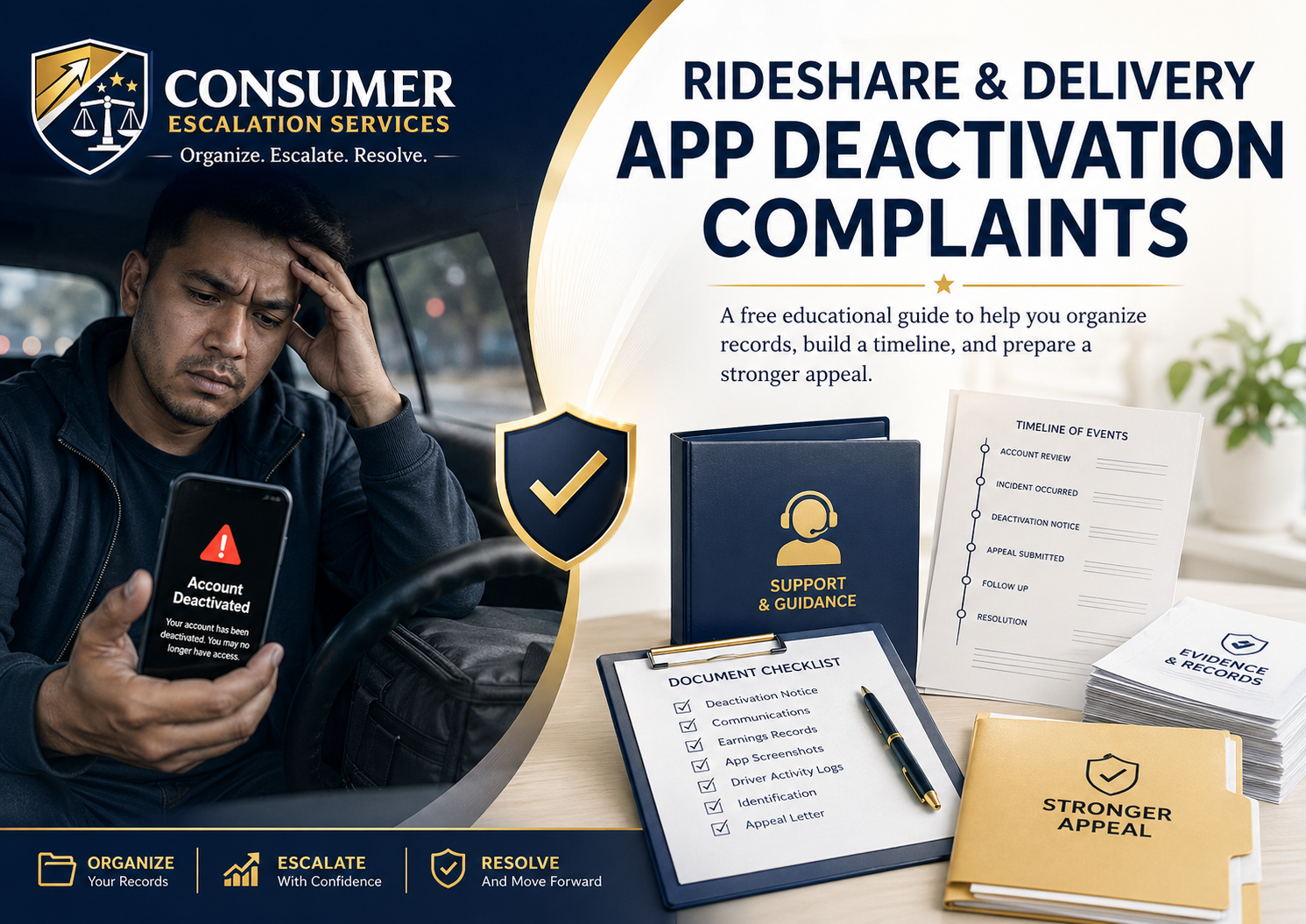
Being deactivated from a rideshare or delivery app can feel sudden, confusing, and financially stressful. Many drivers and couriers receive short messages, automated notices, vague policy explanations, or limited details about what actually happened. This free educational guide explains how to organize your information, review the platform's notice, build a clear timeline, gather supporting documents, and prepare a more professional complaint or appeal package.
Consumer Escalation Services provides nonlegal consumer education and complaint organization support. We do not provide legal advice, do not represent drivers or couriers in legal matters, and do not guarantee reinstatement, compensation, account review, or any specific result.
Who This Guide Is For
This guide may help drivers, couriers, and gig workers who have experienced:
- Rideshare account deactivation
- Delivery app account deactivation
- Temporary account holds or suspensions
- Background check related account issues
- Safety complaint related deactivations
- Customer complaint related deactivations
- Alleged fraud, cancellation, or policy violation accusations
- Low rating or service quality related account action
- Document, license, registration, or insurance review problems
- App access restrictions with unclear explanation
Save the Deactivation Notice Immediately
Start by saving every message connected to the deactivation or suspension. Take screenshots before anything disappears from the app. Save emails, app notifications, text messages, support chat messages, dashboard alerts, and any appeal instructions.
- Screenshot the full deactivation message
- Save the date and time received
- Save the stated reason for the account action
- Save any appeal deadline
- Save the support case number if provided
- Save the exact wording used by the platform
Identify the Stated Reason
Many platform notices are vague. Your first job is to identify exactly what the company says caused the account action. Do not guess or emotionally rewrite the issue. Use the wording from the notice and separate confirmed facts from assumptions.
- Safety concern
- Customer complaint
- Background check issue
- Document issue
- Fraud or suspicious activity
- Policy violation
- Low ratings or quality concerns
- Canceled trips or deliveries
- Identity verification problem
- Vehicle, license, insurance, or registration issue
These are common stated reasons. Use the exact wording from your platform notice, not a paraphrase.
Build a Timeline of Events
A clear timeline helps you explain what happened in a professional way. Start with the last date you successfully used the app, then list each notice, message, call, support interaction, document upload, and appeal attempt in chronological order.
- Date
- Time if known
- What happened
- Who contacted you
- What the message said
- What action you took
- What response you received
Gather Supporting Documents
Your complaint or appeal is stronger when your documents are organized. Gather only relevant information. Do not overload the appeal with unrelated screenshots or emotional statements.
- Driver license
- Vehicle registration
- Insurance card
- Background check report if applicable
- App screenshots
- Email notices
- Support chat records
- Ratings or performance screenshots
- Trip or delivery history
- Proof of completed deliveries or rides
- Photos, receipts, or location records if relevant
- Prior positive customer feedback if available
Need Help Organizing a Deactivation Complaint?
Consumer Escalation Services helps consumers, drivers, couriers, and small business owners organize complaint files, prepare timelines, draft complaint letters, and build nonlegal escalation packages. We do not guarantee reinstatement or compensation, but we can help you present your issue in a clearer, more professional format.
Review Whether the Notice Matches Your Records
Compare the company's stated reason with your own records. Look for missing information, incorrect dates, unclear accusations, mistaken identity, duplicate complaints, outdated documents, or support messages that contradict the deactivation reason.
- Does the notice identify a specific incident?
- Does it give a date or trip number?
- Does it explain which policy was allegedly violated?
- Does your account history show something different?
- Did you already submit corrected documents?
- Did the platform fail to explain what was missing?
- Were you given a chance to respond?
Prepare a Professional Appeal or Escalation Letter
Your appeal should be calm, organized, factual, and respectful. Avoid threats, insults, emotional accusations, or long unrelated explanations. A strong appeal usually includes a short summary, a timeline, supporting facts, attached documents, and a clear request for review.
Suggested structure:
- Your name and account information
- Date of deactivation or suspension
- Stated reason from the platform
- Short factual summary
- Timeline of key events
- Documents attached
- Explanation of why review is requested
- Clear requested resolution
Requested resolution examples:
- Request account review
- Request clarification of the reason for deactivation
- Request review of corrected documents
- Request review of background check information
- Request correction of mistaken or incomplete information
- Request reconsideration based on supporting evidence
Keep Records of Every Appeal Attempt
After submitting an appeal, save confirmation screens, email replies, support ticket numbers, and follow-up messages. If the platform sends automated responses, save those as well. A complete record may help if you later escalate through consumer channels, regulatory channels, arbitration procedures, or other available dispute processes.
What Not to Do After Deactivation
- Do not send angry or threatening messages
- Do not submit false information
- Do not create duplicate accounts if the platform prohibits it
- Do not ignore appeal deadlines
- Do not rely only on phone calls without written records
- Do not submit messy screenshots without explanation
- Do not exaggerate facts
- Do not claim discrimination, fraud, or wrongdoing unless you have facts that support the claim
When a Complaint Package May Help
A complaint package may help when the situation is confusing, the notice is vague, the driver has supporting documents, the account action appears inconsistent with the records, or prior support attempts have not produced a clear response. A professional complaint package does not guarantee reactivation, but it can help organize the facts and present the issue more clearly.
Free Deactivation Complaint Checklist
Before escalating, make sure you have:
- Deactivation notice saved
- Platform name
- Account email and phone number
- Date of deactivation
- Stated reason
- Timeline of events
- Screenshots and emails
- Support ticket numbers
- Relevant documents
- Prior appeal attempts
- Clear requested resolution
Need Help Organizing a Deactivation Complaint?
Consumer Escalation Services helps consumers, drivers, couriers, and small business owners organize complaint files, prepare timelines, draft complaint letters, and build nonlegal escalation packages. We do not guarantee reinstatement or compensation, but we can help you present your issue in a clearer, more professional format.
Consumer Escalation Services is not a law firm, does not provide legal advice, does not represent clients in court, and does not guarantee outcomes, refunds, reimbursements, settlements, or resolutions. Services are for educational, organizational, documentation, and nonlegal consumer advocacy support purposes only.