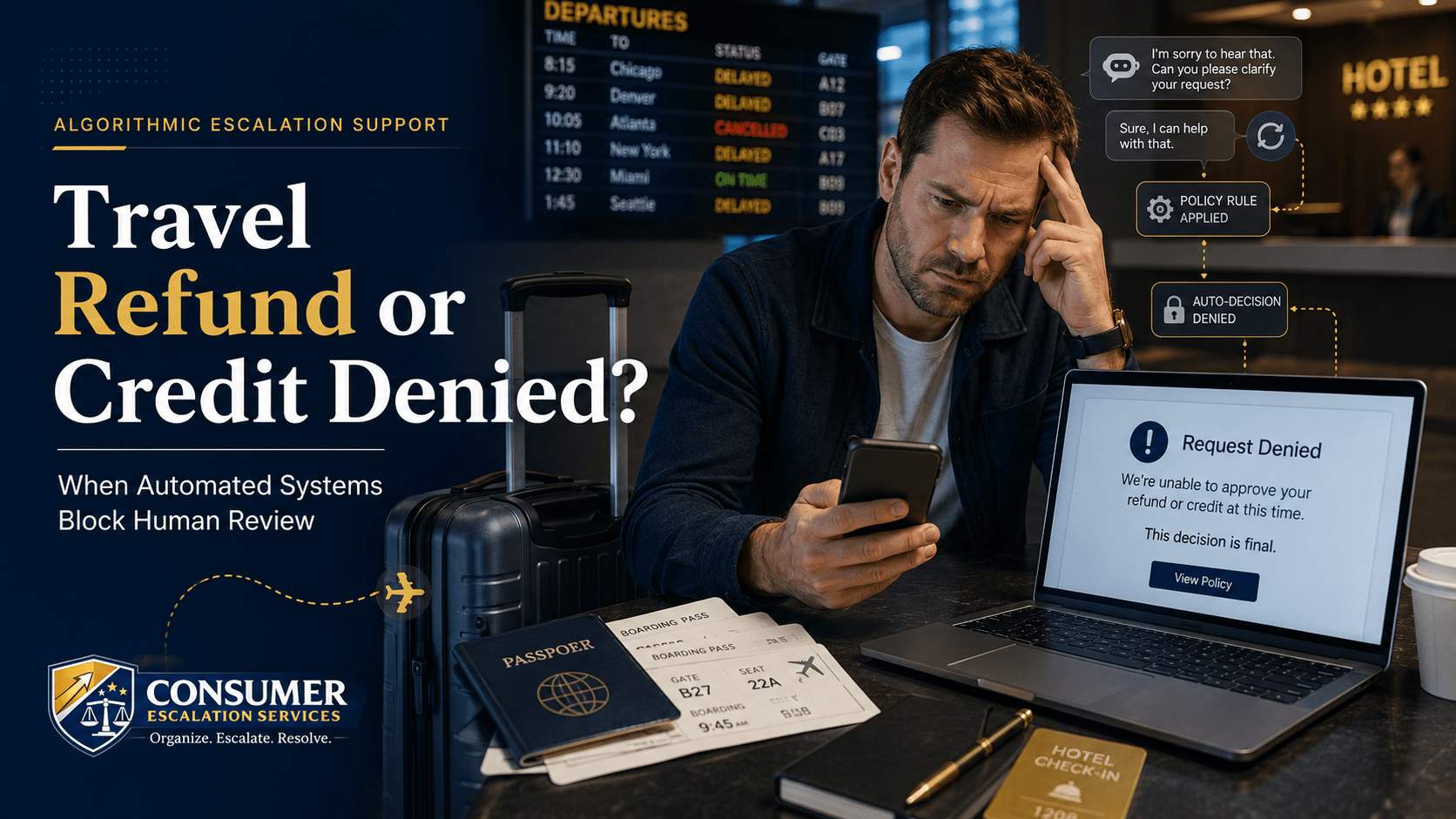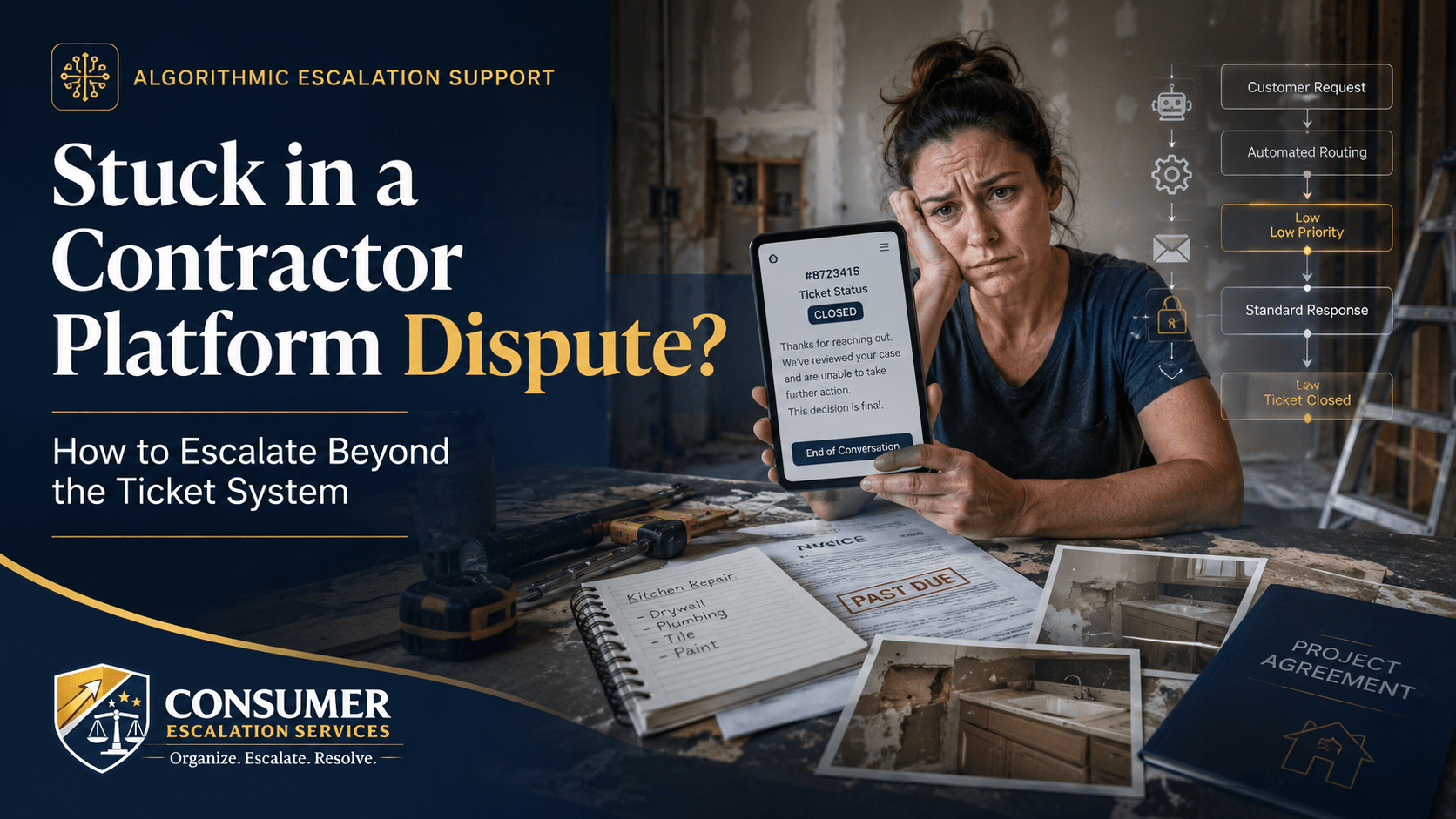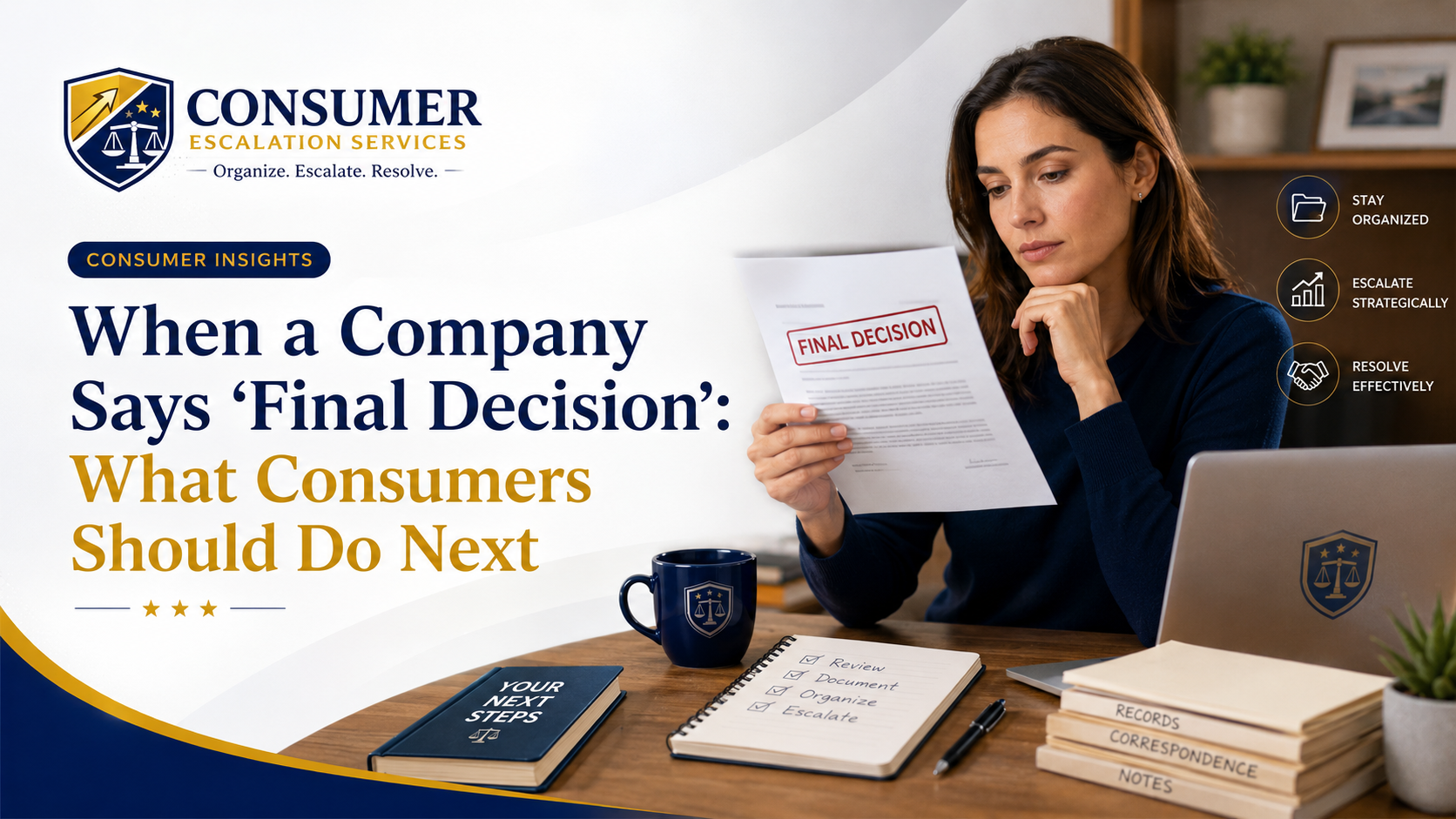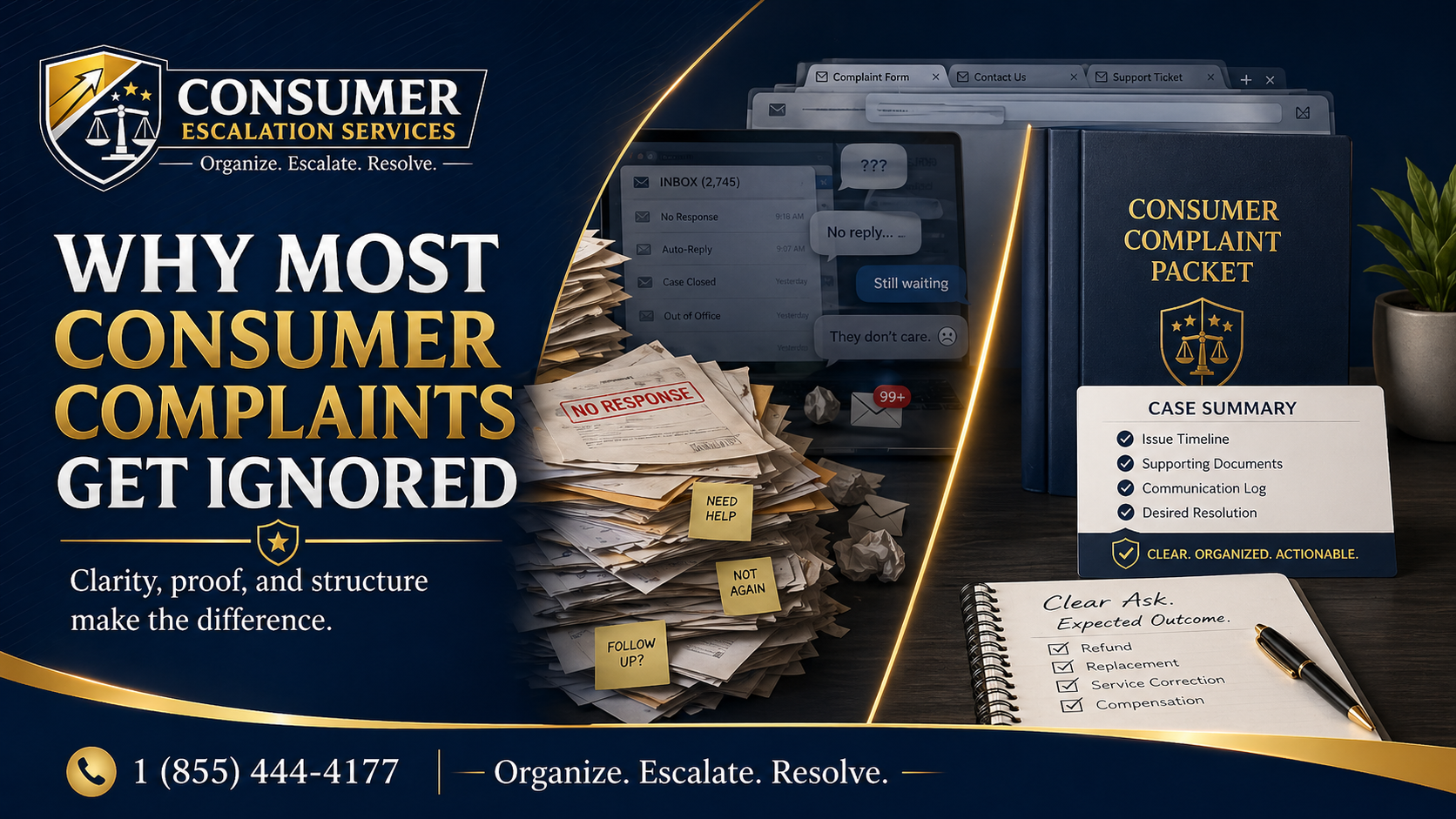
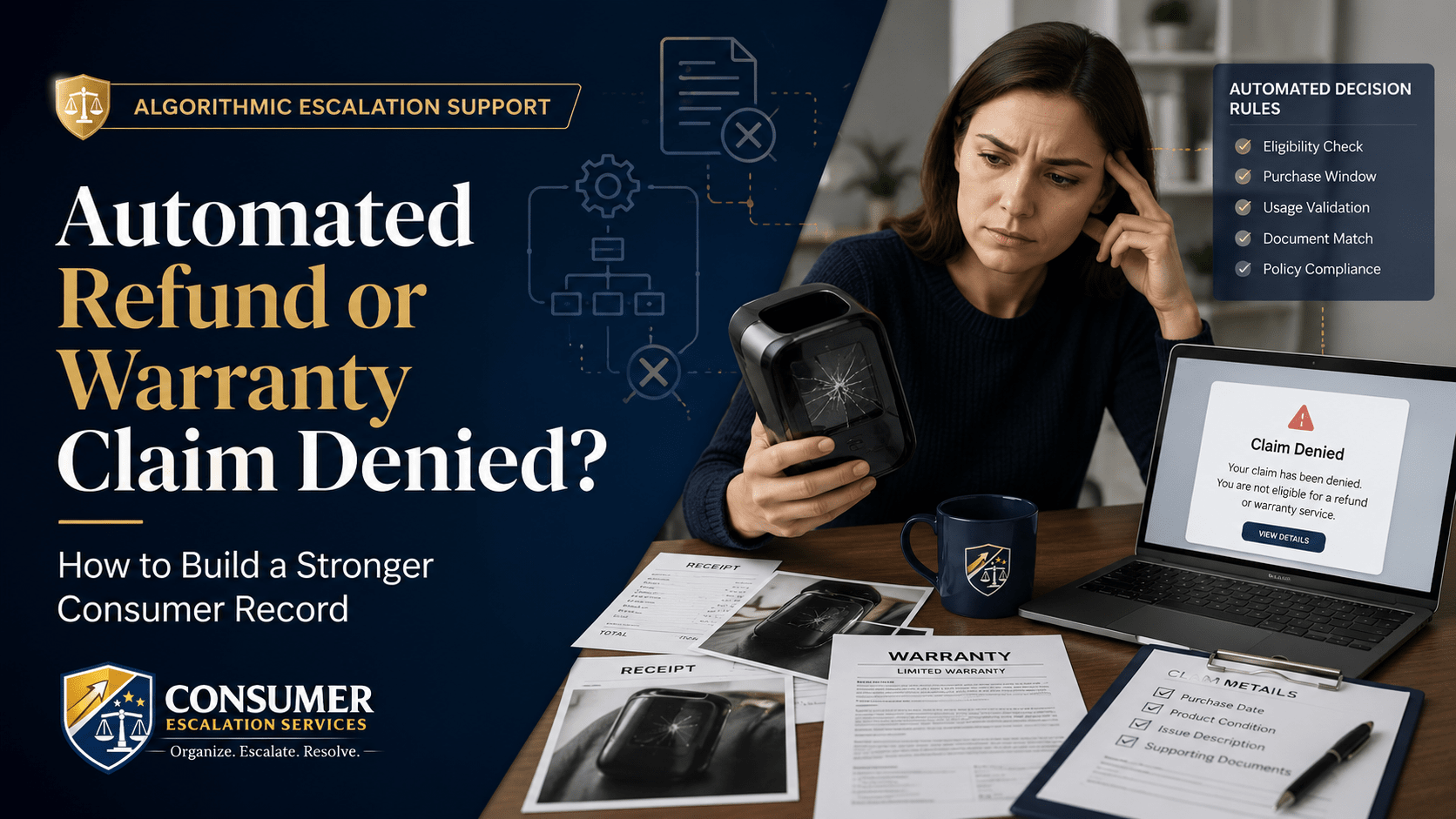
You returned a defective product or filed a warranty claim and got a denial within minutes. The screen said "not eligible" or "outside policy" and there was no obvious way to talk to a person. That speed is the giveaway. Most retail refund and warranty systems run claims through an automated decision engine before a human ever sees the file.
Automated denials are not always wrong, but they are routinely too narrow. The system reads codes and dates. It does not read context.
Why Automated Refund and Warranty Systems Deny Claims
Retailers and manufacturers typically wire their return and warranty portals to rules like:
- Return window (days since purchase or delivery).
- Product category (final-sale, opened, custom, perishable, etc.).
- Serial number or order number validation.
- Purchase date vs. claim date.
- Claim reason codes — "defective" passes; "changed my mind" does not.
- Account history (return rate, prior chargeback flags).
- Document match — was an attachment uploaded? Did it look like a receipt?
If the system cannot tick all the boxes, it rejects the claim. A perfectly valid defect claim can fail because the product category was misclassified, the serial number had a typo, or the user forgot to upload a photo on the first submission.
Common Problems Consumers See
- Defective product return rejected because the system says "no defect reported" — the field was hidden.
- Subscription charge denied because the cancellation date was after the renewal date by a few hours.
- Warranty claim closed because the proof-of-purchase upload "could not be read."
- Refund portal returns the same template language no matter what reason you select.
- "Item not eligible" with no explanation of which eligibility rule failed.
- Replacement request ignored — the ticket auto-closes after a set number of days.
What You Can Try First
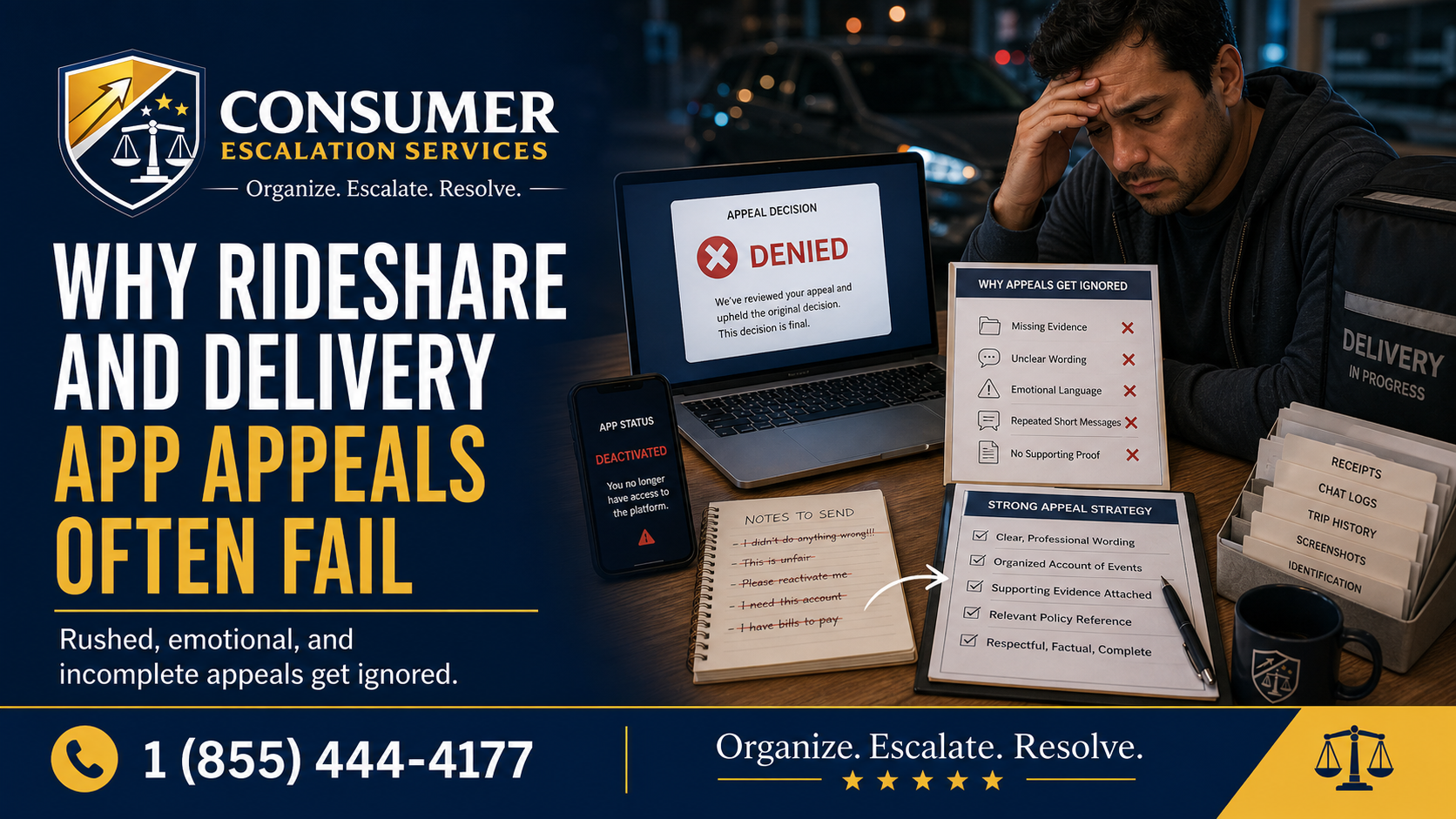
A second appeal that looks like the first will be denied the same way. Reset the file before you reply.
- Read the company's actual policy page. Identify the EXACT clause that should cover your situation.
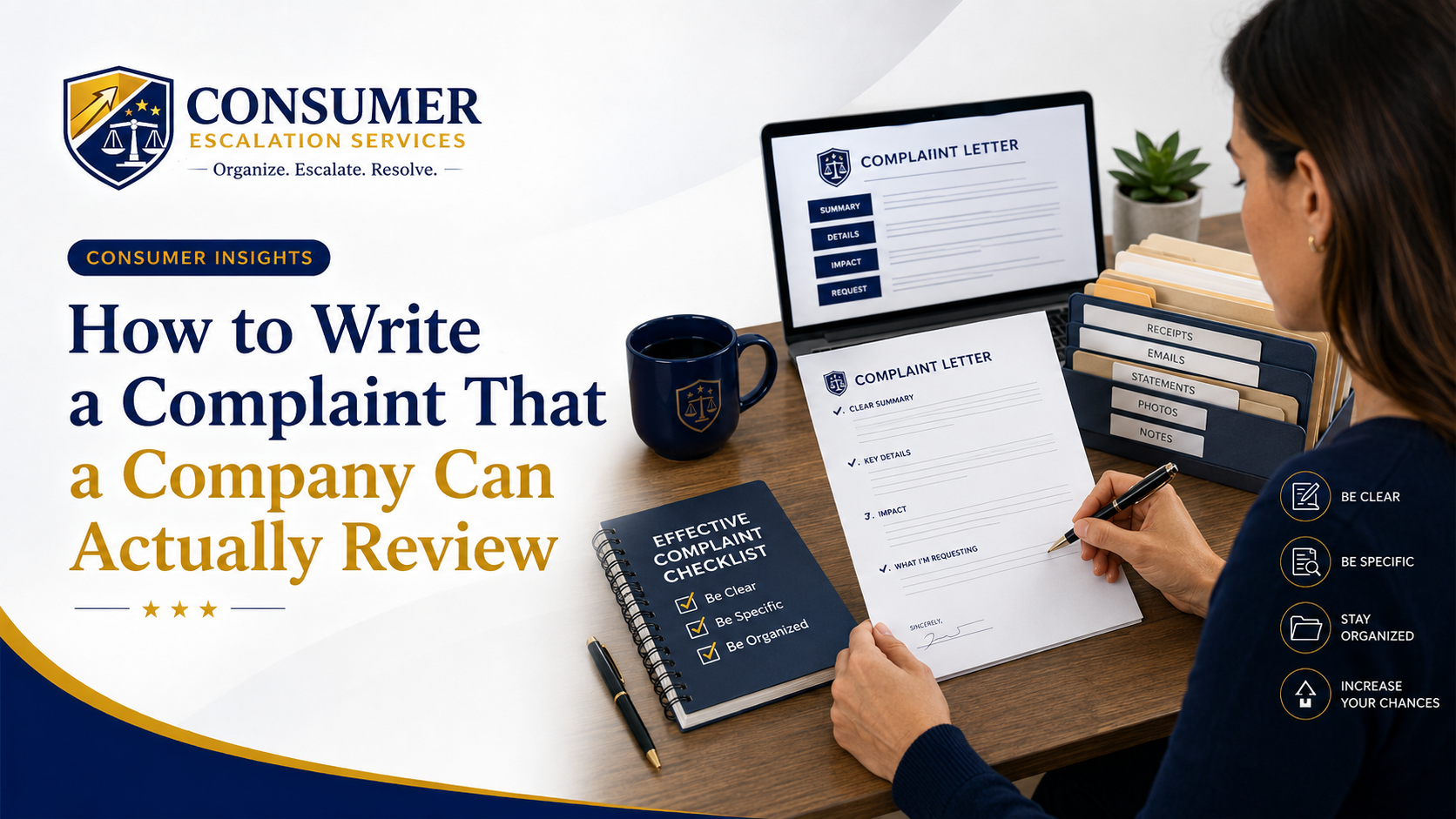
- Write a one-paragraph claim that uses the policy's own language ("manufacturer defect within 90 days," "subscription cancelled prior to renewal," etc.).
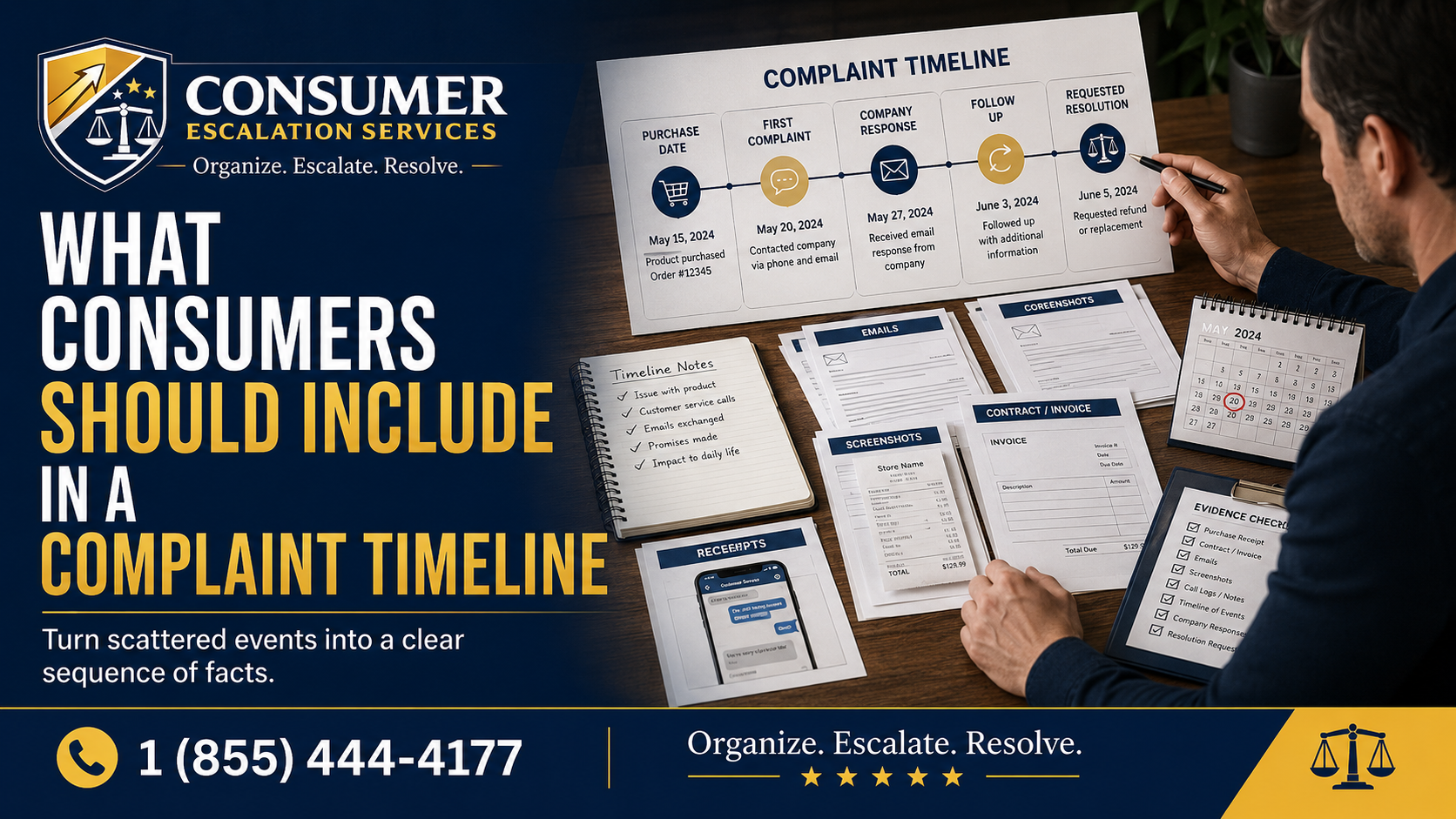
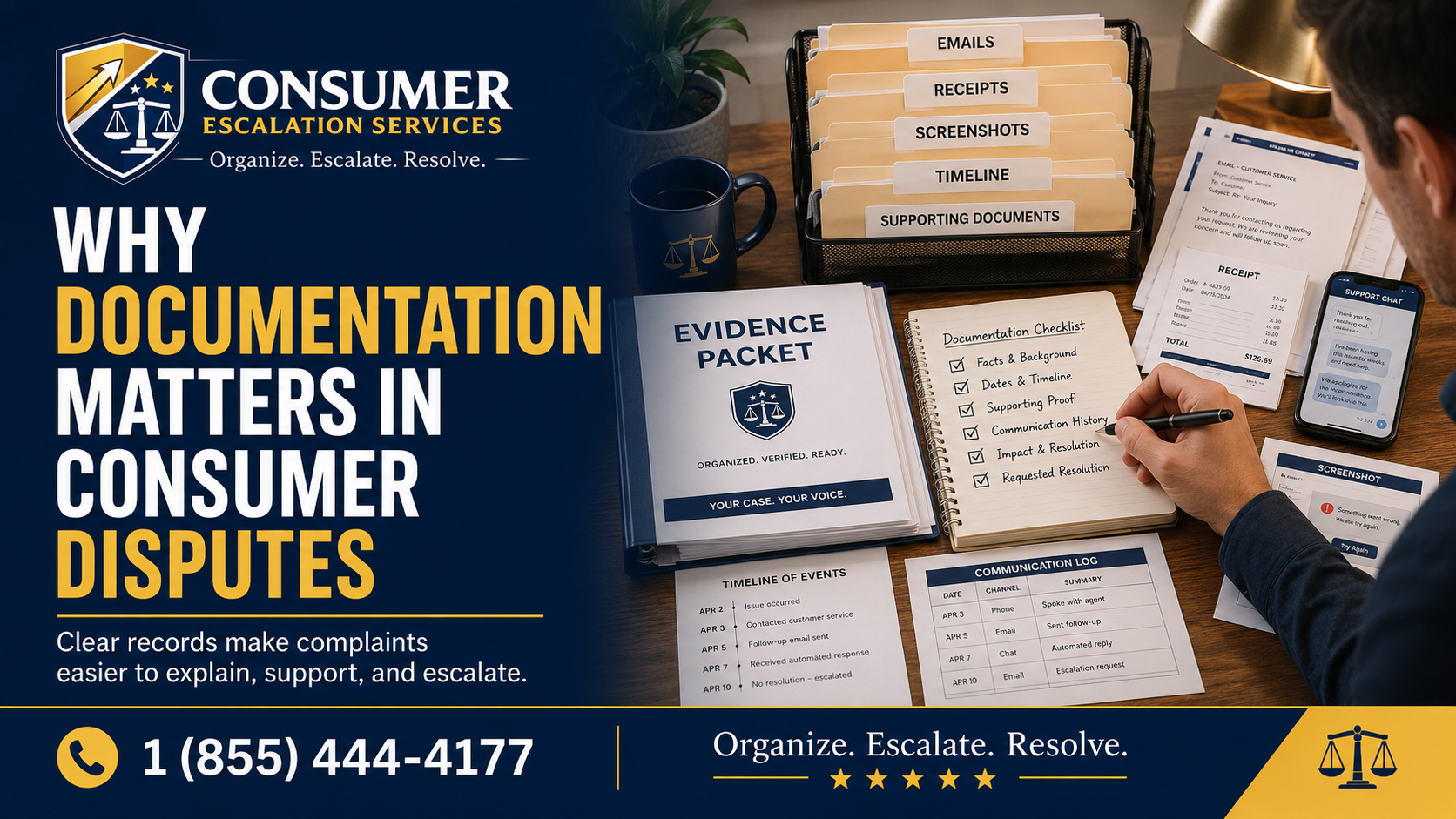
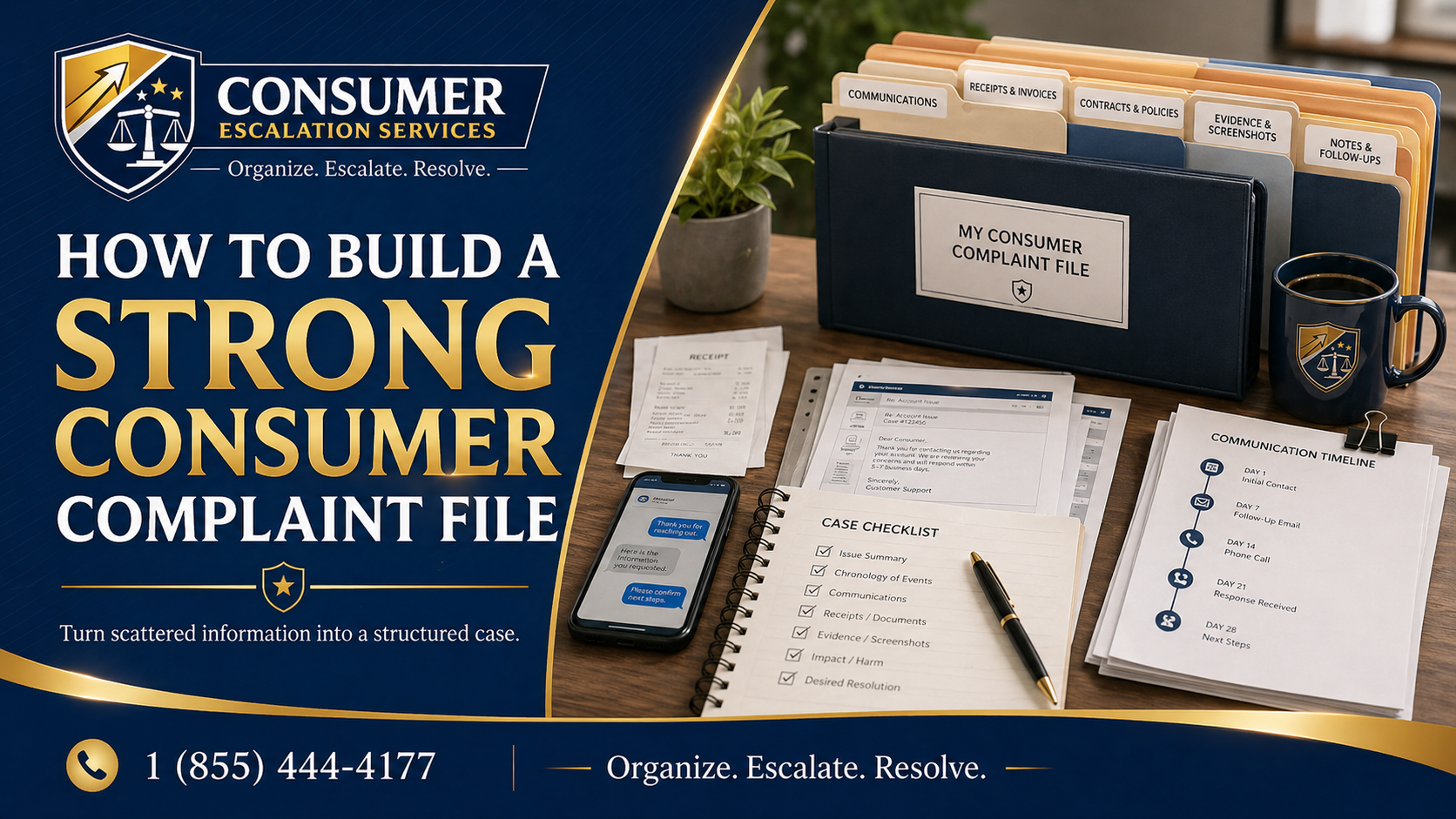
- Match every claim to a piece of evidence — purchase date to receipt, defect to photo, failure date to message.
- State the resolution you are requesting clearly: refund, replacement, store credit, partial refund.
- Avoid long emotional emails. The automated layer scans for keywords, not feelings.
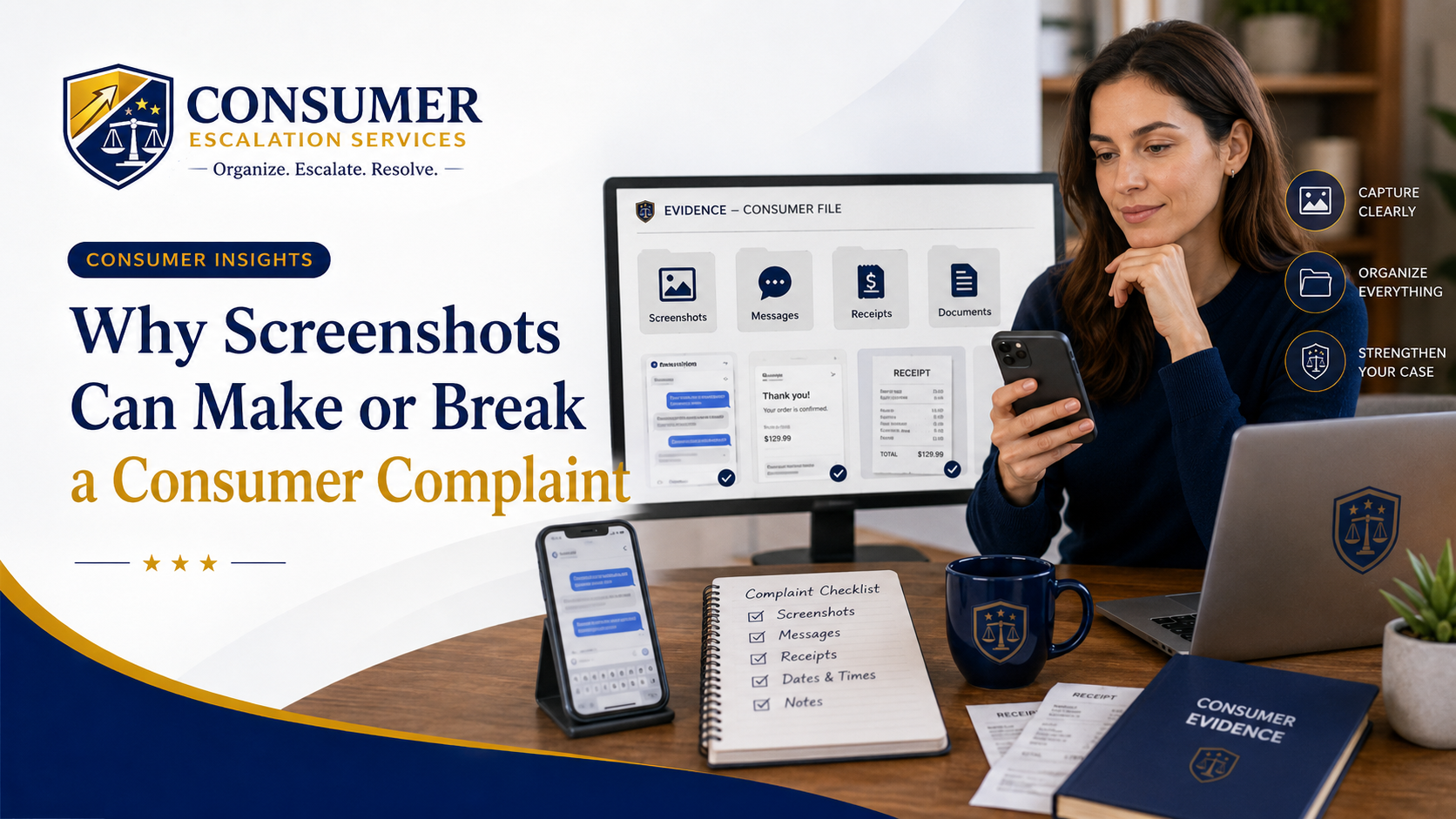
What Evidence to Gather
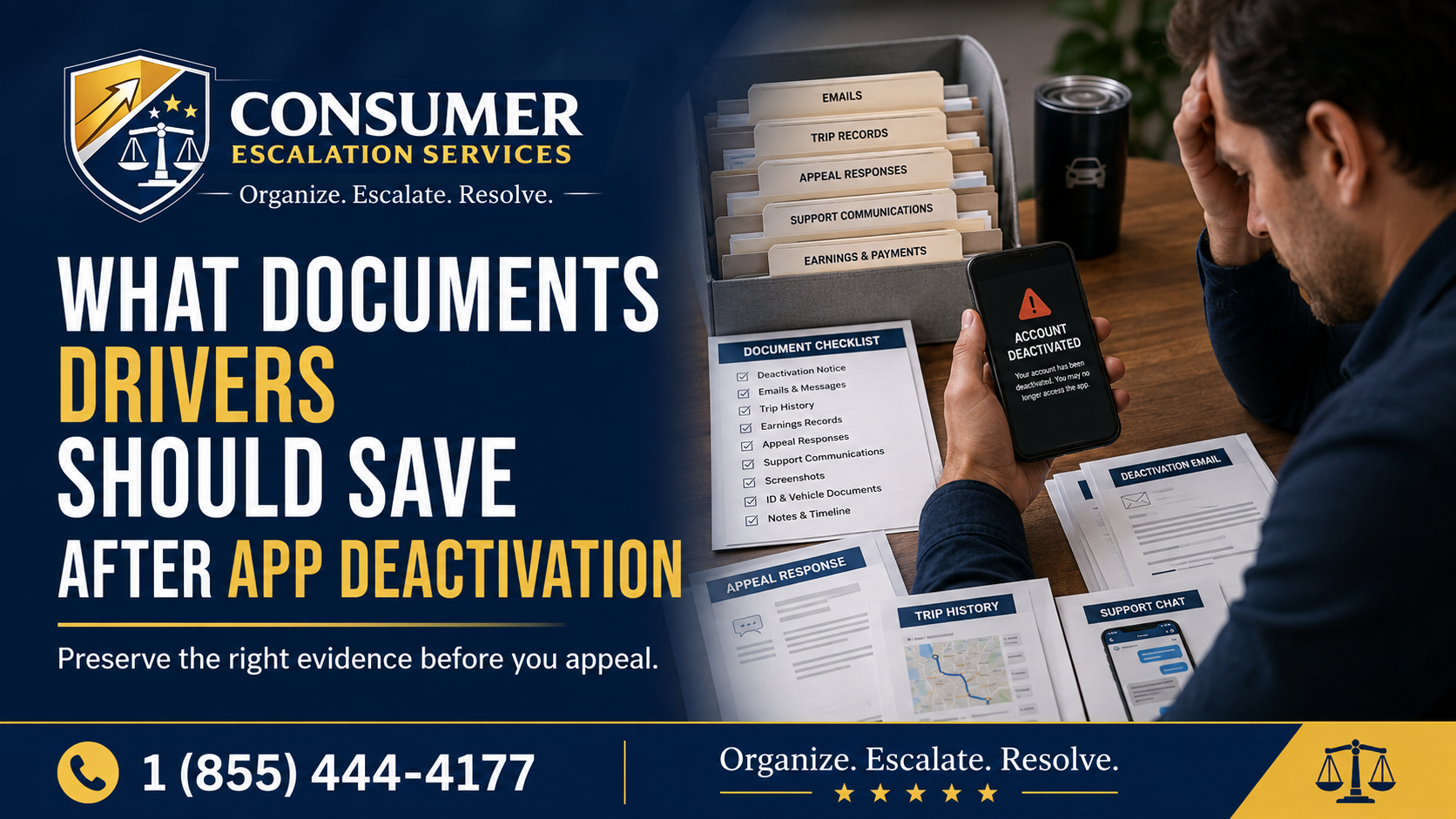
- Receipt or order confirmation (PDF or printed, not a link).
- Product photos showing the defect or failure, with timestamps.
- Warranty terms or product packaging photos showing the warranty length.
- Serial number on the product, ideally in a clear photo.
- Email and chat history with the retailer or manufacturer.
- Return tracking number and proof of delivery if you shipped the item back.
- Screenshots of the portal showing where the claim was rejected.
How to Request Human Review
Most retail portals do have an escalation path, but you have to ask for it. In writing:
- "I am requesting human review of this claim — the automated portal closed it without addressing the facts."
- "Please provide the specific policy clause and the date calculation that supports the denial."
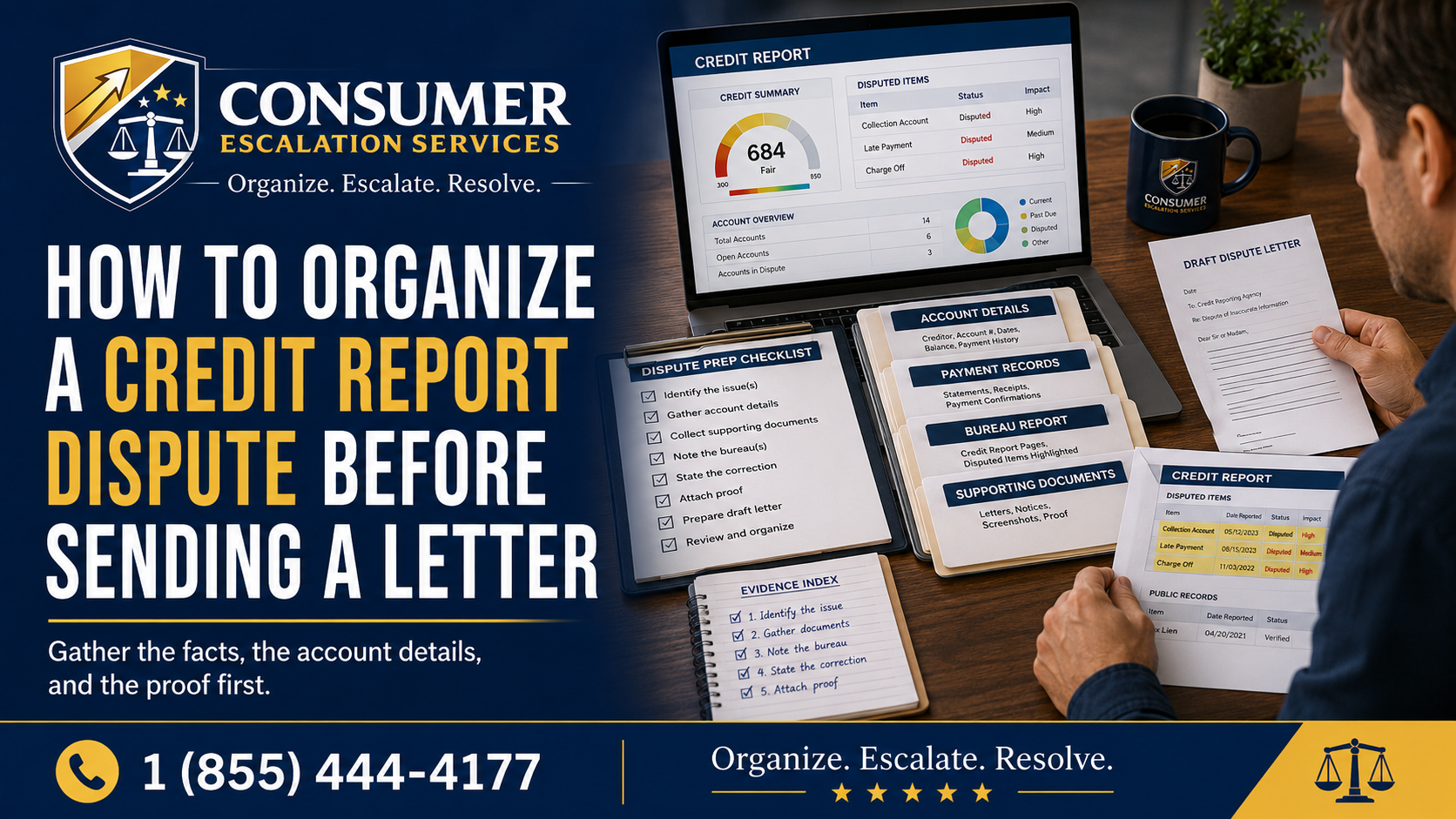
- "I am attaching organized evidence indexed to each policy requirement."
- "Please respond to each item, not with a policy summary."
When It May Be Time to Escalate
- The retailer keeps repeating policy language without addressing the actual facts.
- The portal gives no path to explain context or upload additional evidence.
- The claim involves a meaningful dollar amount or a recurring subscription.
- You have already submitted one clean appeal and want to push past the automated layer.
How CES Can Help Organize the Complaint
Consumer Escalation Services helps consumers organize the receipt, product, policy, and timeline into a clear nonlegal escalation package that lines up evidence to policy clauses. CES is not the retailer's warranty department, not a law firm, and does not promise a refund — but a well-organized escalation often moves a claim past the automated layer to a real reviewer. The CES Algorithmic Escalation page covers the broader pattern across industries.
Related Algorithmic Escalation Insights
- Travel Refund or Credit Denied by an Automated System — /consumer-insights/travel-airline-hotel-automated-denials
- Flagged by an Automated Risk System (Account or Payment Blocked) — /consumer-insights/automated-risk-flag-account-payment-blocked
- Stuck in a Marketplace or Contractor Platform Dispute — /consumer-insights/marketplace-contractor-platform-dispute-escalation
- CES Algorithmic Escalation — /algorithmic-escalation
Final Thought
A "not eligible" pop-up is not the end of the conversation — it is the automated layer pattern-matching against a code. A clean second attempt that uses the company's own policy language, indexed to evidence, is a different document entirely. Consumer Escalation Services is not a law firm, does not provide legal advice, and does not guarantee any outcome.