Consumer Escalation Services logo

Documentation

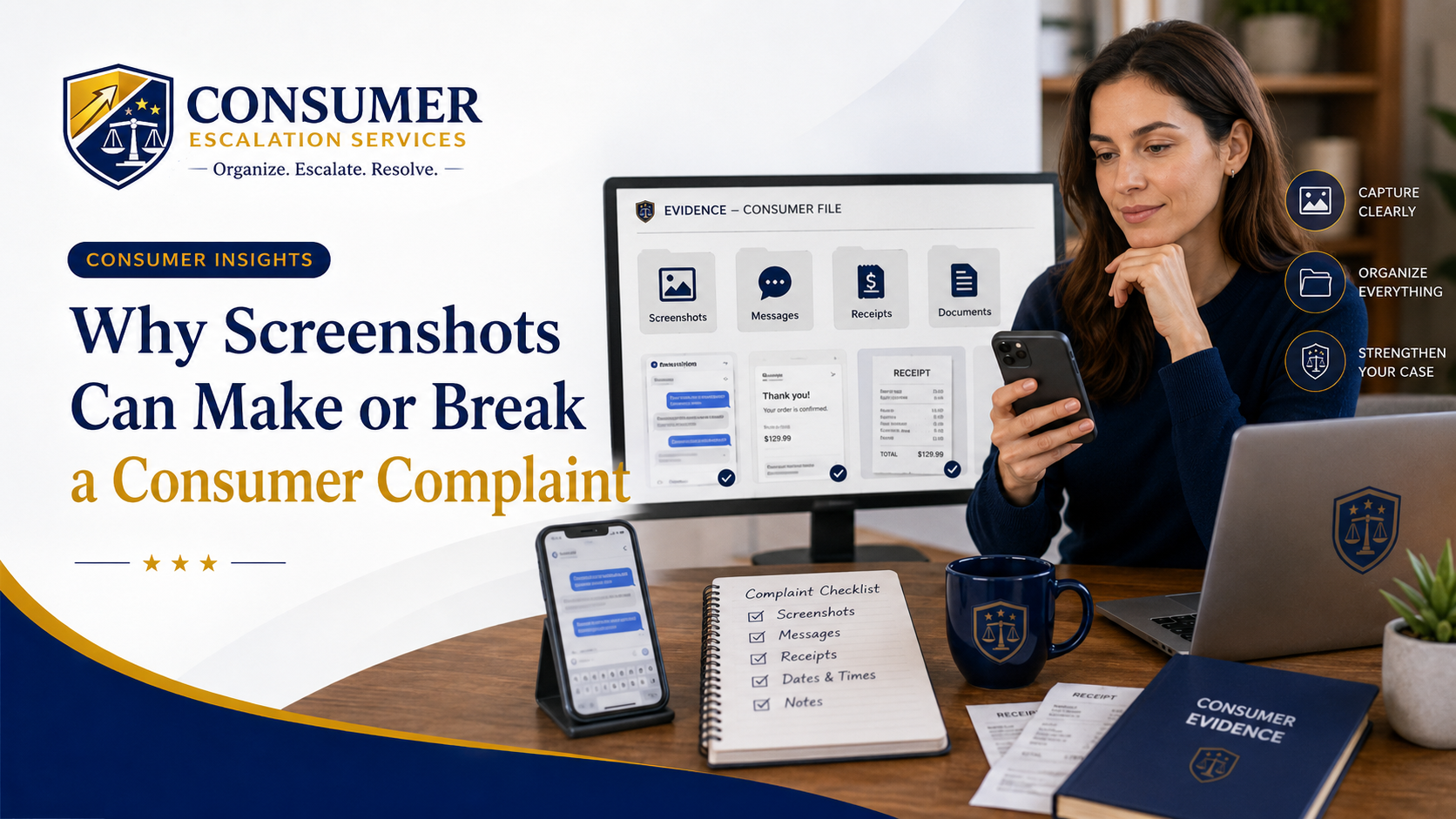
Why Screenshots Can Make or Break a Consumer Complaint

App notifications change. Chat windows close. Account notices disappear. Learn what to screenshot, how to organize it, and why it matters before escalating an issue.

Consumer Escalation Services article on how screenshots can support a consumer complaint
Estimated read time: 6 minutesLast updated: May 13, 2026

In many consumer disputes, the most important evidence disappears quickly.

  • An app notification changes.
  • A chat window closes.
  • A refund message vanishes.
  • A delivery status updates.
  • A price changes.
  • An account notice is removed.
  • A customer service message gets buried.
  • A cancellation confirmation becomes difficult to find.

That is why screenshots can be so important.

Screenshots can help preserve what you saw, when you saw it, and what the company, app, platform, or service provider communicated to you at the time.

A screenshot is not always enough by itself, and it does not guarantee a successful complaint. But when used properly, screenshots can support your timeline and help explain the issue more clearly.

Why Screenshots Matter

Consumer complaints often come down to proof.

  • What did the company say?
  • What did the app show?
  • What was promised?
  • What was charged?
  • What was canceled?
  • What was denied?
  • What date did the message appear?
  • What reason was given?

Screenshots can help answer those questions.

They are especially useful when the dispute involves online accounts, mobile apps, digital purchases, subscriptions, travel bookings, rideshare or delivery apps, banking apps, warranty portals, marketplace platforms, hotel reservations, airline communications, or customer service chats.

Without screenshots, the consumer may only have memory. With screenshots, there may be a visual record.

What Consumers Should Screenshot

If you are dealing with a customer service issue, consider saving screenshots of anything that directly supports your complaint.

This may include:

  • Refund promises
  • Cancellation confirmations
  • Order confirmations
  • Payment receipts
  • Billing errors
  • Subscription renewal notices
  • Account closure notices
  • Suspension or deactivation messages
  • Chat conversations
  • Customer service replies
  • Delivery confirmations
  • Warranty claim responses
  • Travel delay or cancellation notices
  • Price quotes
  • Service promises
  • Policy language shown in the app or website
  • Error messages
  • Case numbers or ticket numbers

The best screenshots are specific, readable, and connected to the issue.

Avoid saving hundreds of random screenshots with no order. The goal is to preserve key evidence, not create confusion.

Capture the Date Whenever Possible

A screenshot is stronger when it shows the date, time, account name, order number, ticket number, transaction ID, or other identifying information.

If the date is not visible in the screenshot, make a note immediately after saving it.

For example:

Screenshot taken May 6, 2026, showing refund approval message inside the app.

That note can help you later when you are building your complaint timeline.

Save the Full Conversation When You Can

If the issue involves a chat conversation, do not screenshot only the company's final response.

Capture enough of the conversation to show context.

For example, if customer support promised a refund, you may need to save:

  • The beginning of the chat
  • Your explanation of the issue
  • The representative's response
  • The refund promise
  • Any case number
  • The date and time if visible

A single screenshot without context can sometimes be misunderstood. A complete sequence is usually better.

Do Not Edit the Screenshot

Avoid cropping, marking up, or editing the original screenshot in a way that could make it look unreliable.

It is okay to create a copy for presentation purposes, but keep the original version saved.

If you need to highlight something, make a duplicate and mark up the duplicate. Do not destroy the original.

Organize Screenshots by Date and Issue

Screenshots are only helpful if you can find them.

Create a simple folder or album for the complaint.

You can name files in a clear way, such as:

  • 2026-05-01 refund approval
  • 2026-05-03 no refund received
  • 2026-05-05 customer service follow up
  • 2026-05-08 case closed message

This makes it easier to build a timeline and attach the right documents if you escalate.

Screenshots Should Support the Story, Not Replace It

A common mistake is sending screenshots with no explanation.

The company should not have to guess why each screenshot matters.

When escalating a complaint, explain what each important screenshot shows.

For example:

  • "Attachment 2 shows the cancellation confirmation dated April 12."
  • "Attachment 3 shows the customer service message stating a refund would be processed."
  • "Attachment 4 shows the account notice stating the case was closed without further explanation."

This helps the reviewer connect the evidence to the facts.

Be Careful With Private Information

Before sharing screenshots, review them carefully for sensitive information.

Do not casually send screenshots that reveal:

  • Full Social Security numbers
  • Full credit card numbers
  • Bank login information
  • Passwords
  • Private medical details
  • Unrelated personal messages
  • Other people's private information

If sensitive information appears, consider whether it can be safely redacted before sharing. Keep in mind that some companies may still need certain account identifiers, but consumers should be careful about unnecessary exposure.

Final Thought

Screenshots can make a major difference in a consumer complaint because they help preserve what happened before information changes or disappears.

The best screenshots are:

  • Clear
  • Relevant
  • Dated
  • Unedited
  • Organized
  • Connected to the timeline
  • Explained in the complaint

When a consumer can show what was promised, denied, charged, canceled, or ignored, the complaint becomes easier to understand.

Before you escalate, save the proof.

Need Help?

If you already have screenshots and want them organized into a complaint

CES helps consumers turn screenshots, chat transcripts, account notices, and written promises into a clean, indexed complaint package. CES is a nonlegal consumer advocacy and complaint support service.

Keep Reading

More Consumer Insights

Driver deactivated by a rideshare or delivery app after an automated algorithmic review

Algorithmic Escalation Support

Deactivated by a Rideshare or Delivery App? How to Challenge an Algorithmic Decision

Read article

Traveler dealing with an automated travel refund or credit denial from an airline, hotel, or booking platform

Algorithmic Escalation Support

When Travel Companies Use Automated Systems to Deny Refunds, Credits, or Reimbursements

Read article

Consumer account or payment blocked after an automated risk flag or fraud detection review

Algorithmic Escalation Support

Flagged by an Automated Risk System? What to Do When Your Account, Payment, or Transaction Is Blocked

Read article

Consumer building documentation after an automated refund or warranty claim denial

Algorithmic Escalation Support

Automated Refund or Warranty Claim Denied? How to Build a Stronger Consumer Record

Read article

Homeowner stuck in a contractor or marketplace platform dispute after an automated support ticket closure

Algorithmic Escalation Support

Stuck in a Marketplace or Contractor Platform Dispute? How to Escalate Beyond the Ticket System

Read article

Consumer reviewing an under-review complaint message on a phone and laptop for Consumer Escalation Services insight article

Escalation Strategy

When "Under Review" Becomes a Delay Tactic

Read article

Consumer organizing relevant and non-relevant evidence for a complaint with Consumer Escalation Services branding

Documentation

Why Too Much Evidence Can Hurt Your Complaint

Read article

Consumer calmly preparing a professional complaint escalation letter with Consumer Escalation Services branding

Escalation Strategy

How to Escalate a Complaint Without Losing Credibility

Read article

Consumer documenting conflicting customer service answers during a complaint escalation

Customer Service Warning Signs

When Every Customer Service Agent Gives You a Different Answer

Read article

Consumer gathering refund records, receipt, order confirmation, photos, and messages before filing a complaint

Refund Disputes

Before You Demand a Refund, Build the Record

Read article

Consumer Escalation Services article on what to do when a company says final decision

Escalation Strategy

When a Company Says "Final Decision": What Consumers Should Do Next

Read article

Consumer Escalation Services article on the difference between complaining and escalating

Escalation Strategy

The Difference Between Complaining and Escalating

Read article

Consumer Escalation Services article on customer service red flags that signal escalation is needed

Customer Service Warning Signs

Red Flags That Your Customer Service Issue Needs Escalation

Read article

Consumer Escalation Services article on writing a clear, organized consumer complaint

Complaint Letter Writing

How to Write a Complaint That a Company Can Actually Review

Read article

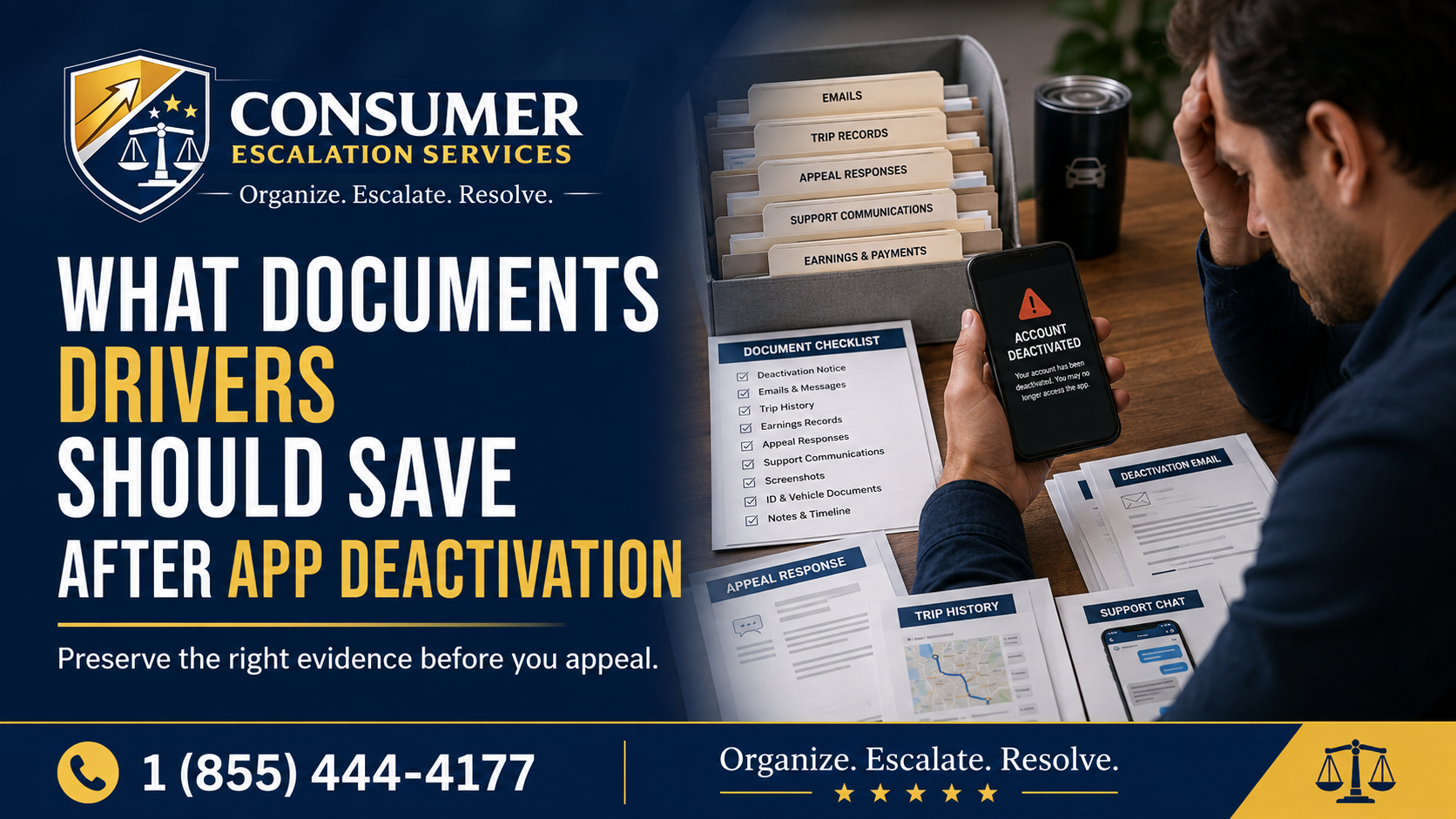
Consumer Escalation Services guide showing documents drivers should save after app deactivation

Rideshare & Delivery App Deactivation

What Documents Drivers Should Save After App Deactivation

Read article

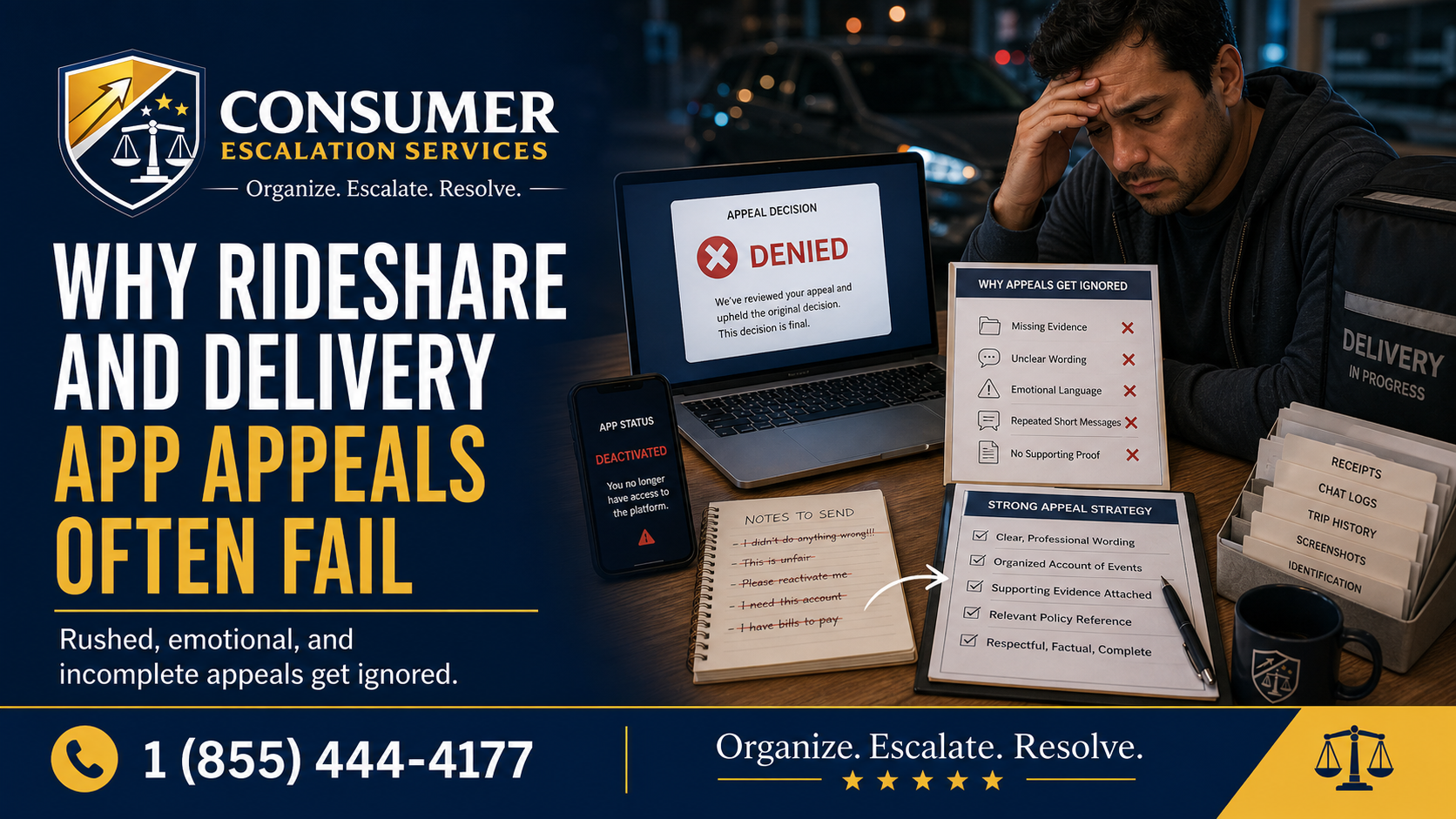
Consumer Escalation Services article explaining why rideshare and delivery app appeals often fail

Rideshare & Delivery App Deactivation

Why Rideshare And Delivery App Appeals Often Fail

Read article

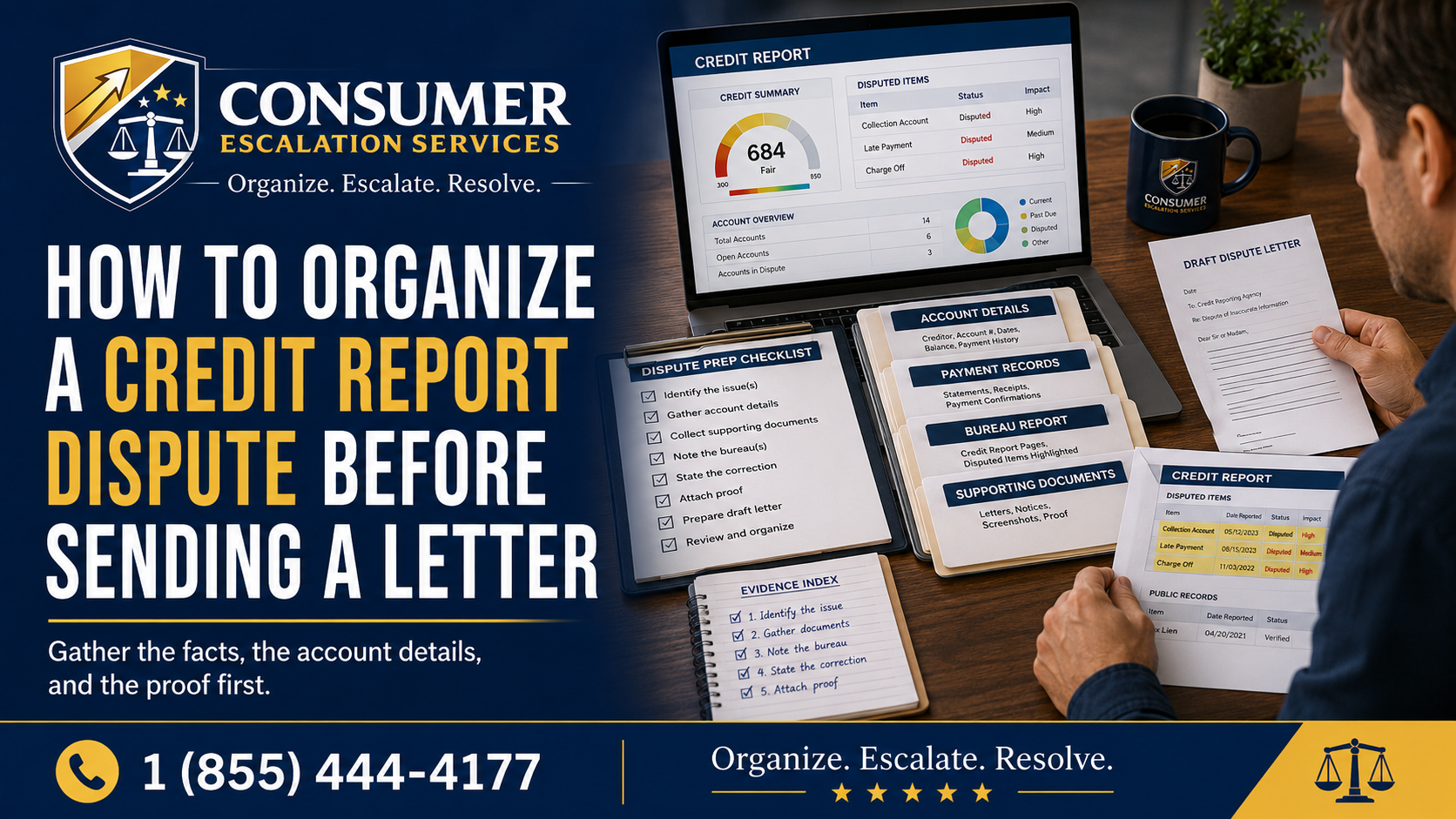
Consumer Escalation Services guide for organizing a credit report dispute before sending a letter

Credit Report Disputes

How To Organize A Credit Report Dispute Before Sending A Letter

Read article

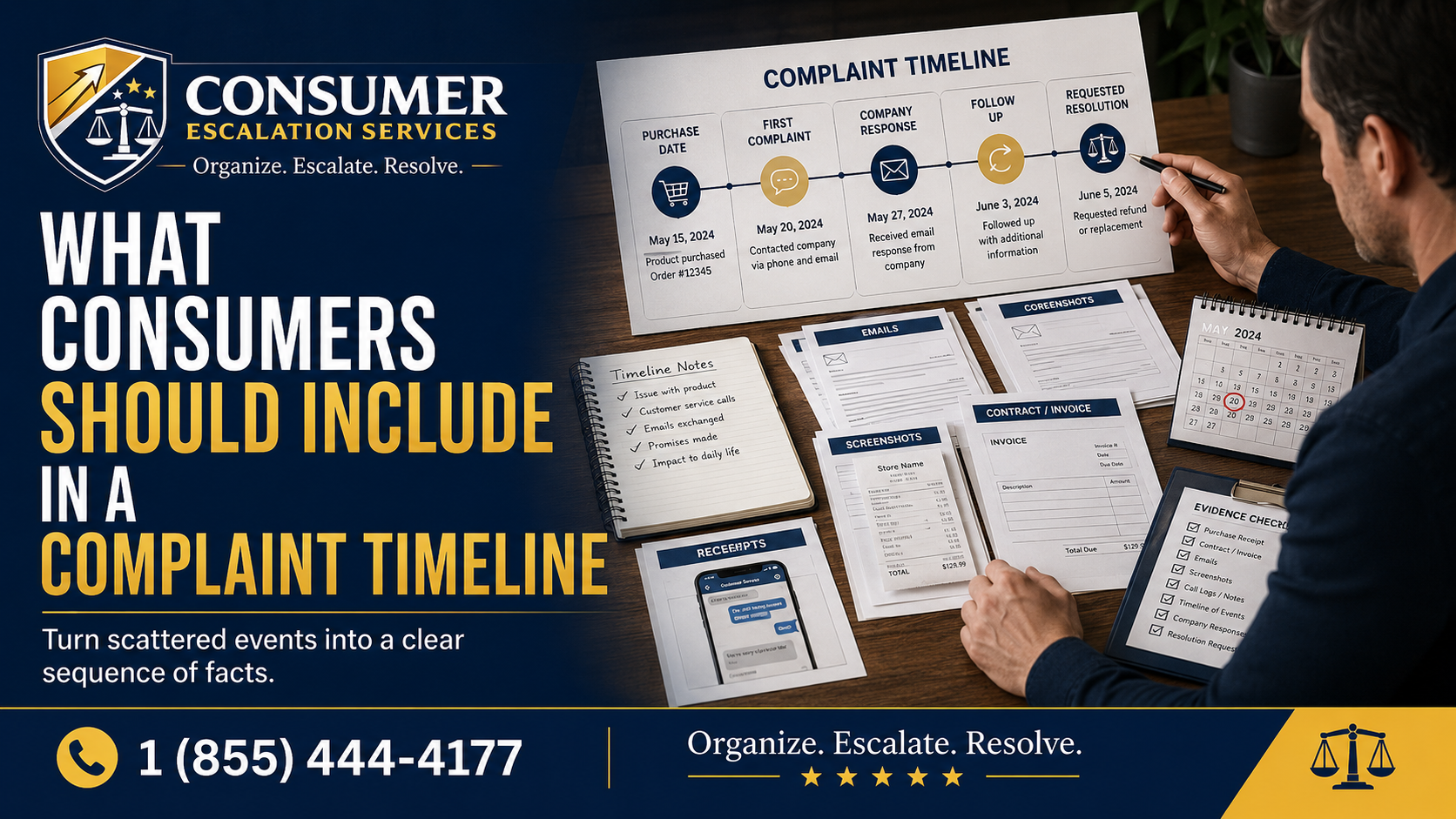
Consumer Escalation Services article showing how to organize a consumer complaint timeline

Complaint Preparation

What Consumers Should Include In A Complaint Timeline

Read article

Consumer Escalation Services article about why documentation matters in consumer disputes

Documentation and Evidence

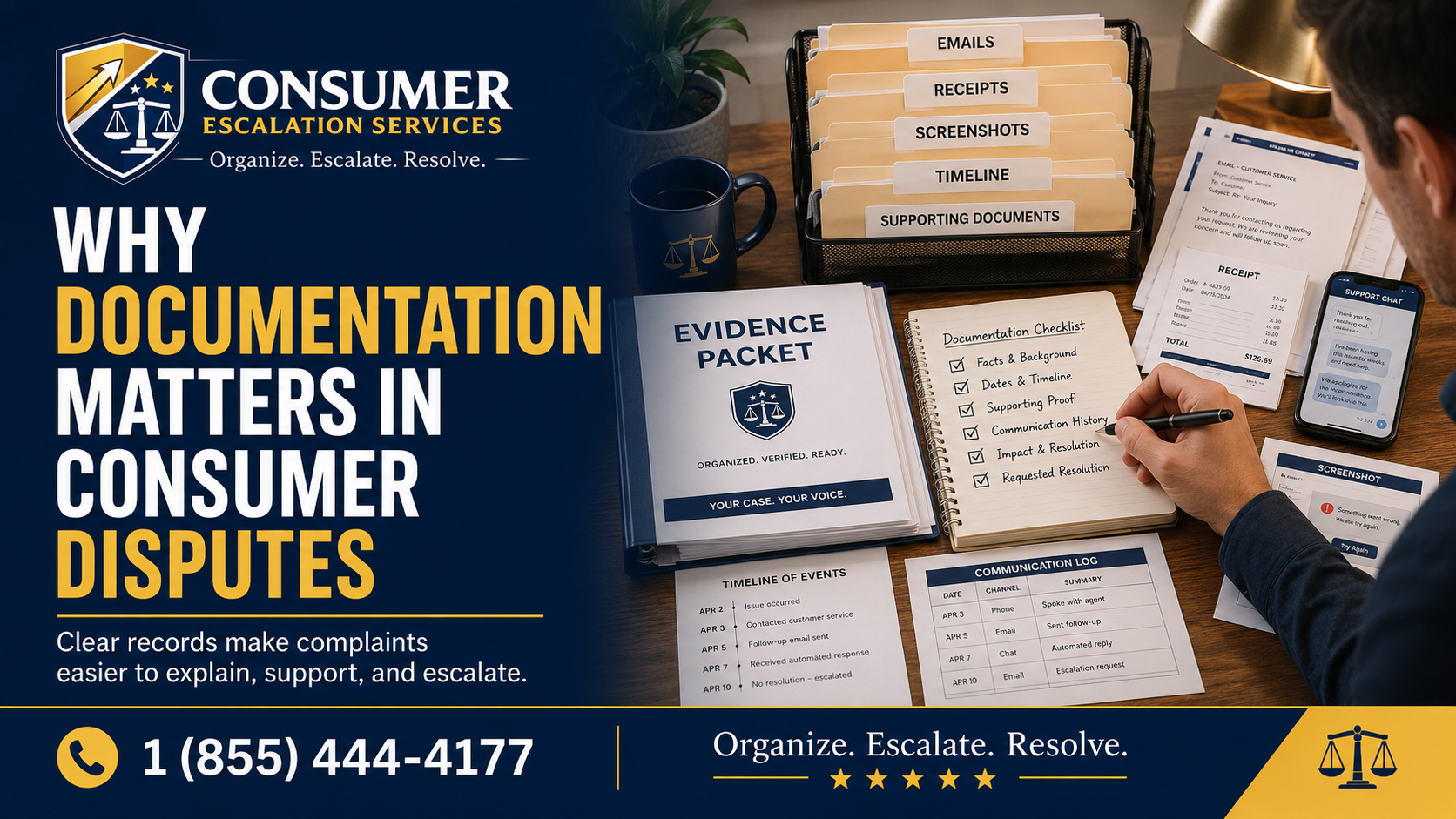
Why Documentation Matters In Consumer Disputes

Read article

What to do when customer service stops responding — organize, document, and escalate professionally

Customer Service Escalation

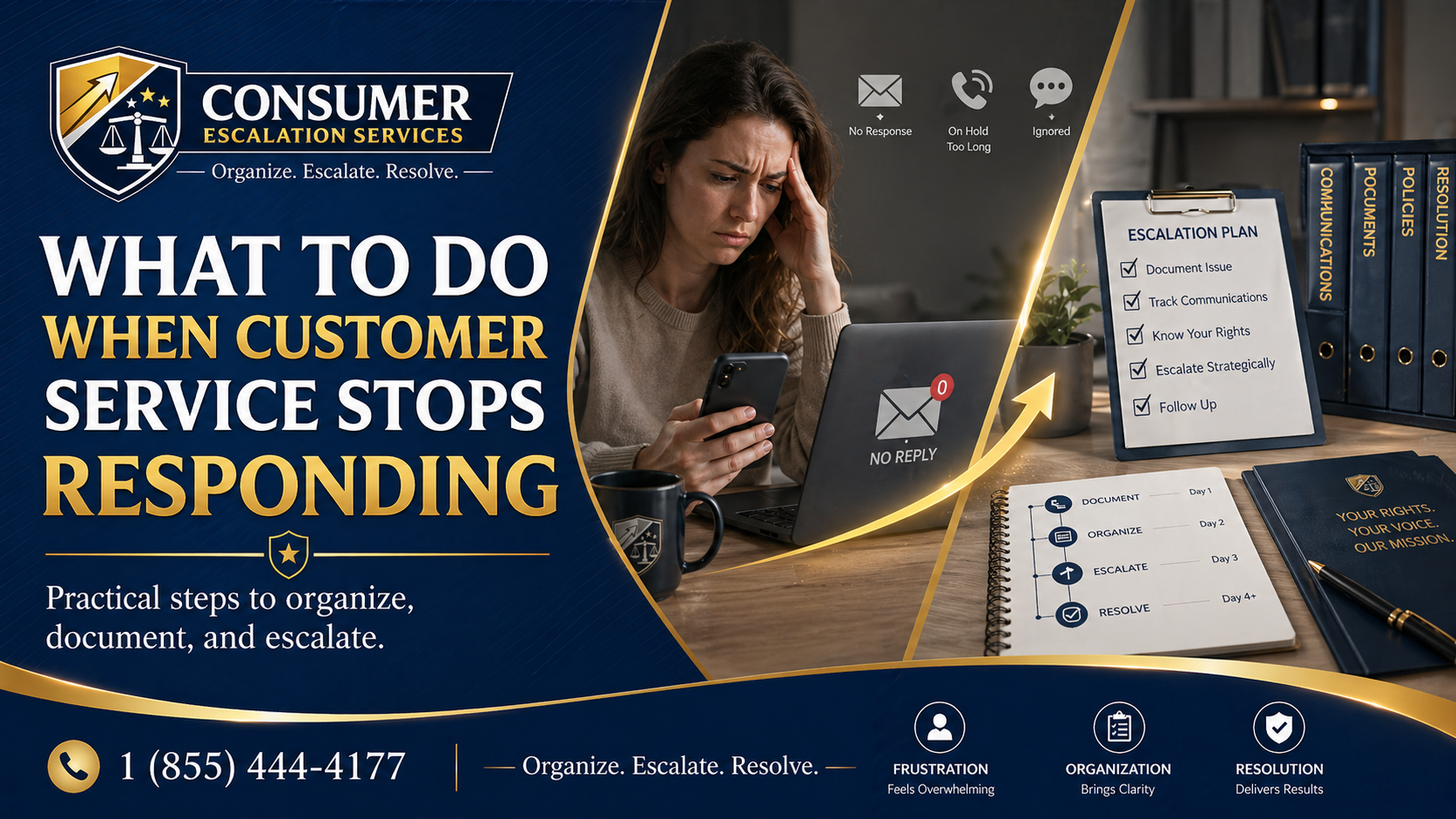
What to Do When Customer Service Stops Responding

Read article

How to build a strong consumer complaint file — timelines, receipts, screenshots, and supporting documents

Complaint Documentation

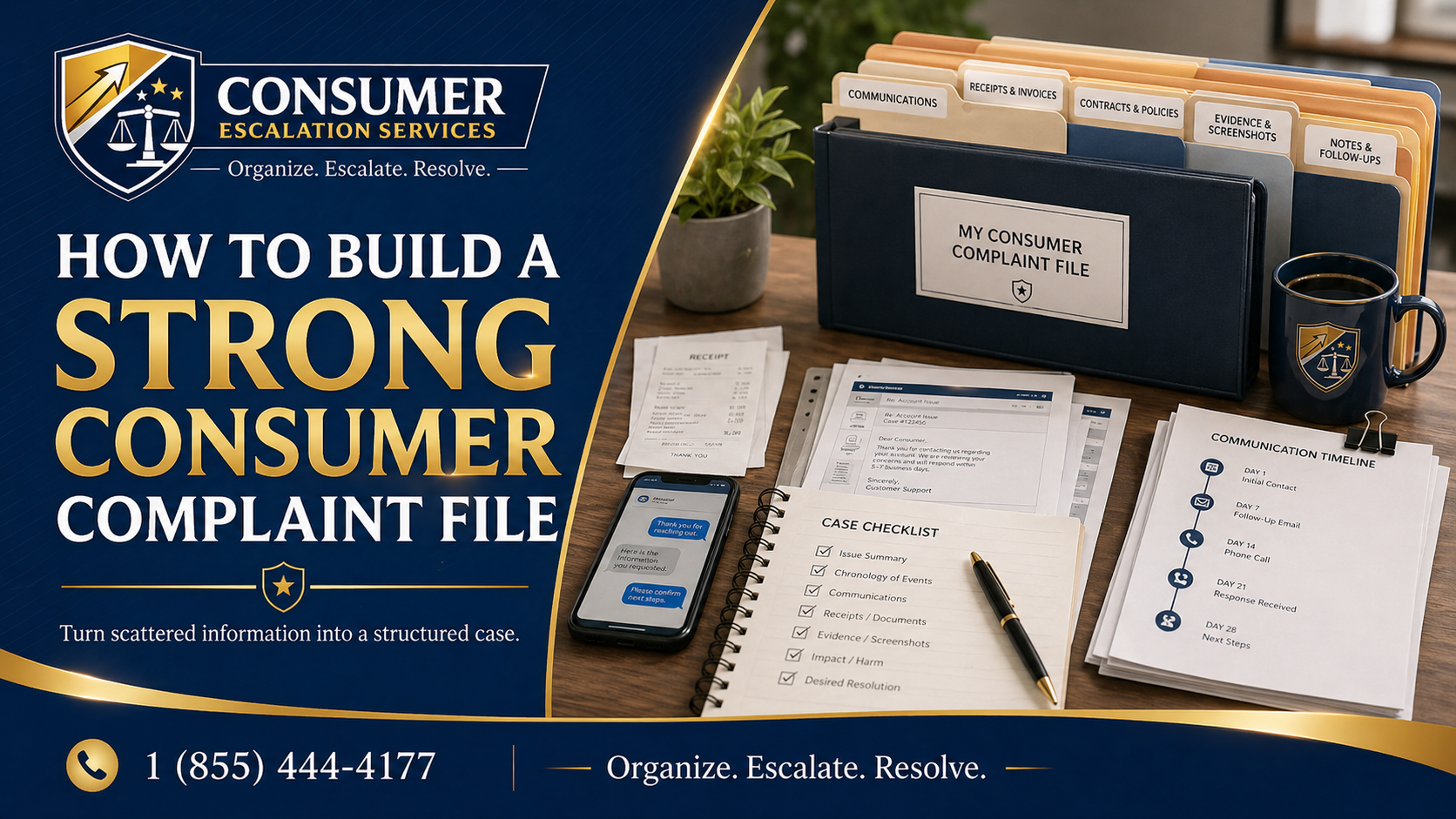
How to Build a Strong Consumer Complaint File

Read article

Why most consumer complaints get ignored — clarity, proof, and structure make the difference

Complaint Strategy

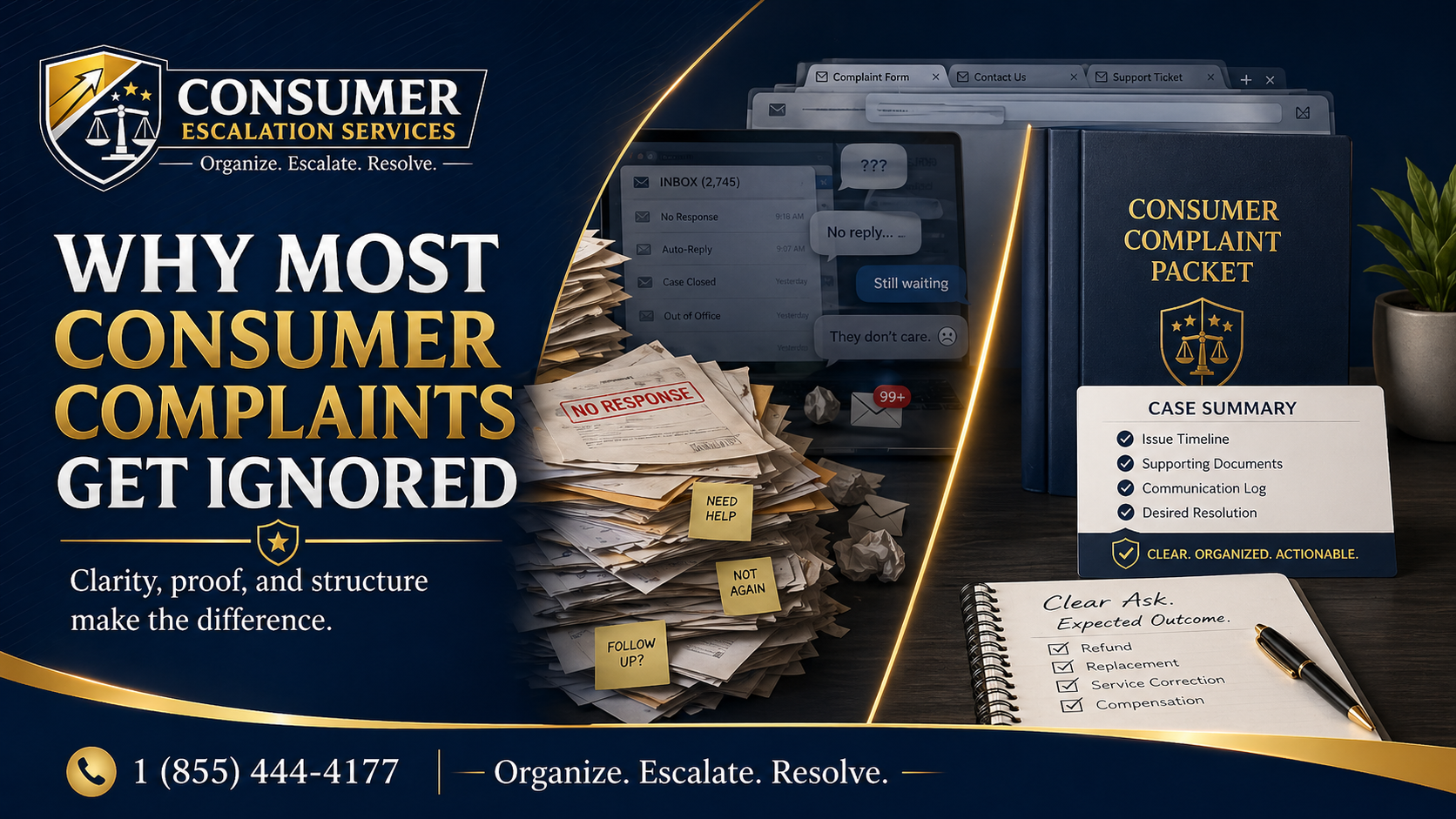
Why Most Consumer Complaints Get Ignored

Read article

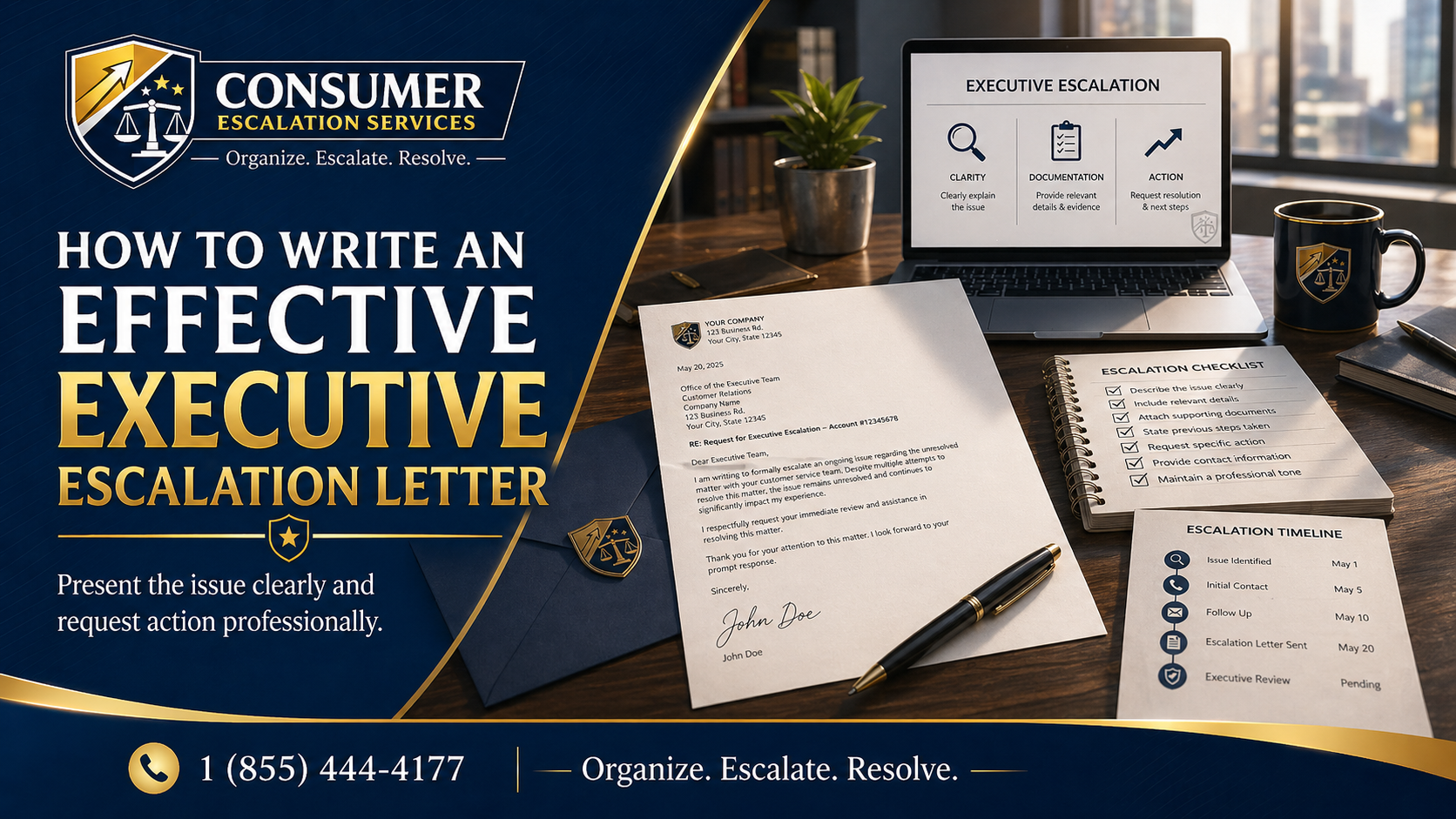
How to write an effective executive escalation letter — present the issue clearly and request action professionally

Executive Escalation

How to Write an Effective Executive Escalation Letter

Read article

Homeowner reviewing unfinished contractor work and preparing a complaint escalation file

Contractor & Home Improvement Disputes

What To Do When a Contractor Does Not Finish the Job

Read article

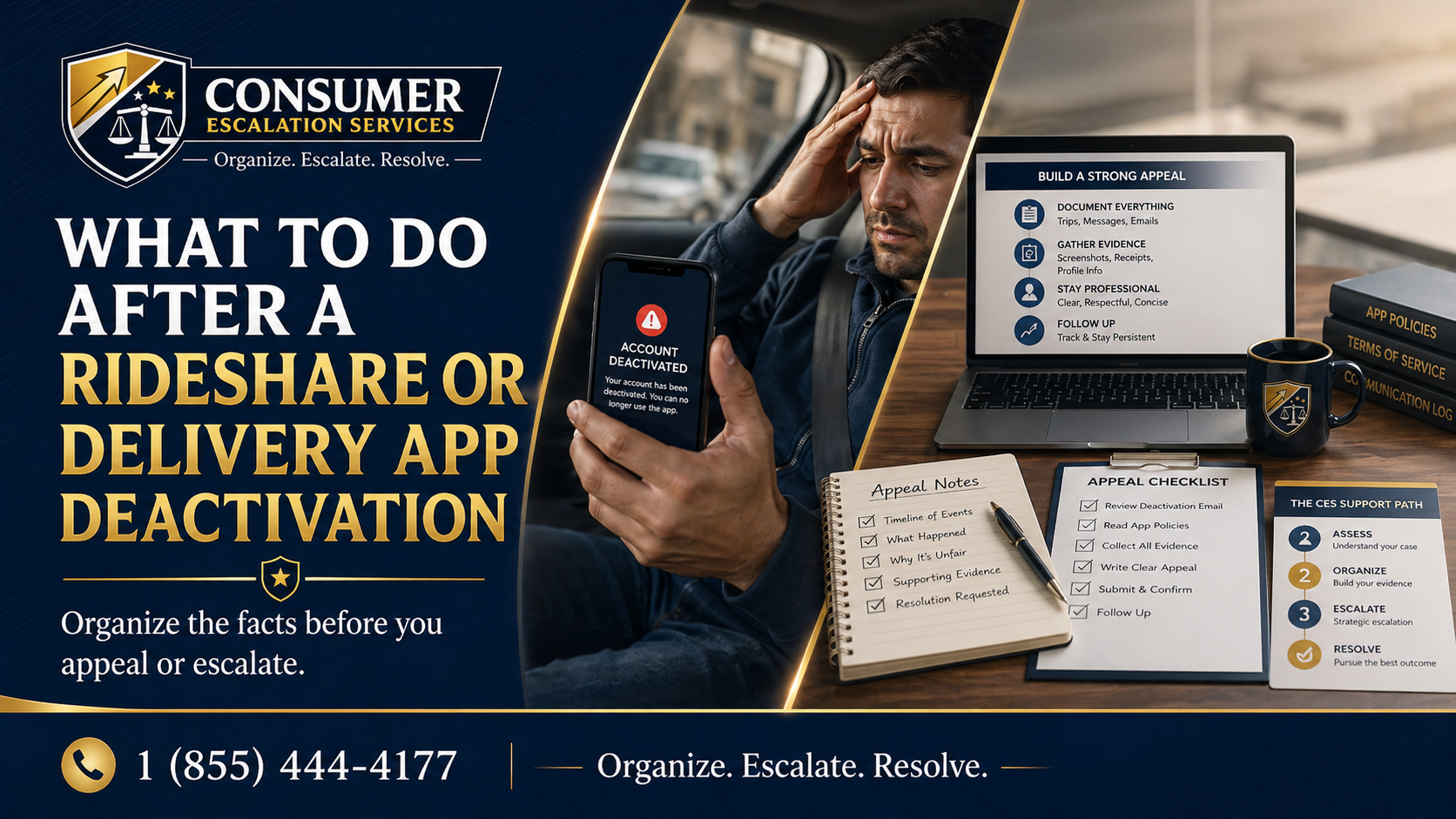
Rideshare and delivery driver reviewing app deactivation notice and organizing appeal documents

Rideshare & Delivery App Deactivation

What To Do After a Rideshare or Delivery App Deactivation

Read article

Refund dispute warning signs — recognizing when a refund issue requires stronger documentation and escalation

Refund Disputes

Refund Dispute Warning Signs

Read article

Escalation before giving up — how to organize, document, and prepare a complaint properly

Escalation Readiness

Escalation Before Giving Up

Read article

Consumer Escalation Services is not a law firm, does not provide legal advice, and does not guarantee any outcome.