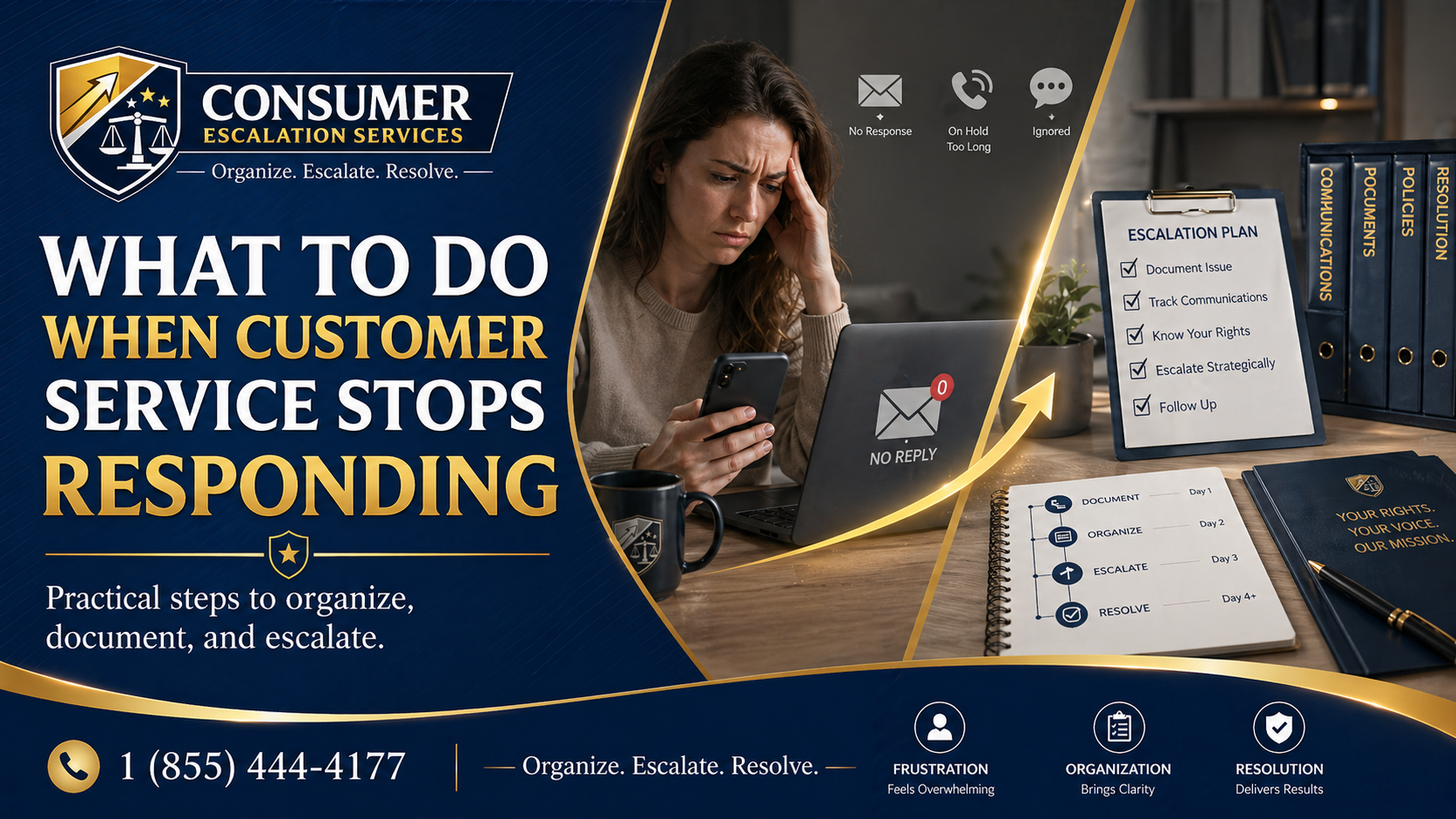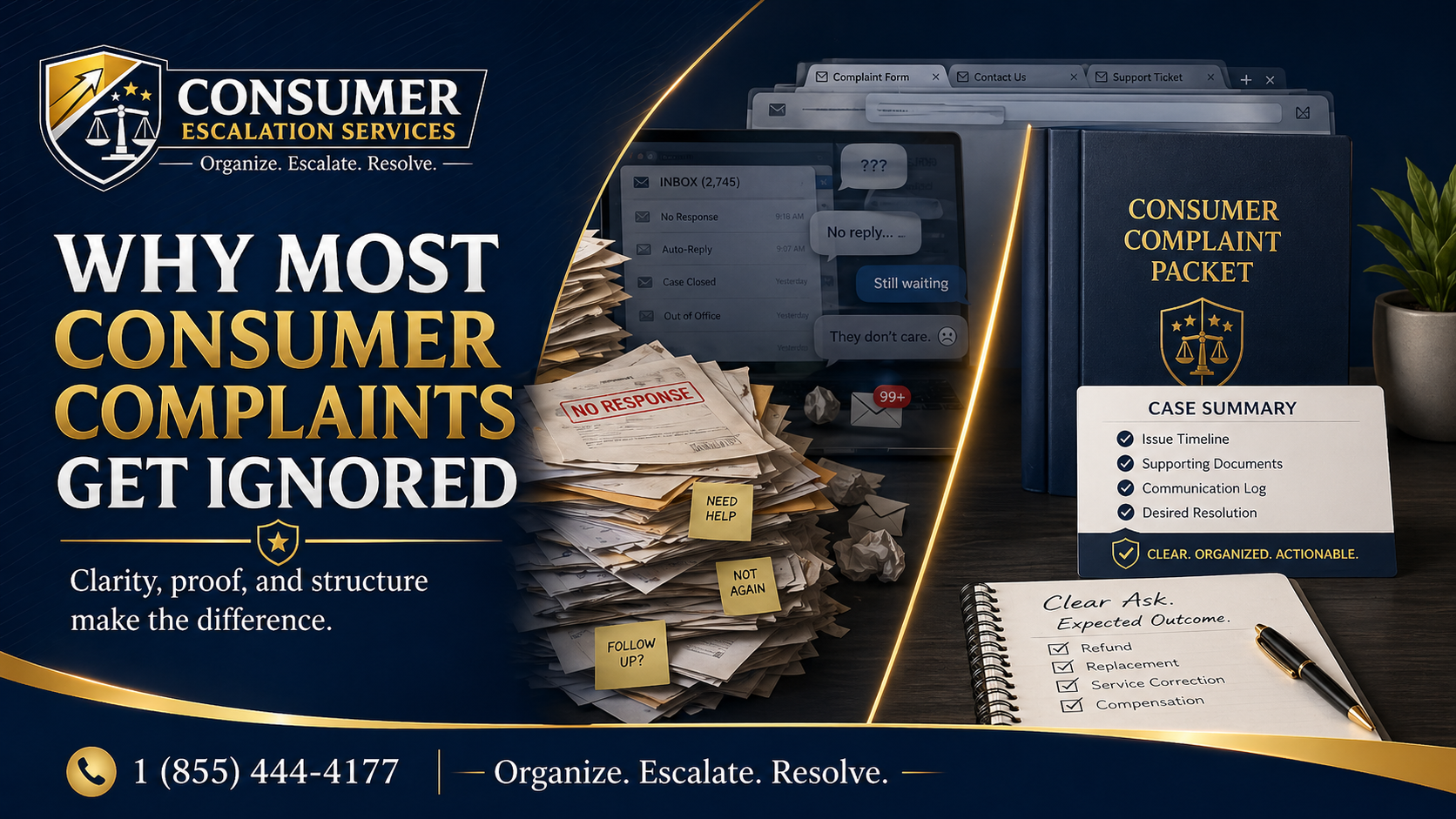
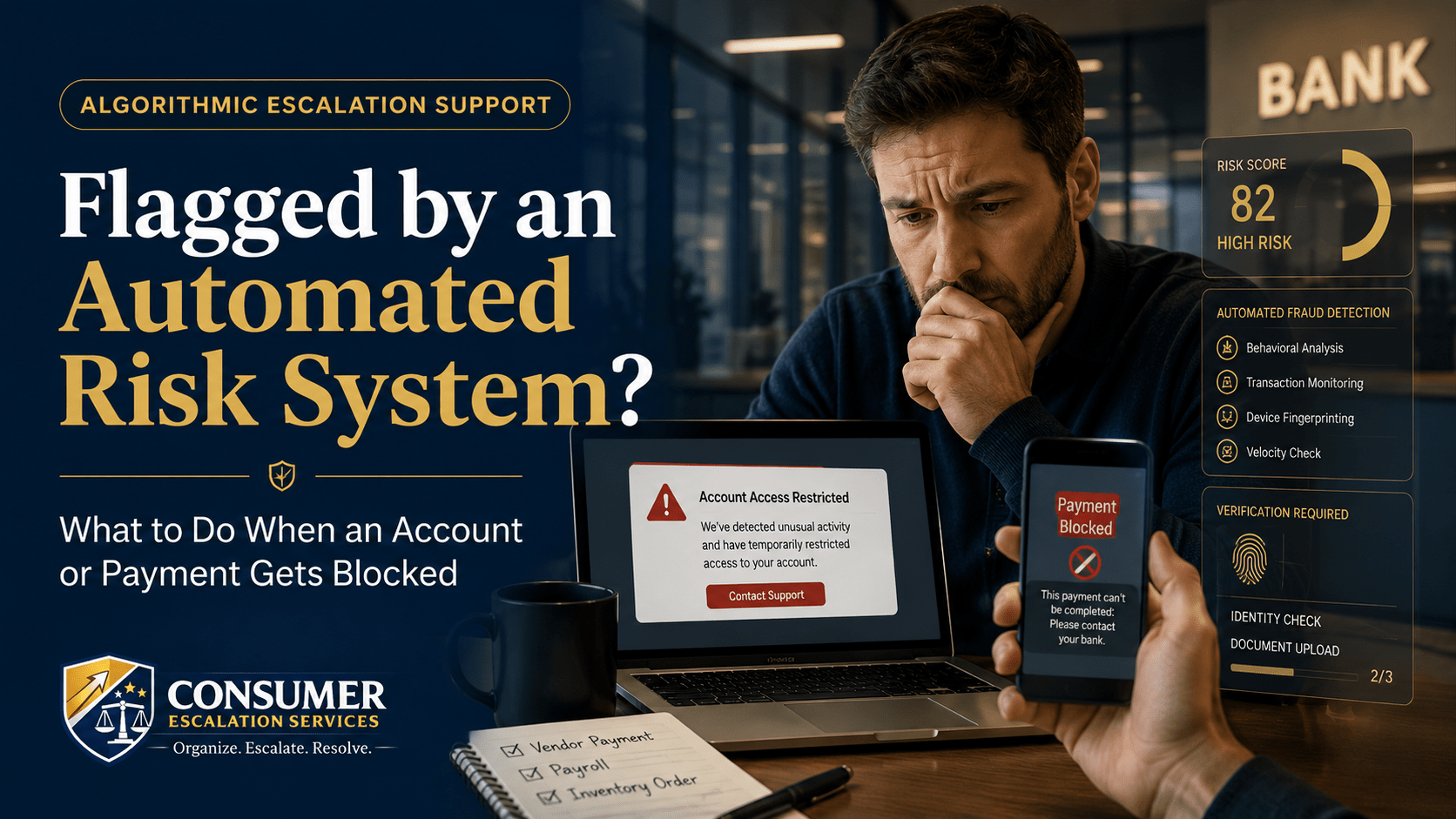
When a bank, payment processor, digital wallet, or fintech app freezes your account, holds a payment, or blocks a transaction, it can happen in seconds and feel completely unexplained. In almost every case, an automated risk system made the call before any person reviewed your file.
Risk-scoring engines are designed to act first and explain later — sometimes much later. That is normal. What is not normal is being unable to get a clear next step. This article walks through how those systems decide, what to do first, what NOT to send, and when to consider professional escalation.
Why Automated Risk Systems Flag Accounts and Payments
Financial platforms typically run every transaction and account event through some combination of:
- Automated fraud detection (rule-based and machine-learning).
- Risk scoring across the account history, login pattern, and transaction velocity.
- Identity verification — document image, biometric, and address matching.
- Transaction monitoring against AML, sanctions, and chargeback patterns.
- Device matching, IP velocity, and behavioral anomaly detection.
- Compliance filters for the source of funds or destination of a transfer.
A flag is not a finding of wrongdoing. It is a probability score that crossed a threshold. The system then holds the account or transaction while a separate (often slower) review team works through the queue.
Common Problems Consumers See
- Account frozen with a brief "unusual activity" notice and no detail.
- Payment held mid-transfer with no estimated release date.
- Digital wallet restricted from sending, only receiving.
- Identity verification repeatedly rejected even with valid documents.
- Transaction flagged as suspicious — vendor not paid, money sitting in limbo.
- Customer service says they "cannot share details about the review."
What You Can Try First
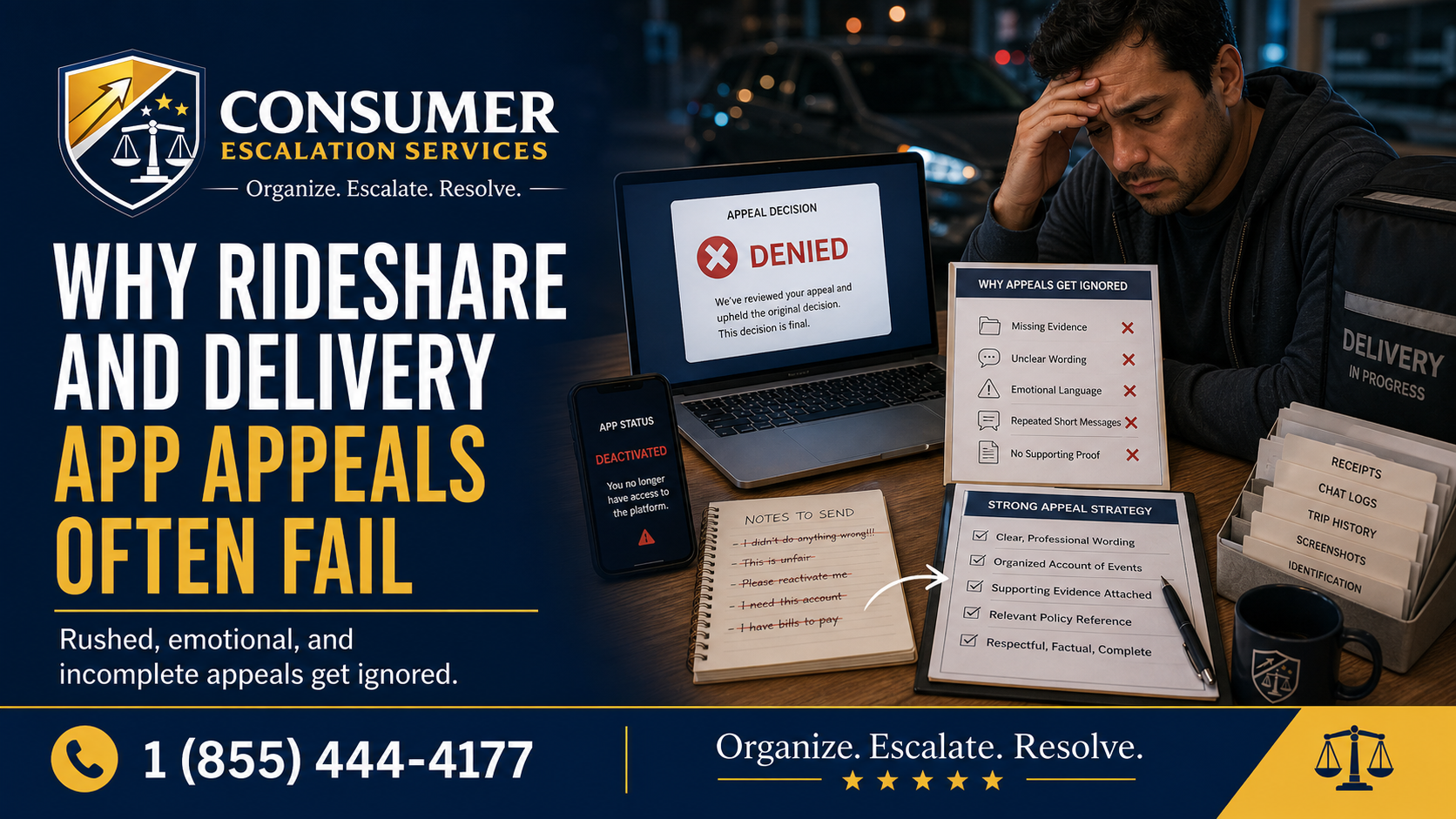
Move carefully — submitting conflicting information repeatedly can actually lengthen the review.
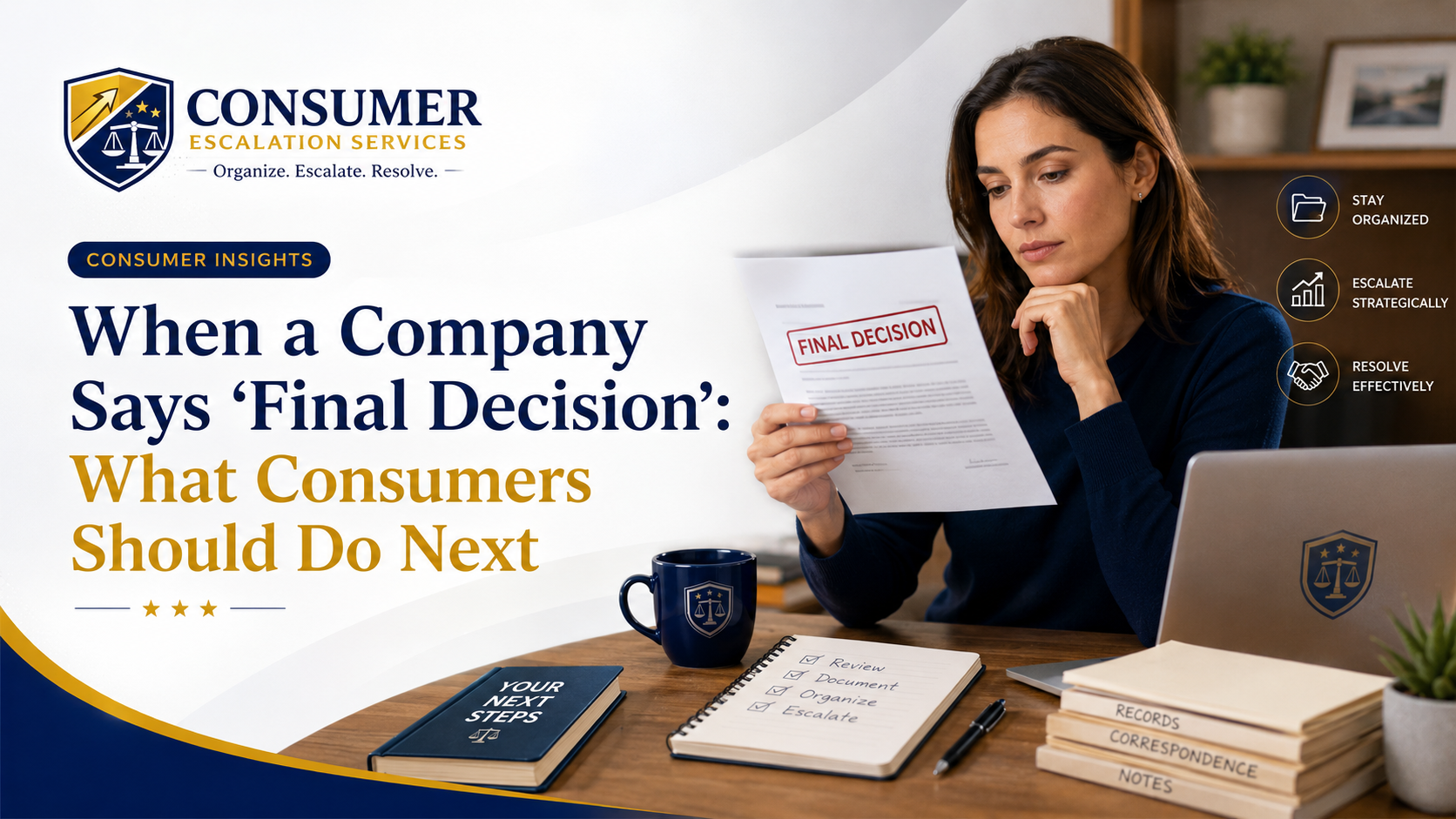
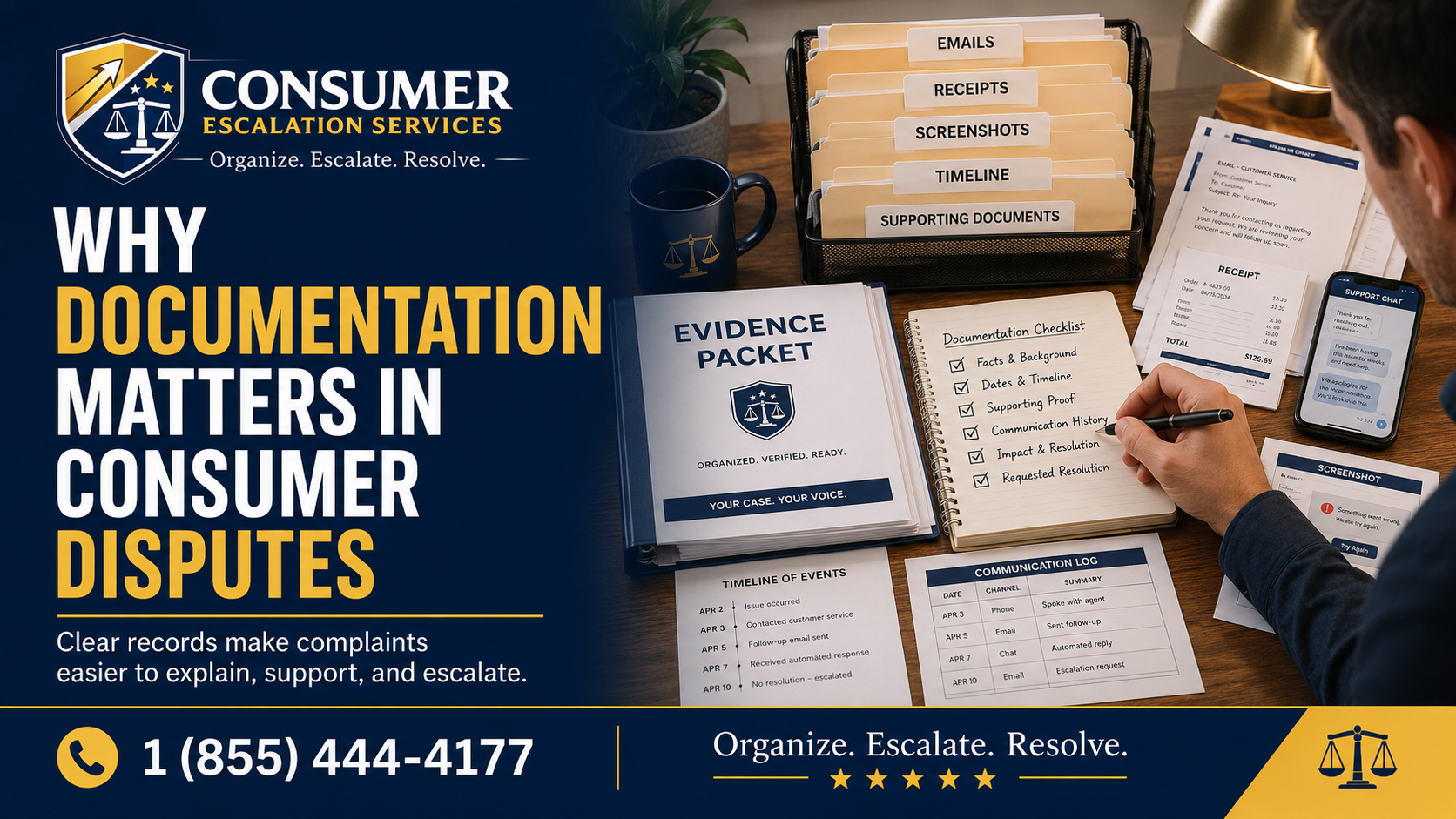
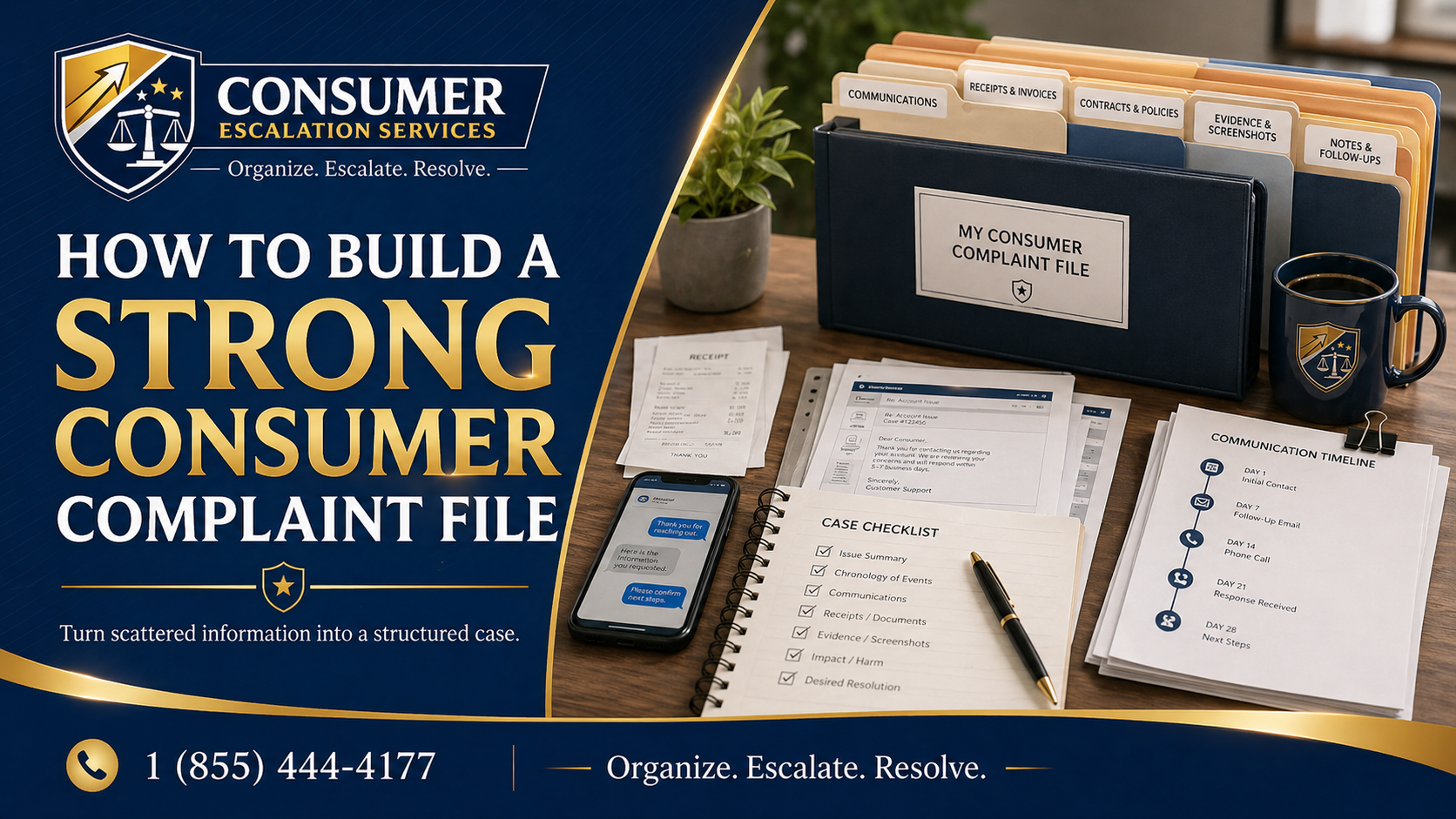
- Save every notice, in-app message, email, and reference number in one folder.
- Do NOT resubmit different versions of the same document. Pick the cleanest version and submit once.
- Use the official secure document upload link in the app or web portal — never email scans of IDs.
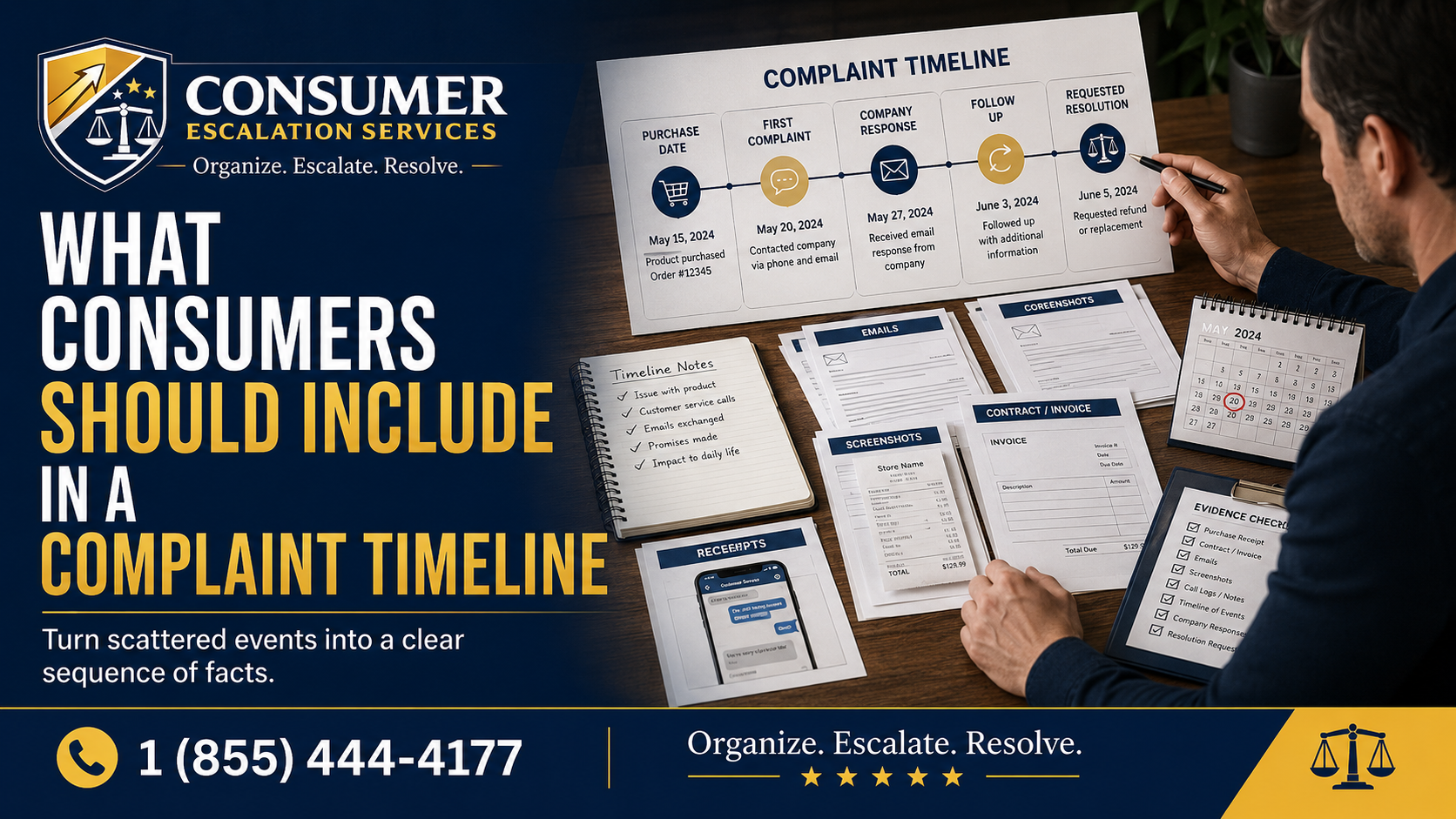
- Write a short timeline: account opened, last few transactions, the flagged event, every notice since.
- In plain language, list the source of funds or the purpose of the transaction if relevant.
- Ask in writing: "Which department is reviewing this? What is the expected timeline? Is there a manual review path?"
Important Safety Note
Never send sensitive personal documents — driver's license, passport, Social Security number, bank statements — by normal email or chat unless the company has provided a specific secure upload portal. Risk reviews are also a common target for phishing impersonators. If a "support agent" calls you and asks for documents or codes, hang up and contact the company through the number printed on the back of your card or in the official app.
What Evidence to Gather
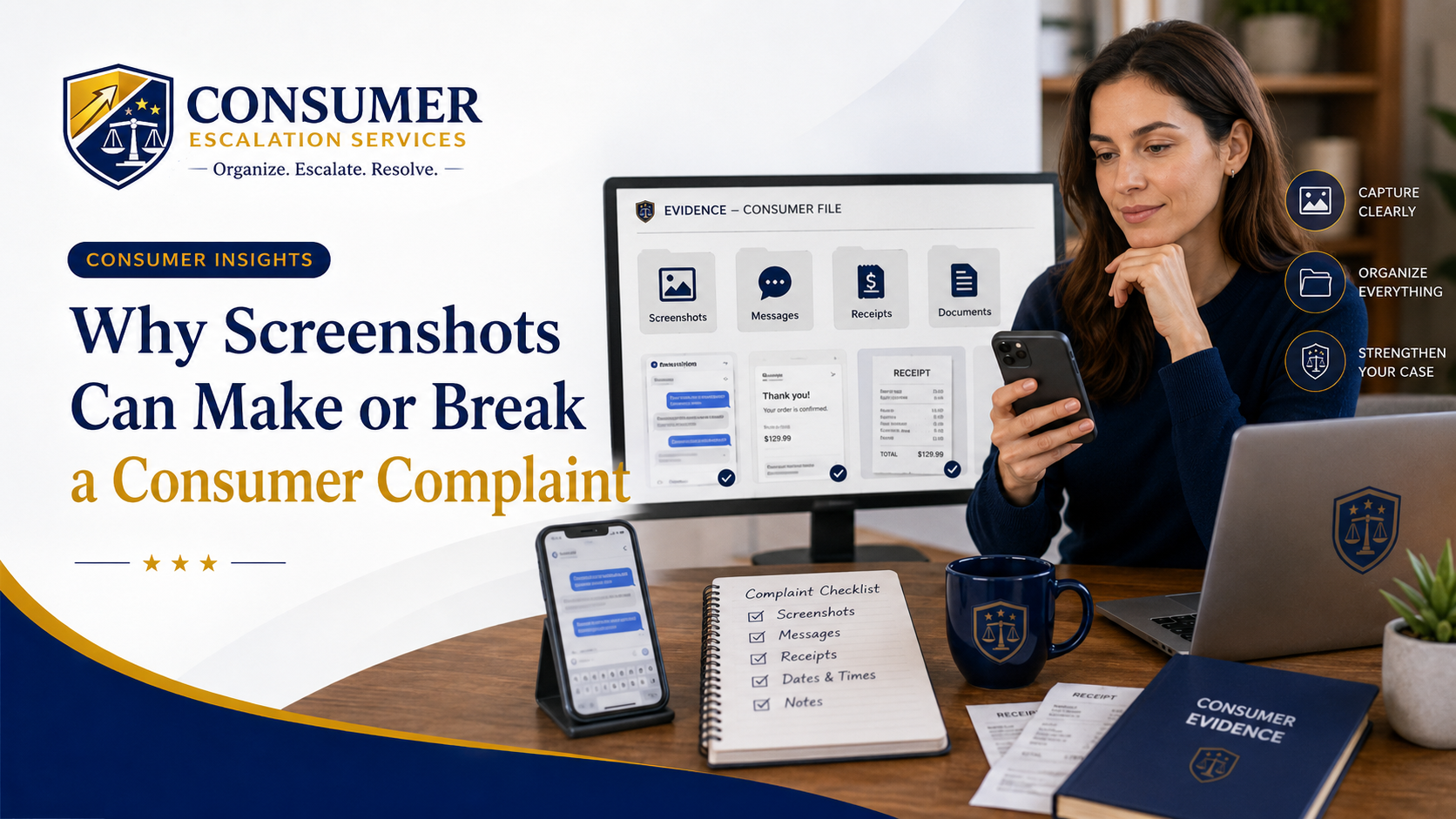
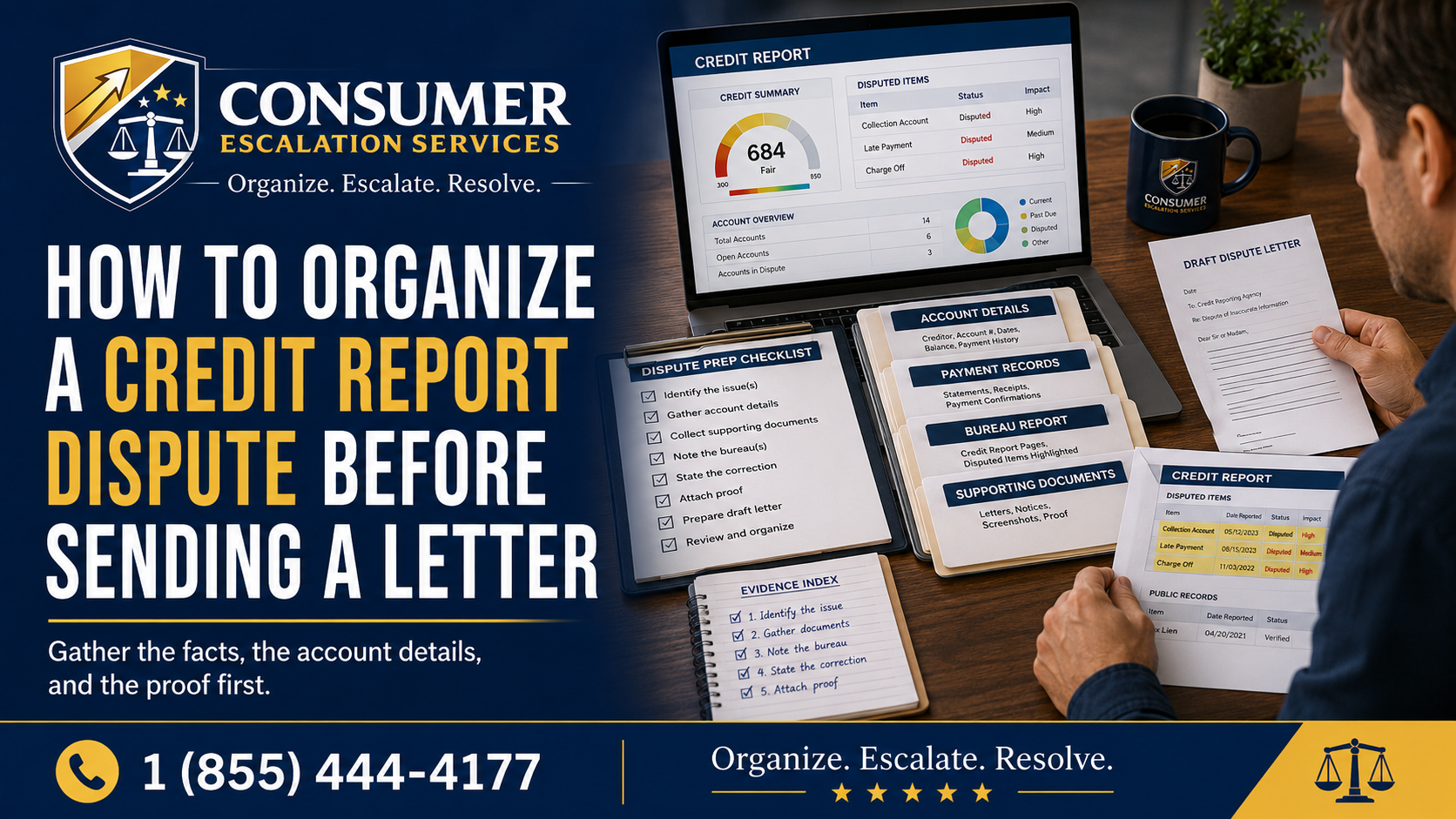
- All written notices from the platform with dates and reference numbers.
- A clean, recent ID and a current proof-of-address (utility bill or bank statement).
- For business or unusual transactions: invoice, contract, or correspondence with the counterparty.
- Screenshots of the in-app message thread.
- Bank or processor statements showing the held amount or restricted activity.
How to Request Human Review
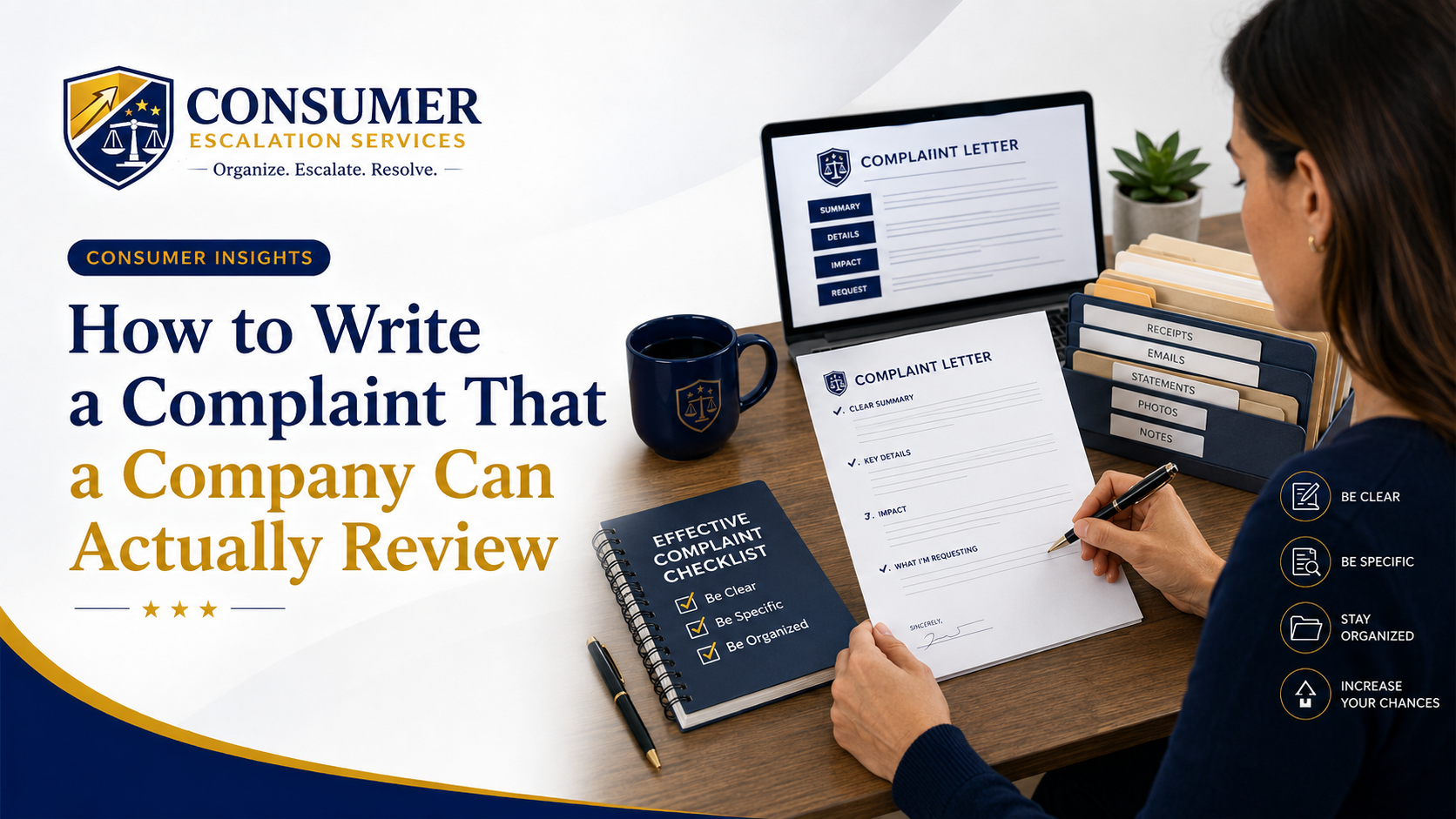
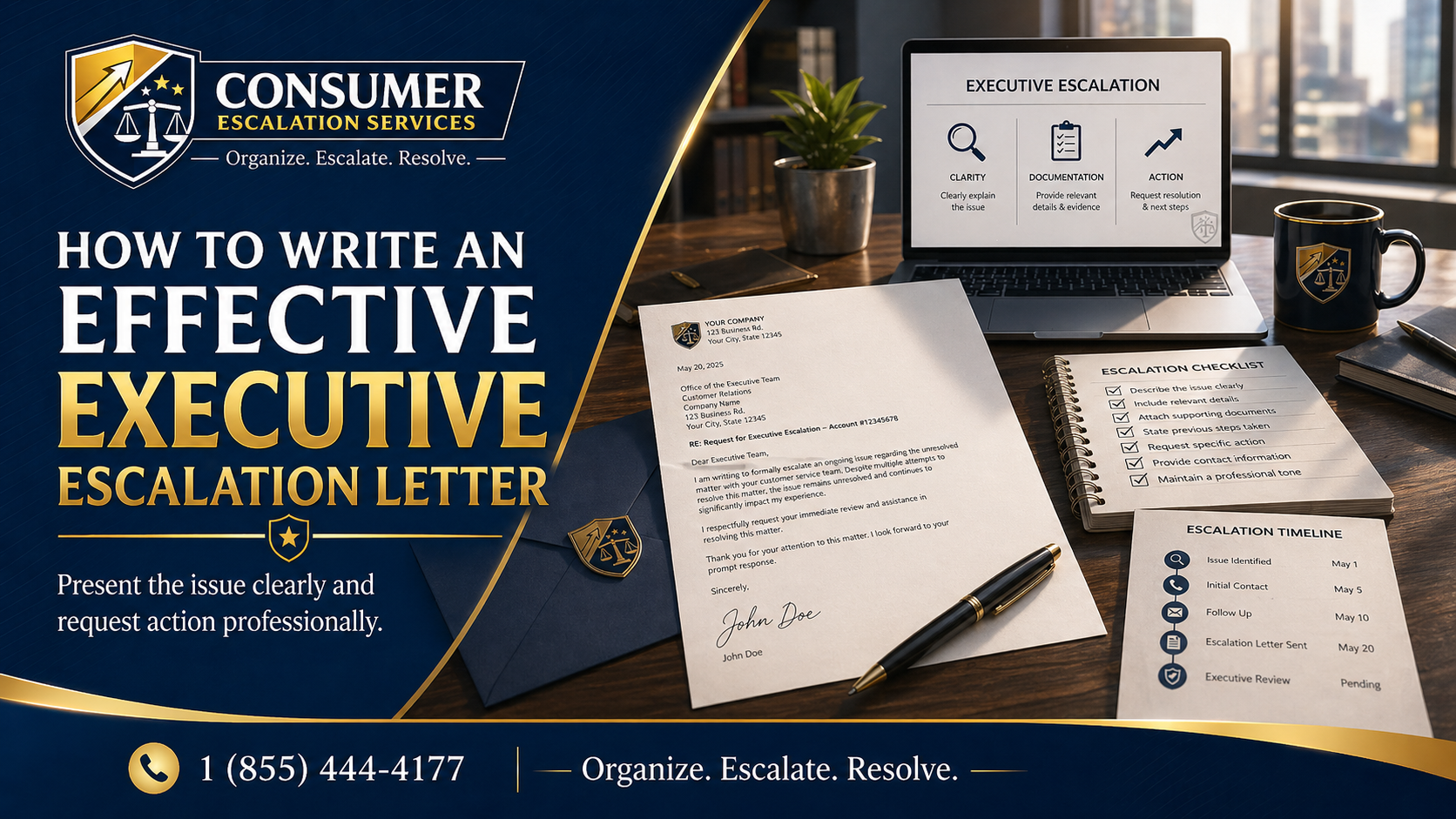
Ask plainly, in writing, for:
- Confirmation of whether the restriction was set by an automated system or by a person.
- The next concrete step you can take to advance the review.
- A specific reviewer, case team, or department name.
- The expected response window so you can follow up appropriately.
- A written reason for the restriction, if internal policy allows the company to share it.
When It May Be Time to Escalate
- You have submitted valid documents and the review will not move.
- Every response is generic "risk team is reviewing" language with no path forward.
- The held amount is large enough that the delay is causing real harm.
- The company will not confirm whether the matter has been escalated past the automated layer.
How CES Can Help Organize the Complaint
Consumer Escalation Services helps consumers and small businesses organize the account history, transaction timeline, document index, and professional escalation language used to break out of vague risk-review responses. CES does not file legal action and is not a debt collector or a representative of any financial institution. Its role is to help you present the strongest possible nonlegal escalation record. To see how the same approach works across automated denials, visit the Algorithmic Escalation page.
Related Algorithmic Escalation Insights
- Automated Refund or Warranty Claim Denied — /consumer-insights/automated-refund-warranty-claim-denied
- Travel Refund or Credit Denied by an Automated System — /consumer-insights/travel-airline-hotel-automated-denials
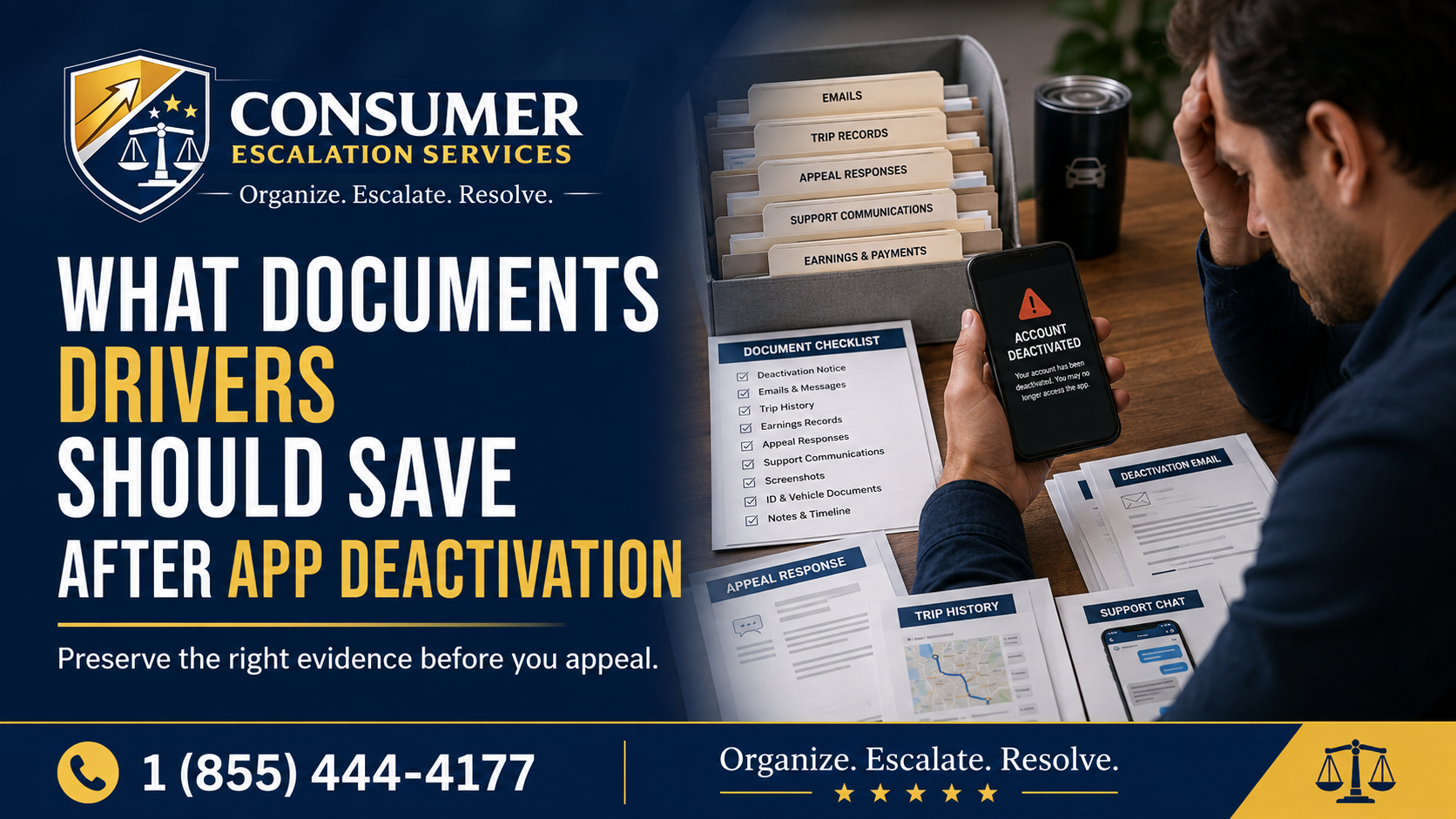
- Rideshare or Delivery App Algorithmic Deactivation — /consumer-insights/rideshare-delivery-app-algorithmic-deactivation
- CES Algorithmic Escalation — /algorithmic-escalation
Final Thought
An automated risk flag is not a verdict. It is a queue. Calm, organized, single-channel communication moves faster than panicked re-submissions through every form on the website. Consumer Escalation Services is not a law firm, does not provide legal advice, and does not guarantee any outcome.