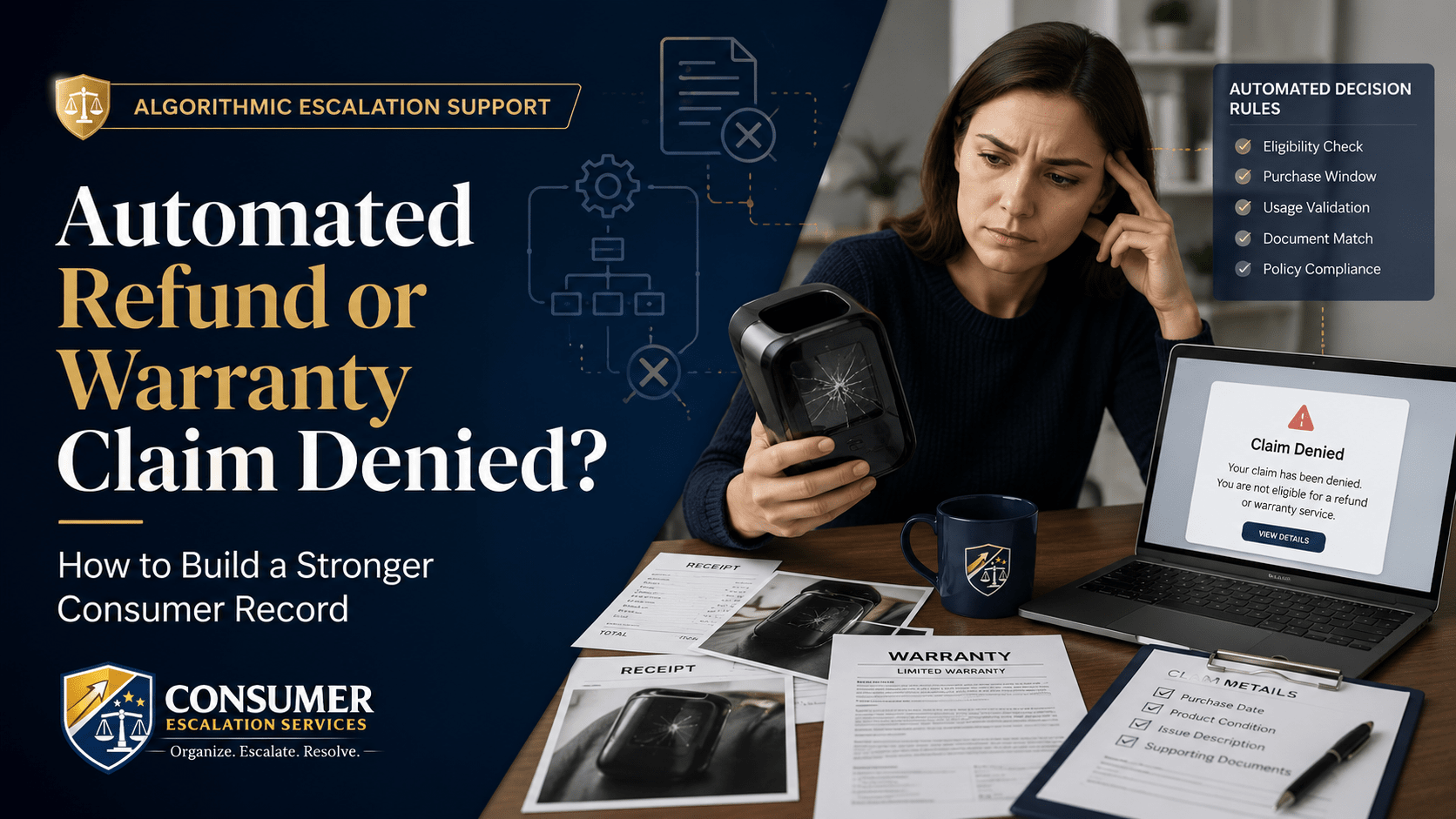
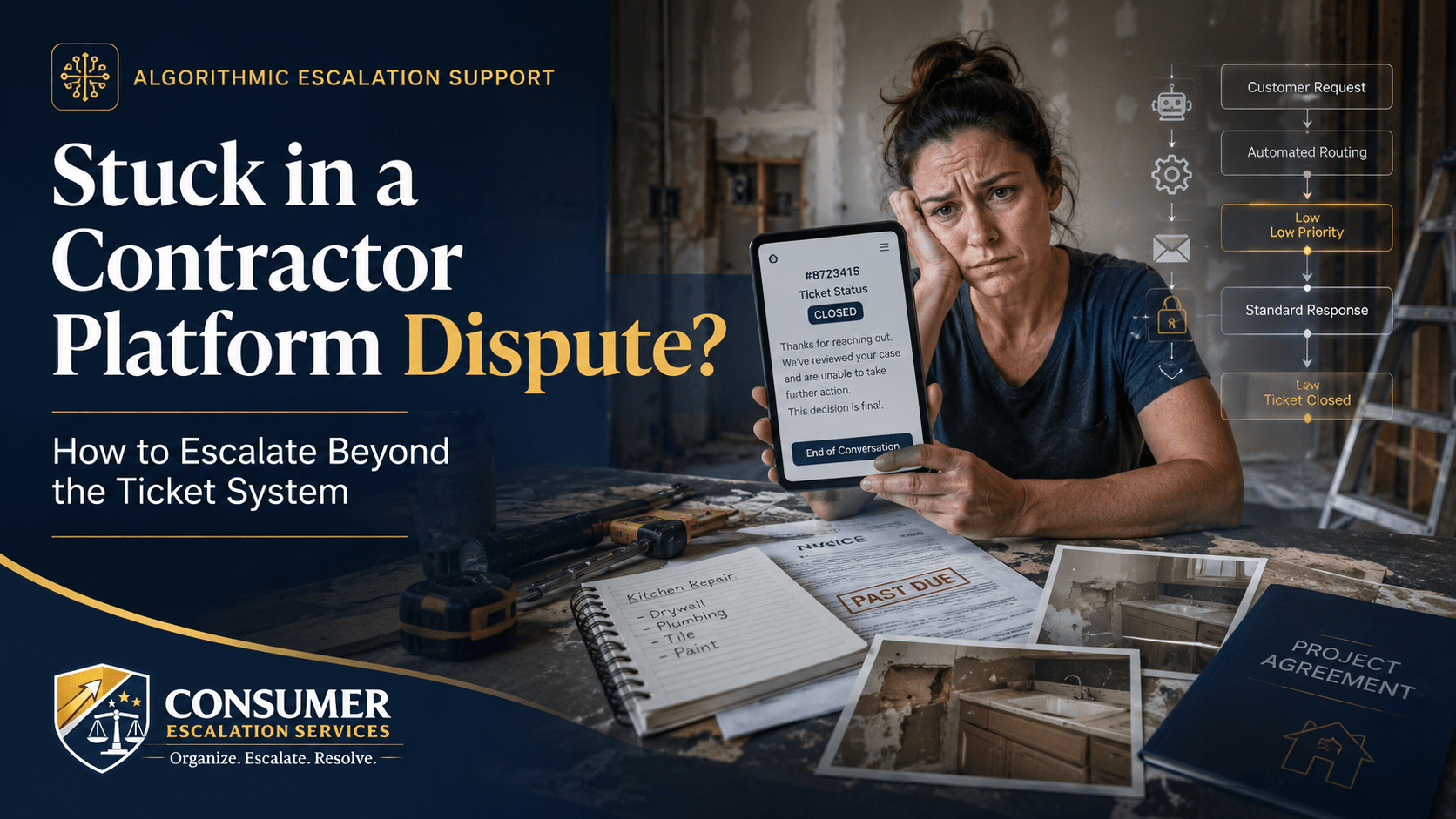
You hired a contractor or service professional through a home-services marketplace or platform. The work was not completed, the work was poor, the contractor disappeared, or you paid a deposit and the job never started. You opened a ticket. The ticket closed itself. You opened another one. The platform told you it is "only a marketplace."
That is not a customer service failure. It is the platform's automated dispute system working exactly as designed — to route serious complaints into a queue that quietly disposes of them.
Why Marketplace Platforms Close Disputes Automatically
Most modern service platforms use a stack of automated tools to manage disputes:
- Automated ticket routing based on category, dollar amount, and contractor rating.
- Scripted first responses that ask the consumer to "work it out with the pro."
- Time-based auto-close — tickets close themselves if the consumer does not reply within a window.
- Contractor rating systems that protect higher-rated providers from review.
- Platform protection policies that exclude many real-world failures by design.
- A separation between "trust and safety" and "billing" so disputes bounce between teams.
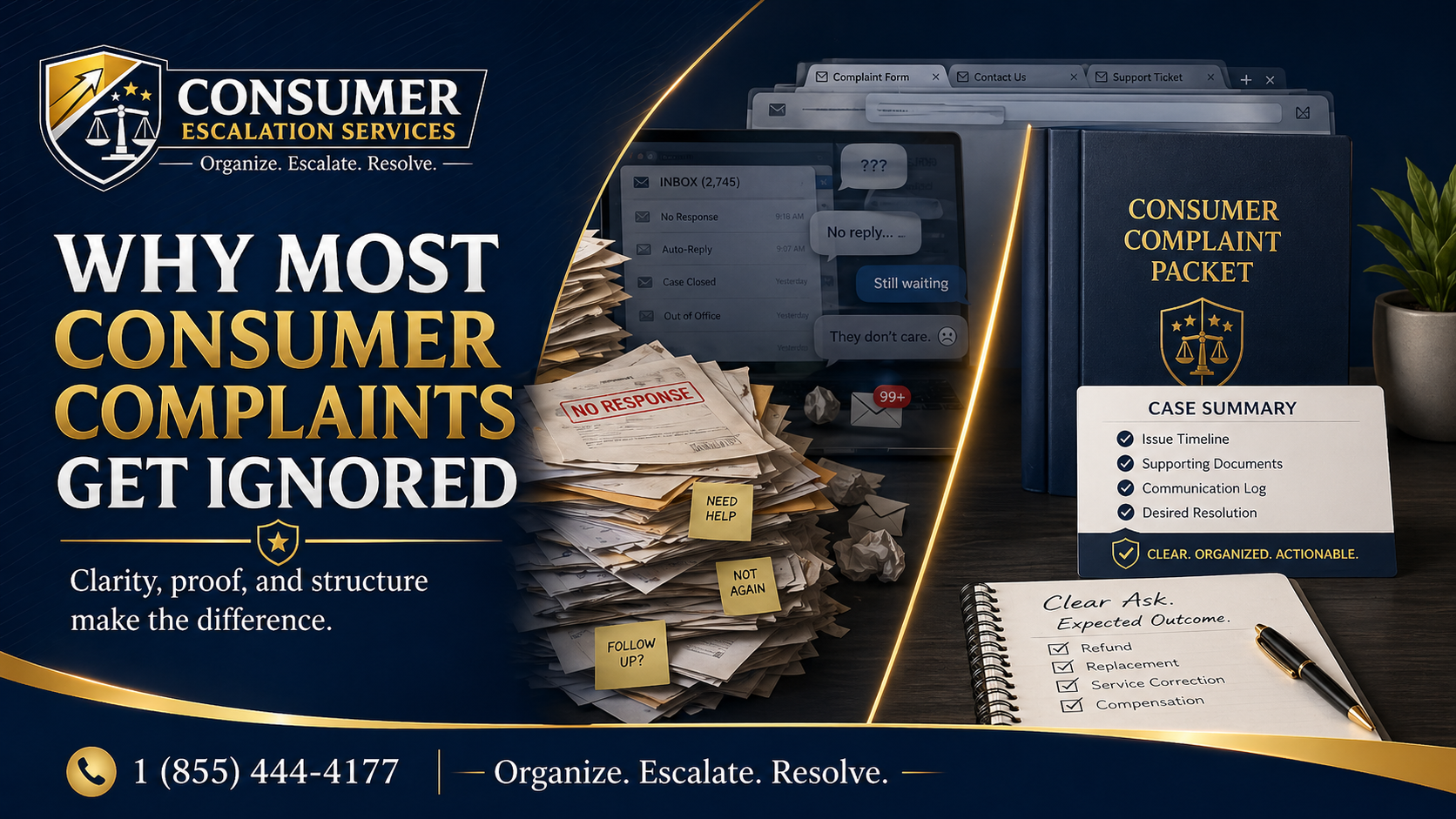
The consumer experience is a ticket that keeps closing without ever addressing the actual complaint. The platform feels like it is responding because the system is moving the case. The case is just moving in a circle.
Common Problems Consumers See
- Contractor stopped showing up halfway through the project.
- Workmanship was poor and the contractor will not return to fix it.
- Paid a deposit and the job was canceled with no refund.
- Platform says it is only a marketplace, not responsible for the contractor.
- Contractor and the platform blame each other in a loop.
- Ticket repeatedly closed with "we are unable to take further action."
- Photos and evidence ignored — the ticket reply quotes a generic policy.
What You Can Try First
A new ticket against a closed one rarely changes the outcome. Reset the file before you re-engage.
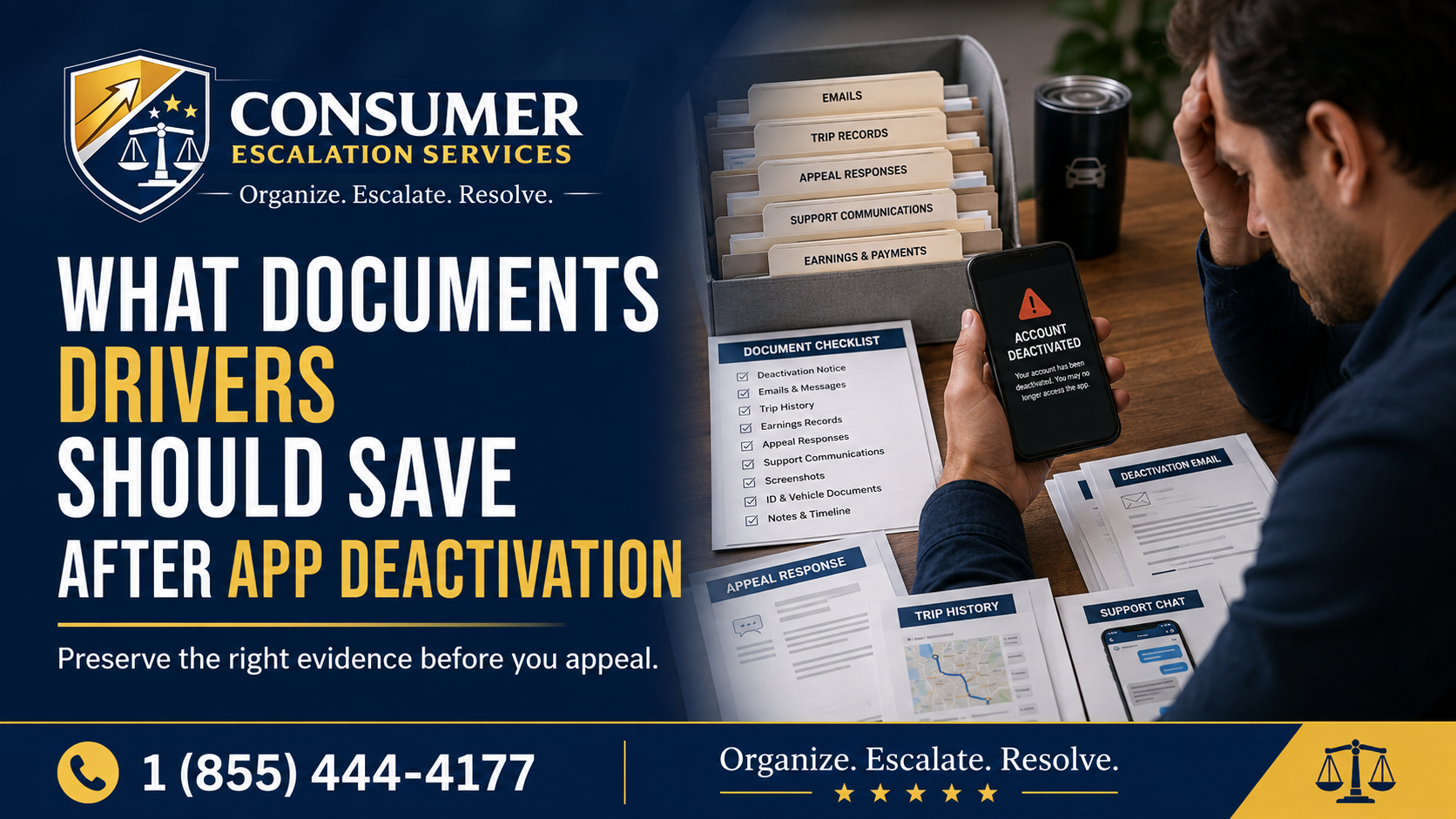
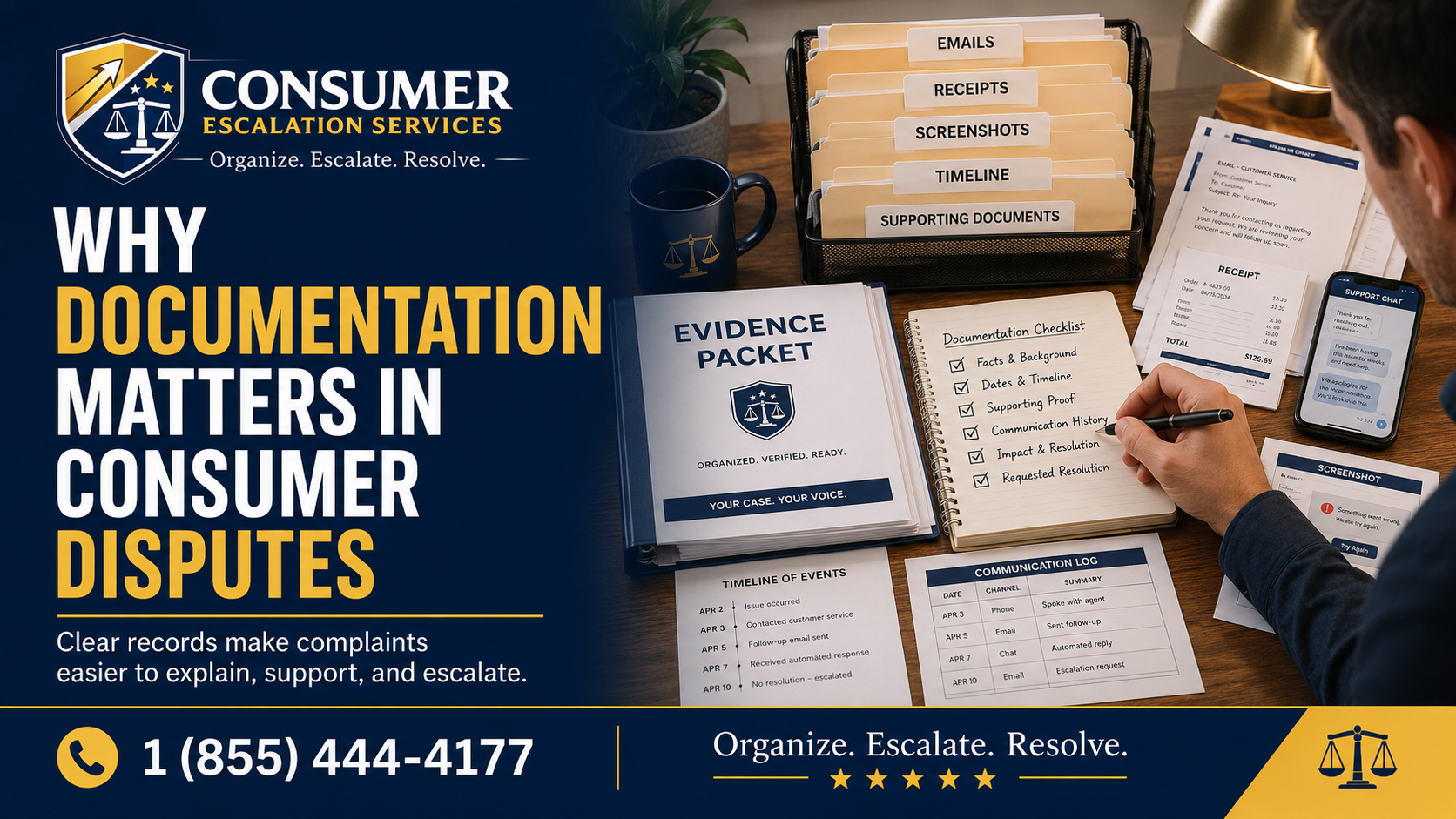
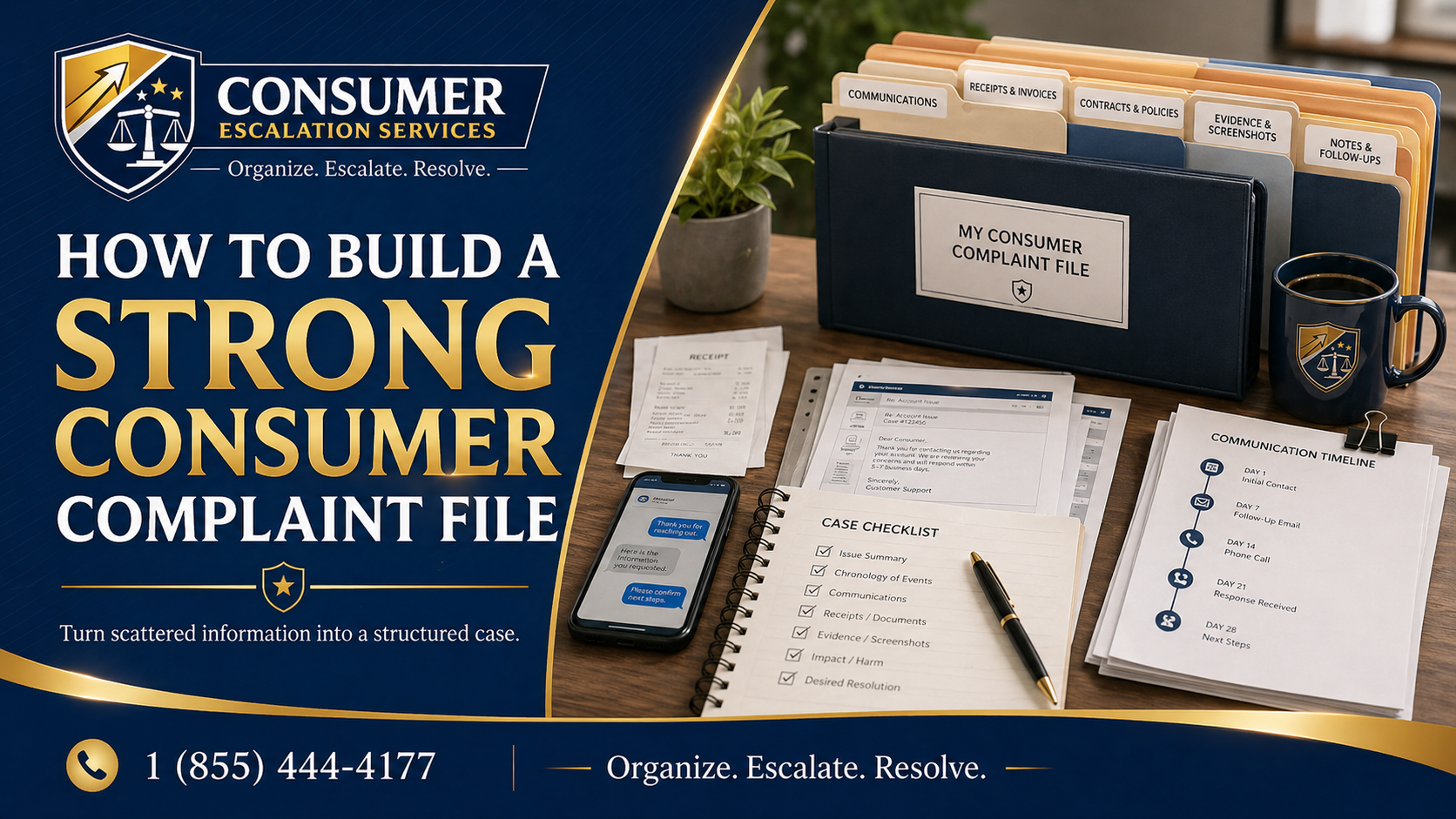
- Save the original platform listing, the agreed scope of work, the estimate, and every message exchanged through the platform.
- Save your payment record — platform invoice, contractor invoice, deposit receipt, credit card statement entries.
- Take a before-and-after photo set if possible.
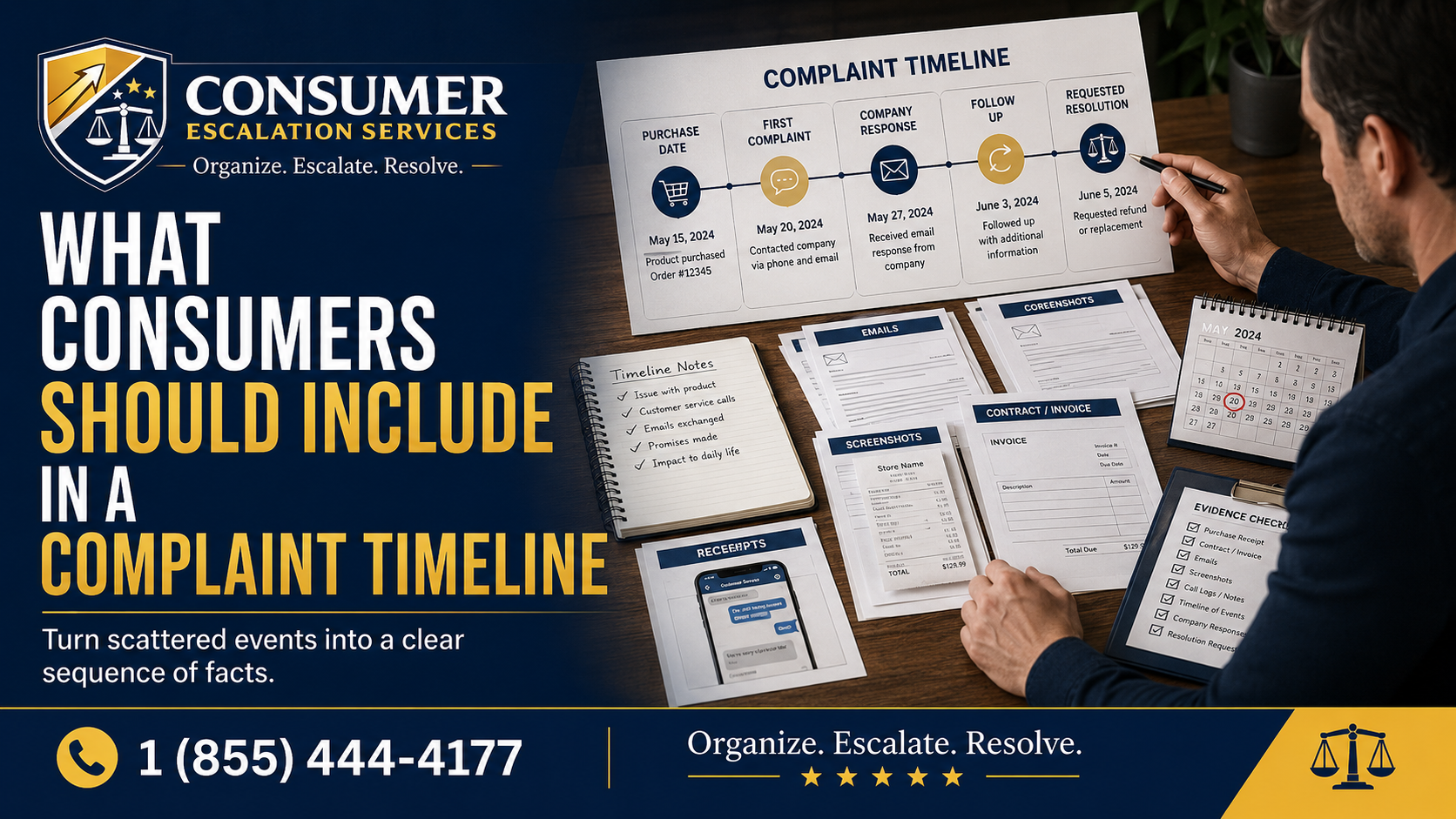
- Build a timeline: booking, deposit, scheduled start, what was actually completed, when the contractor went silent or the dispute opened.
- Identify what was promised, what happened, and what resolution you are requesting in three short sentences.
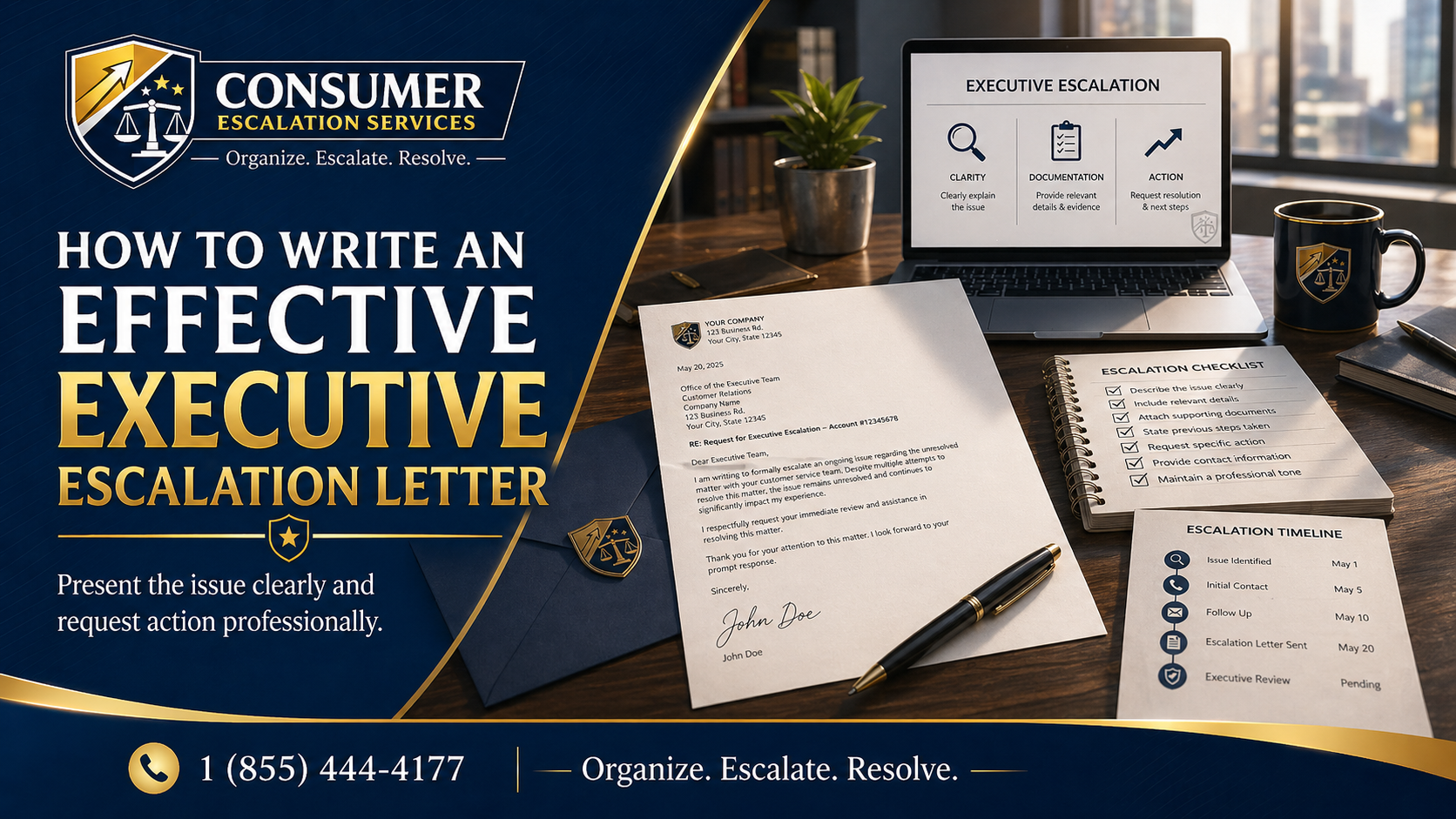
- Send ONE clear message that asks for human review under the platform's guarantee, protection policy, refund policy, or contractor standards — name the specific policy if you can find it.
What Evidence to Gather
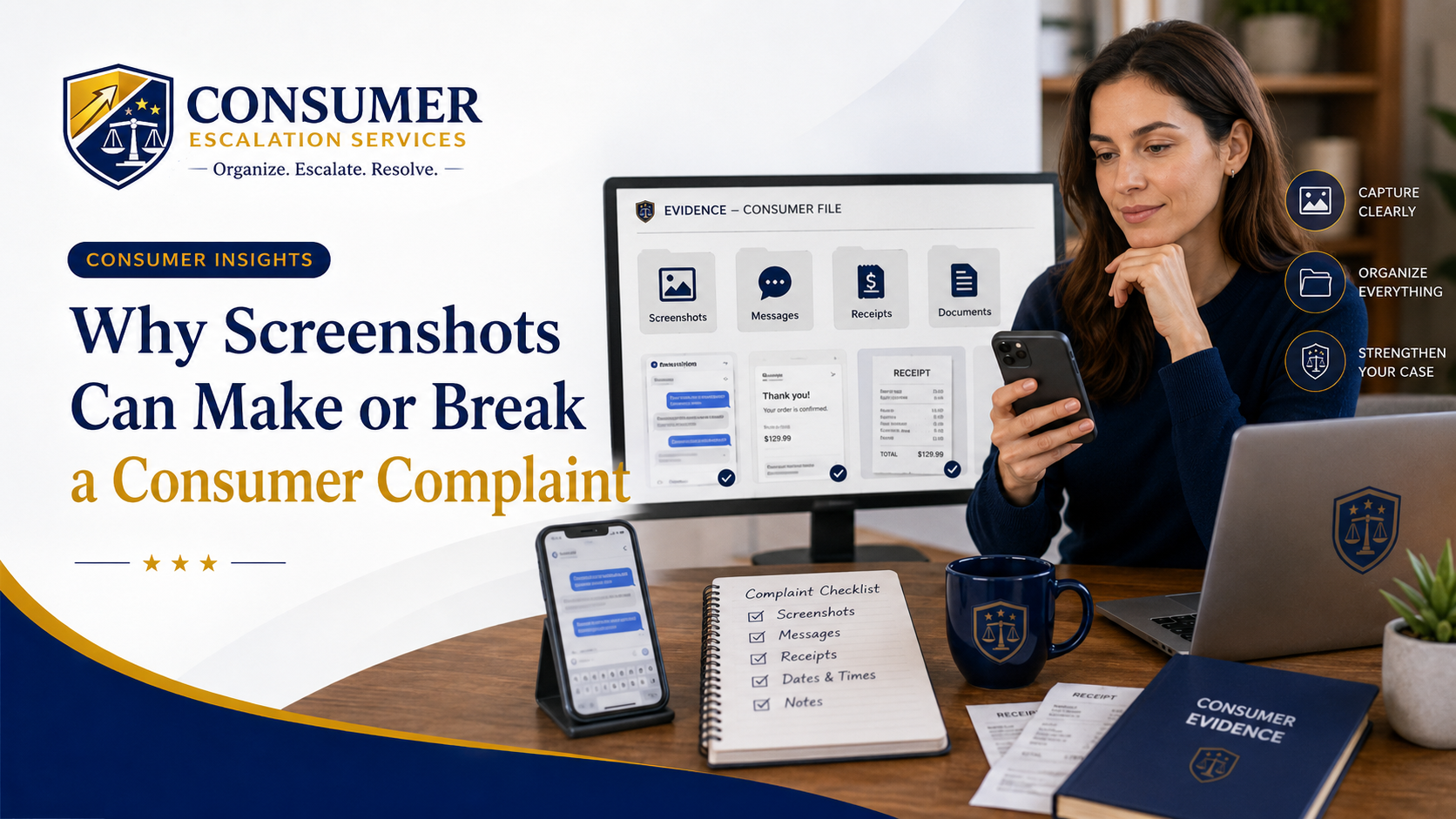
- Platform listing screenshot with the contractor's claimed credentials and ratings.
- Original quote, estimate, and final invoice.
- Contract or written scope of work, if any.
- In-platform messages — most marketplaces will not honor off-platform chat.
- Photos and videos of completed and incomplete work with timestamps.
- Receipts for materials, additional contractors hired to finish or fix the job.
- Ticket numbers and screenshots of every closed ticket.
How to Request Human Review
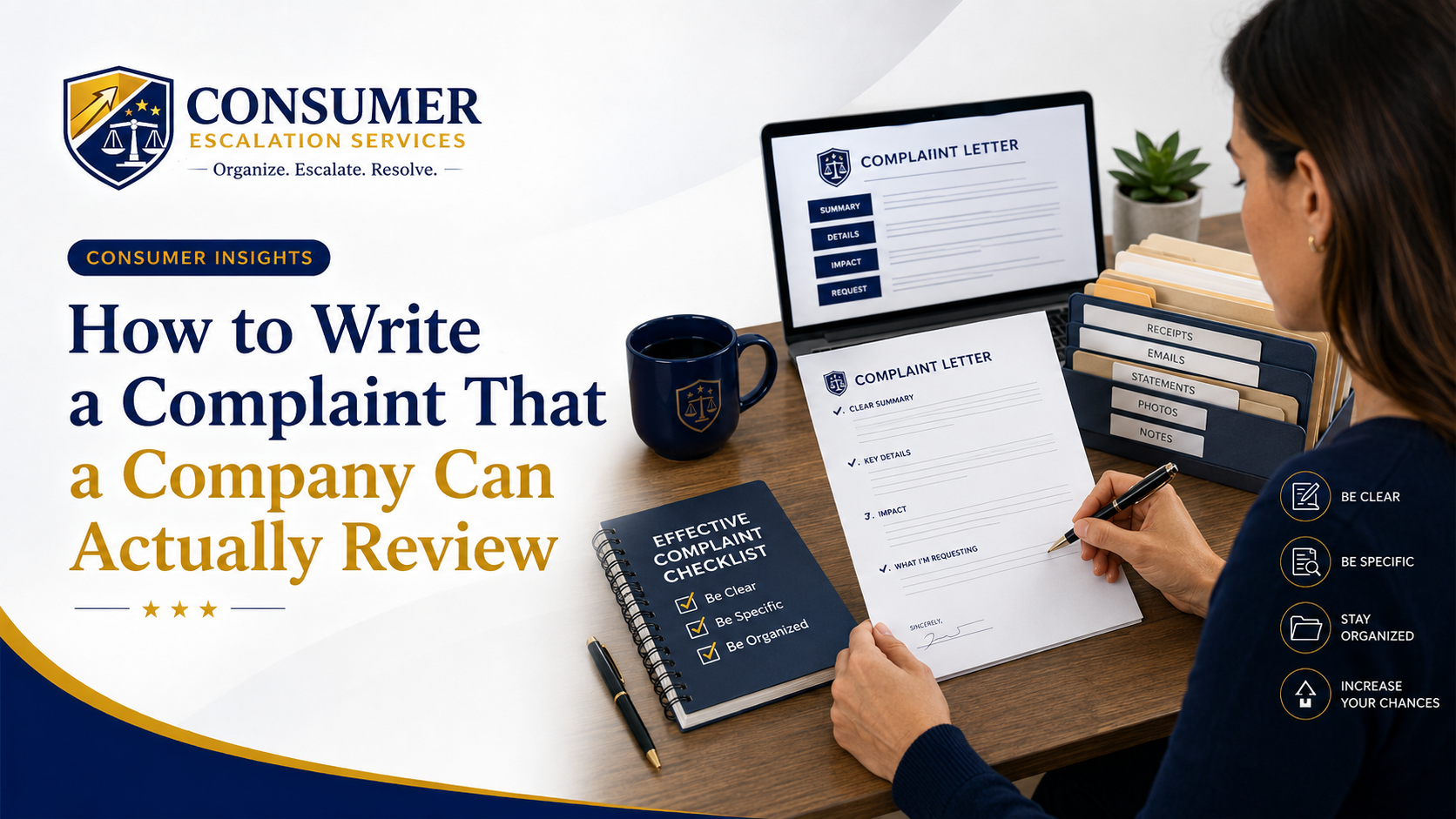
Be specific about what you are asking the platform to do:
- "I am requesting review under [name the specific guarantee or protection policy]."
- "This ticket has been auto-closed [X] times without addressing the facts. I am requesting human review."
- "Please confirm whether the dispute is being reviewed under the platform's guarantee or under a generic support category."
- "Please respond to each item in the attached timeline, not to a policy summary."
When It May Be Time to Escalate
- The platform keeps closing tickets without addressing the actual evidence.
- You have strong documentation but no clear escalation path.
- The dispute involves a meaningful dollar amount and the platform's guarantee should cover it.
- You need to organize the file into a professional escalation package that lands above the ticket layer.
How CES Can Help Organize the Complaint
Consumer Escalation Services helps consumers organize the contract, the timeline, the photo evidence, and the professional escalation language used to pull a marketplace dispute out of the automated ticket layer and put it in front of a real reviewer. CES does not file lawsuits, does not promise a refund, and is not a representative of any platform. Its role is preparing the strongest possible nonlegal escalation record. For the full picture of how CES handles AI-driven and platform-driven denials, see the Algorithmic Escalation page.
Related Algorithmic Escalation Insights
- Automated Refund or Warranty Claim Denied — /consumer-insights/automated-refund-warranty-claim-denied
- Rideshare or Delivery App Algorithmic Deactivation — /consumer-insights/rideshare-delivery-app-algorithmic-deactivation
- Flagged by an Automated Risk System (Account or Payment Blocked) — /consumer-insights/automated-risk-flag-account-payment-blocked
- CES Algorithmic Escalation — /algorithmic-escalation
Final Thought
An auto-closed ticket is not a final decision — it is a default. The right escalation package, sent through the right channel, with a clear request for human review under a specific policy, often produces a different answer. Consumer Escalation Services is not a law firm, does not provide legal advice, and does not guarantee any outcome.