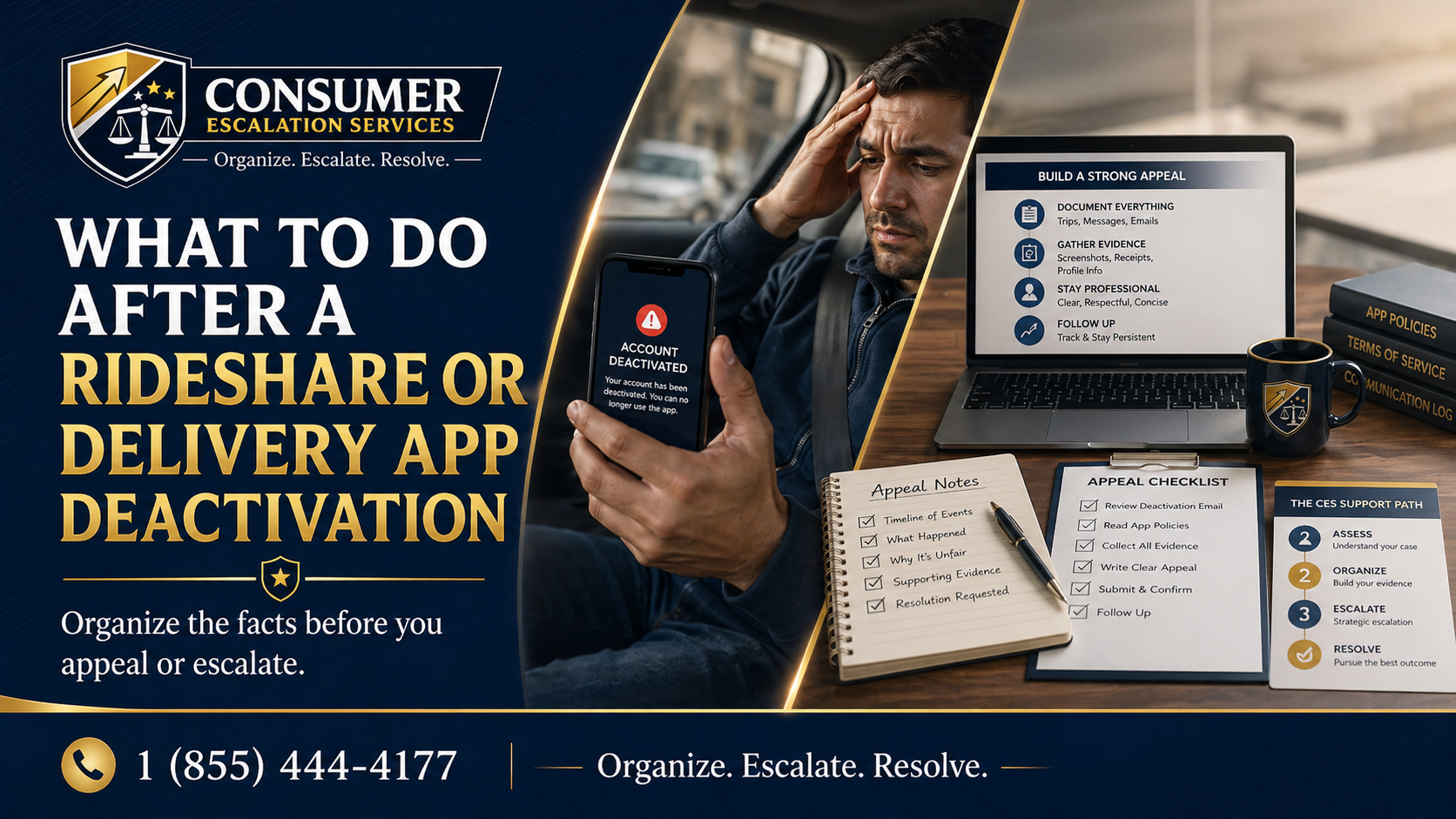
A deactivation rarely arrives at a convenient time. Most drivers find out at 3 a.m. between trips, on the way to a delivery, or right before a shift they were counting on. The notice itself is short — a sentence or two, sometimes a policy reference, sometimes nothing — and the next thing on the screen is usually a button to submit an appeal.
How that appeal goes is decided in the next hour, not in the appeal form. What you do immediately after the deactivation lands is the part that matters.
The First Hour After You’re Locked Out
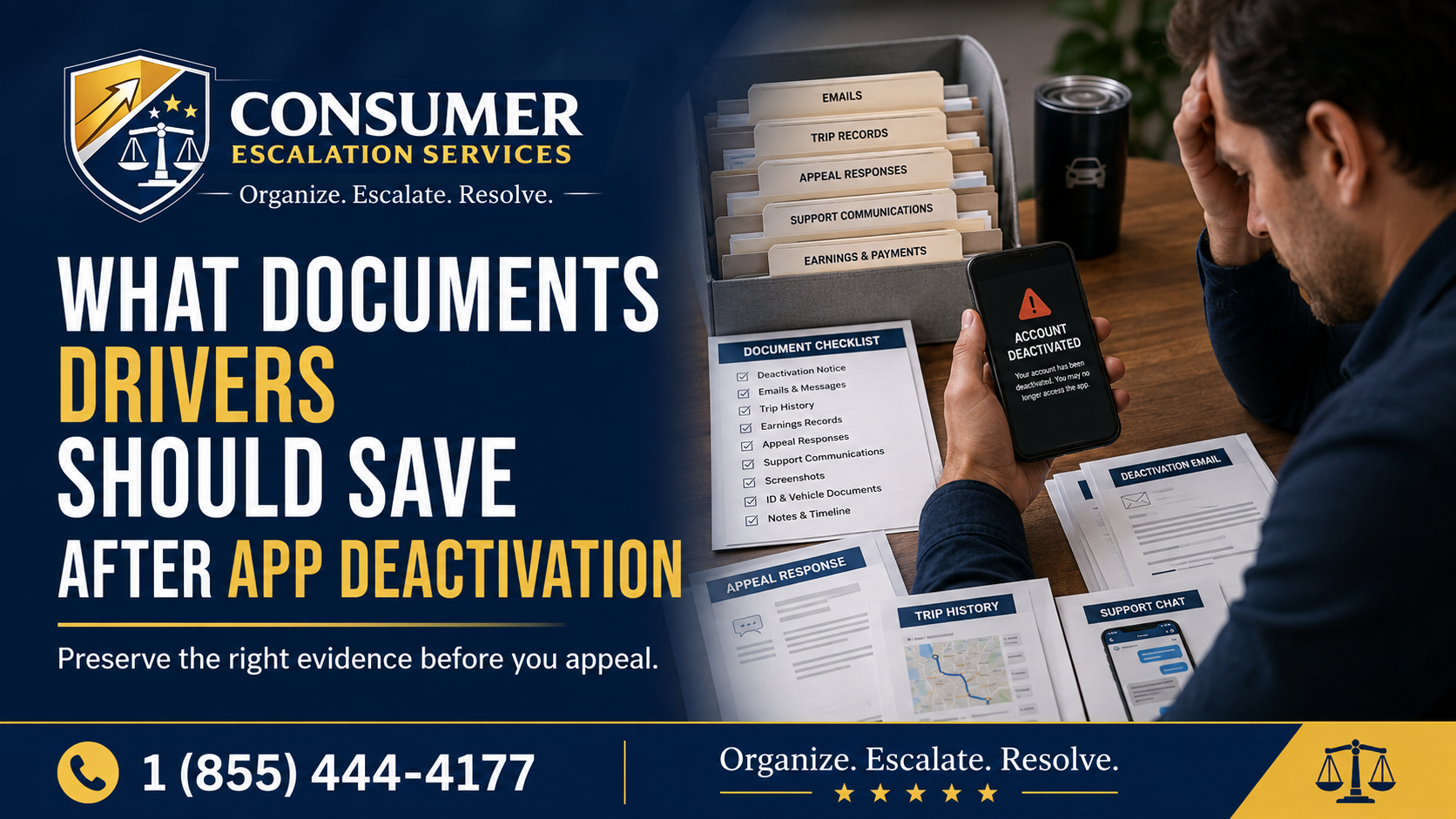
- Screenshot the deactivation notice exactly as it appears on the screen
- Take a separate screenshot of any policy reference, reason code, or ticket number
- Check email and SMS for the same message — capture both
- Write down the exact date and time the deactivation took effect
- Stop driving on any related platform until you understand what happened
Do not delete the app. Do not log out aggressively. Do not start composing the appeal yet. The appeal is the last step, not the first.
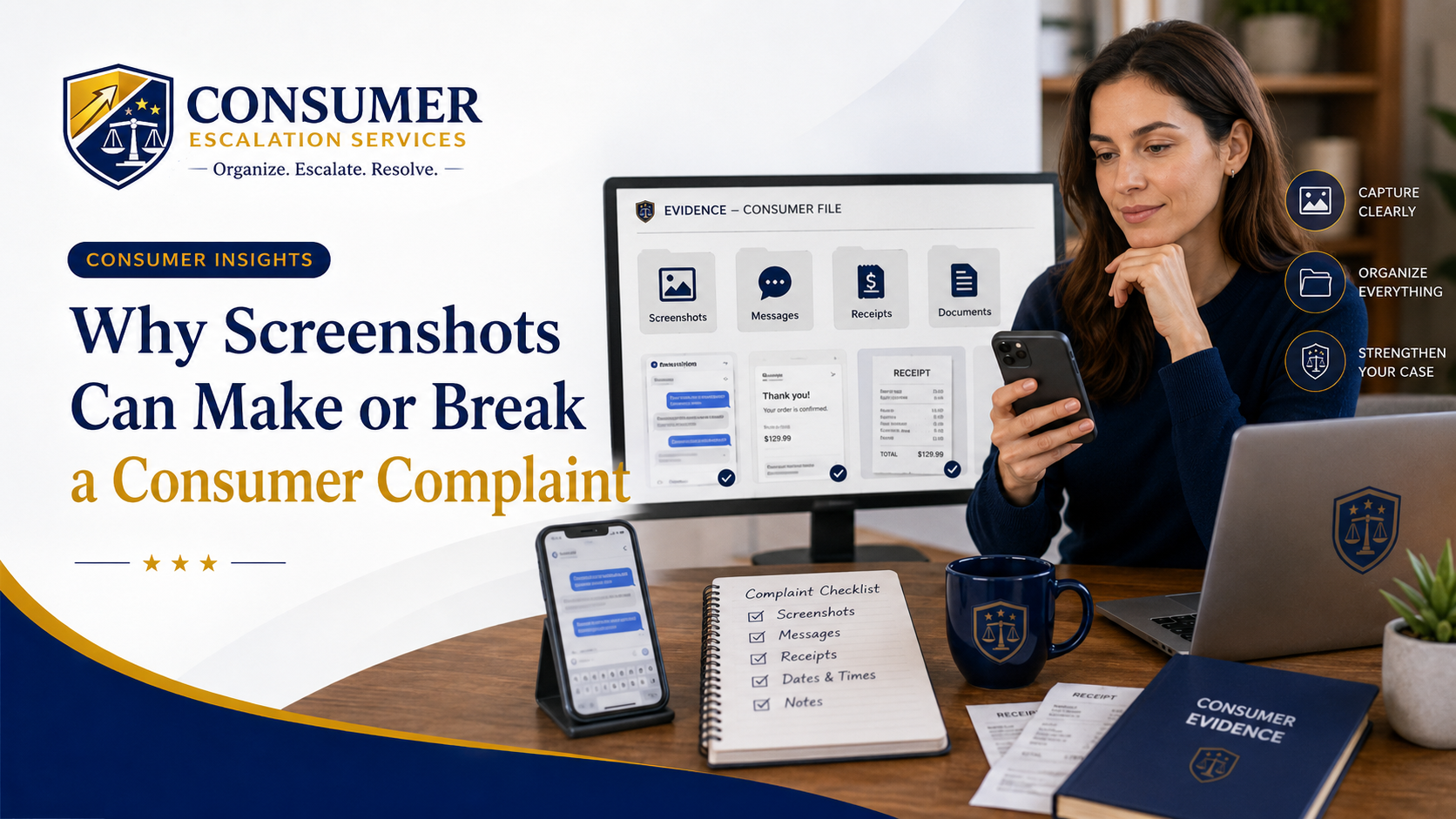
Why Screenshots Are Your Lifeline
Most platforms reuse the same in-app screens for warnings, holds, and permanent deactivations. A screenshot taken in the moment captures wording, layout, and context that may be edited or removed days later. If your account is restored, you may also lose access to the original notice — keeping a screenshot is the only way to preserve the exact language you were shown.
Save the Trail of Conversations
- Support chats — open each one and screenshot the full thread
- Email threads with platform support, including auto-replies
- In-app messages with riders, customers, or stores from the relevant week
- SMS or push notifications that referenced your account standing
- Phone records, with date and time, for any calls to support
- Earnings statements, ratings, and acceptance / completion stats for the past 12 weeks
- Trip or delivery history that shows your normal pattern
Do not rely on the app retaining this data. Some platforms restrict access to historical records once an account is deactivated. Pull what you can, while you can.
Reconstruct the Trigger Trip or Order
Most deactivations are tied to a specific event — a trip, a delivery, a customer complaint, a background check refresh, a document expiration, a fraud flag. The platform may not state the trigger clearly, or at all. Identifying the most likely trigger is what turns a generic appeal into a focused one.
For the trigger event, gather:
- Trip or order ID
- Pickup and drop-off addresses or stores
- In-app messages with the rider, customer, or store
- Dashcam footage if you record
- Photos taken at pickup, drop-off, or hand-off
- Background check or document upload status, if your account hit a verification flag
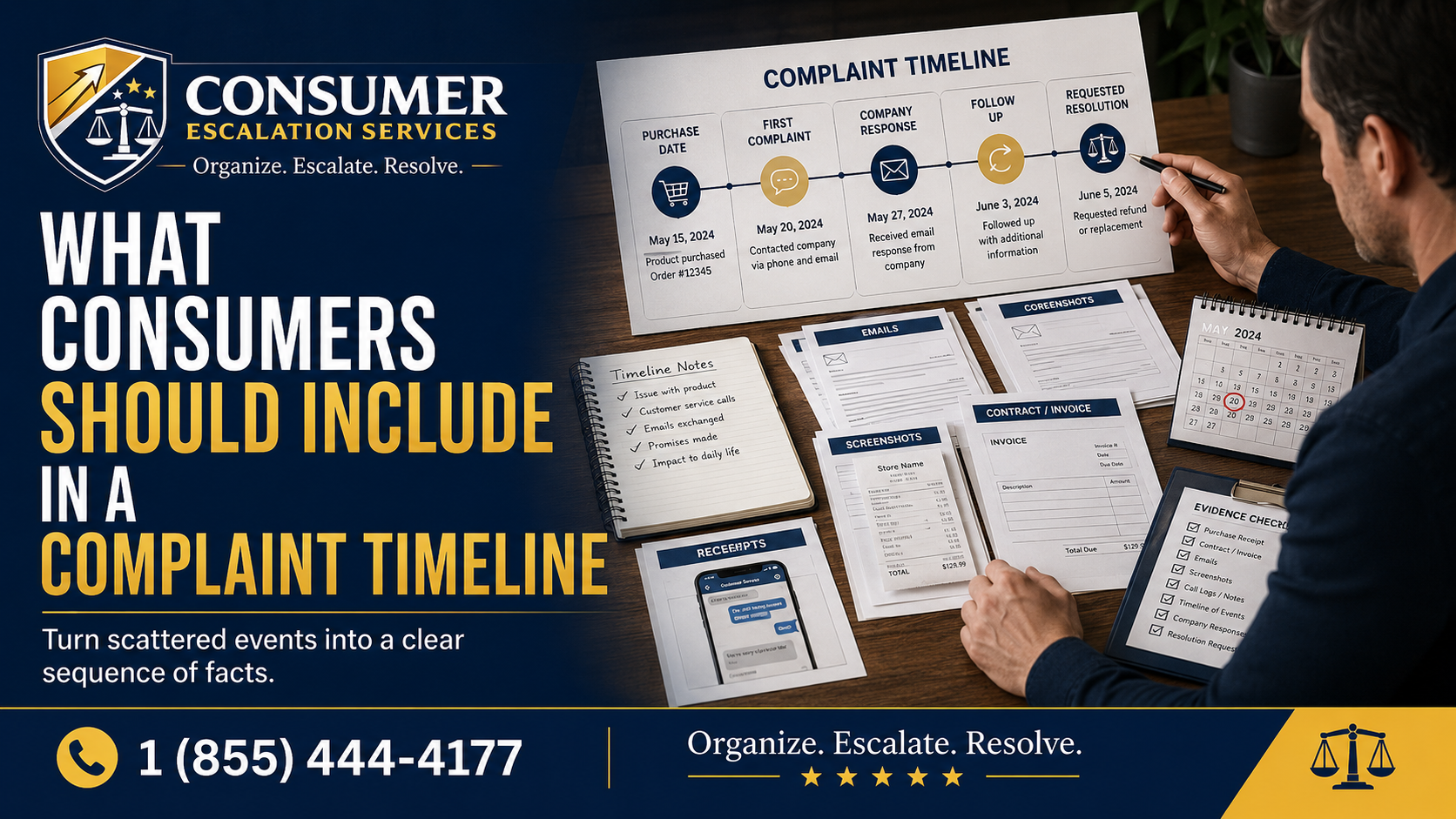
Build a Deactivation Timeline
A timeline keeps the story tight. The reviewer should not have to scroll through ten screenshots to figure out what happened.
- Week of March 3 — Normal driving, 4.92 rating, 98% completion
- March 10, 7:42 PM — Completed Trip #12345
- March 11, 9:15 AM — Support ticket opened by rider
- March 11, 6:50 PM — In-app notice — account on temporary hold
- March 12, 11:02 AM — Email — account permanently deactivated, no specific reason stated
- March 12, 11:45 AM — First appeal submitted
- March 15 — Follow-up sent, no response
Why Emotional Appeals Get Closed Faster
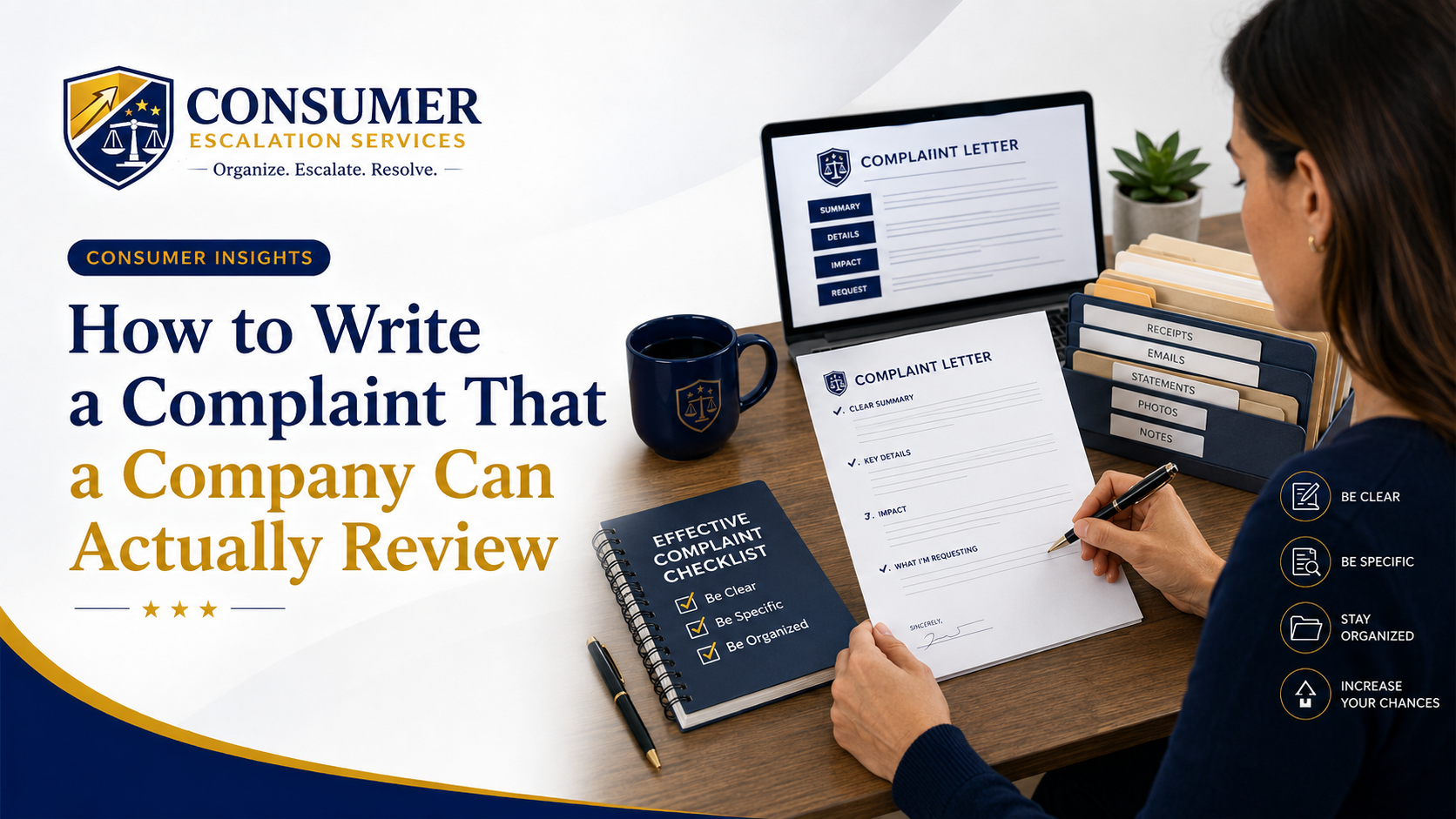
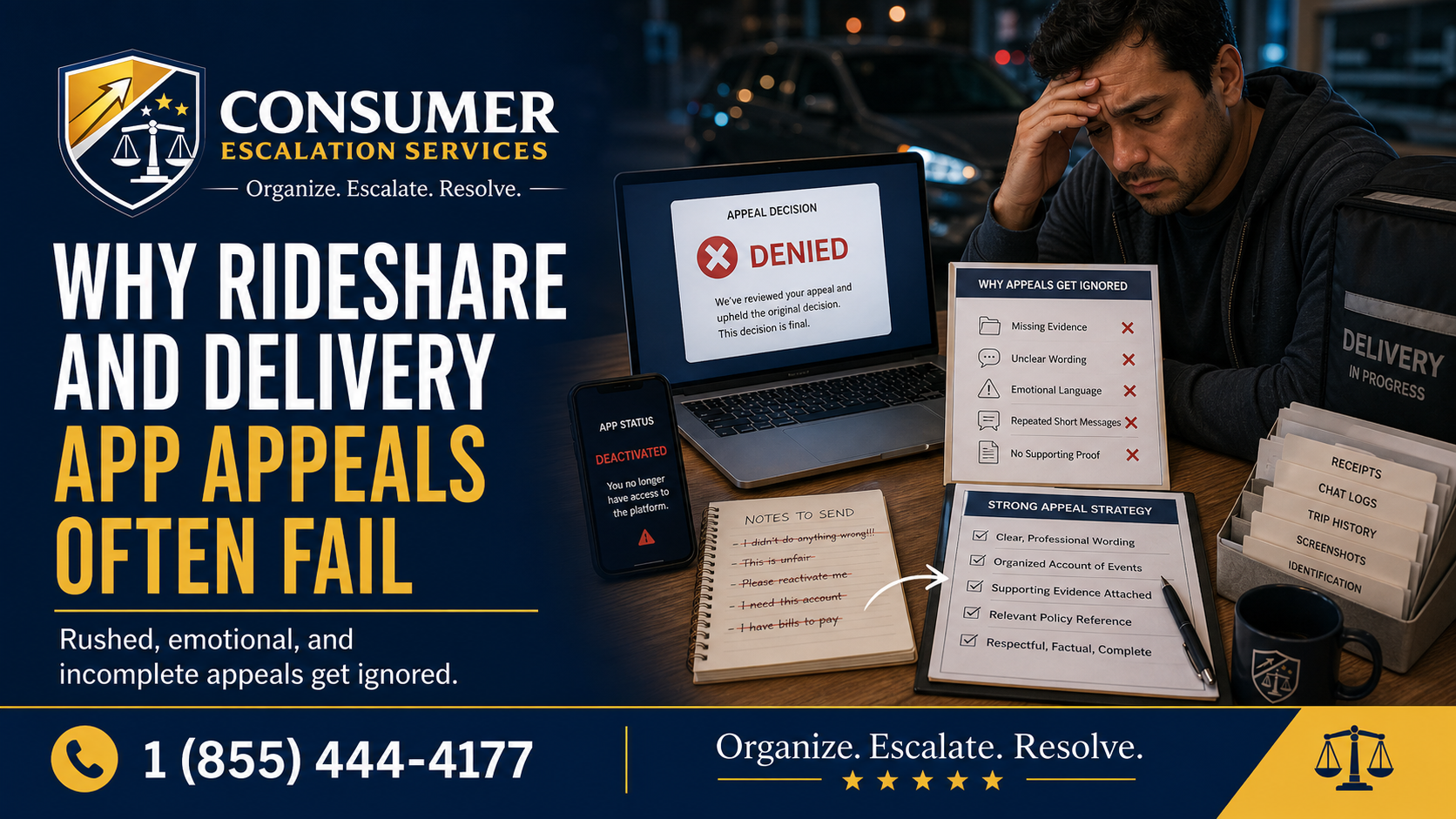
Appeals reviewed by platform safety, integrity, or trust teams are scanned for facts, not feelings. A long emotional appeal that does not reference a specific trip, document, or policy gives the reviewer almost nothing to work with. A short factual appeal — even if it is uncomfortable to write — is far more likely to actually be re-opened.
Compare the two.
Weak
This is completely unfair. I have done thousands of rides. You can’t just take my account away with no real reason.
Stronger
My account was deactivated on March 12 following Trip #12345 on March 10. Attached: a timeline, screenshots of the in-app notice, my rating and completion stats over the past 12 weeks, and a written description of the trip. I am requesting a written review of the deactivation and, where appropriate, reinstatement.
Reading Between the Lines of Vague Platform Replies
If your appeal comes back with phrasing like “after careful review, the decision stands” or “this account is not eligible for reactivation at this time,” treat it as a routing decision, not a verdict. Vague replies usually mean the appeal never reached a human who could overturn the deactivation. The next step is structured, written escalation — not another in-app appeal.
Keeping Copies for the Long Haul
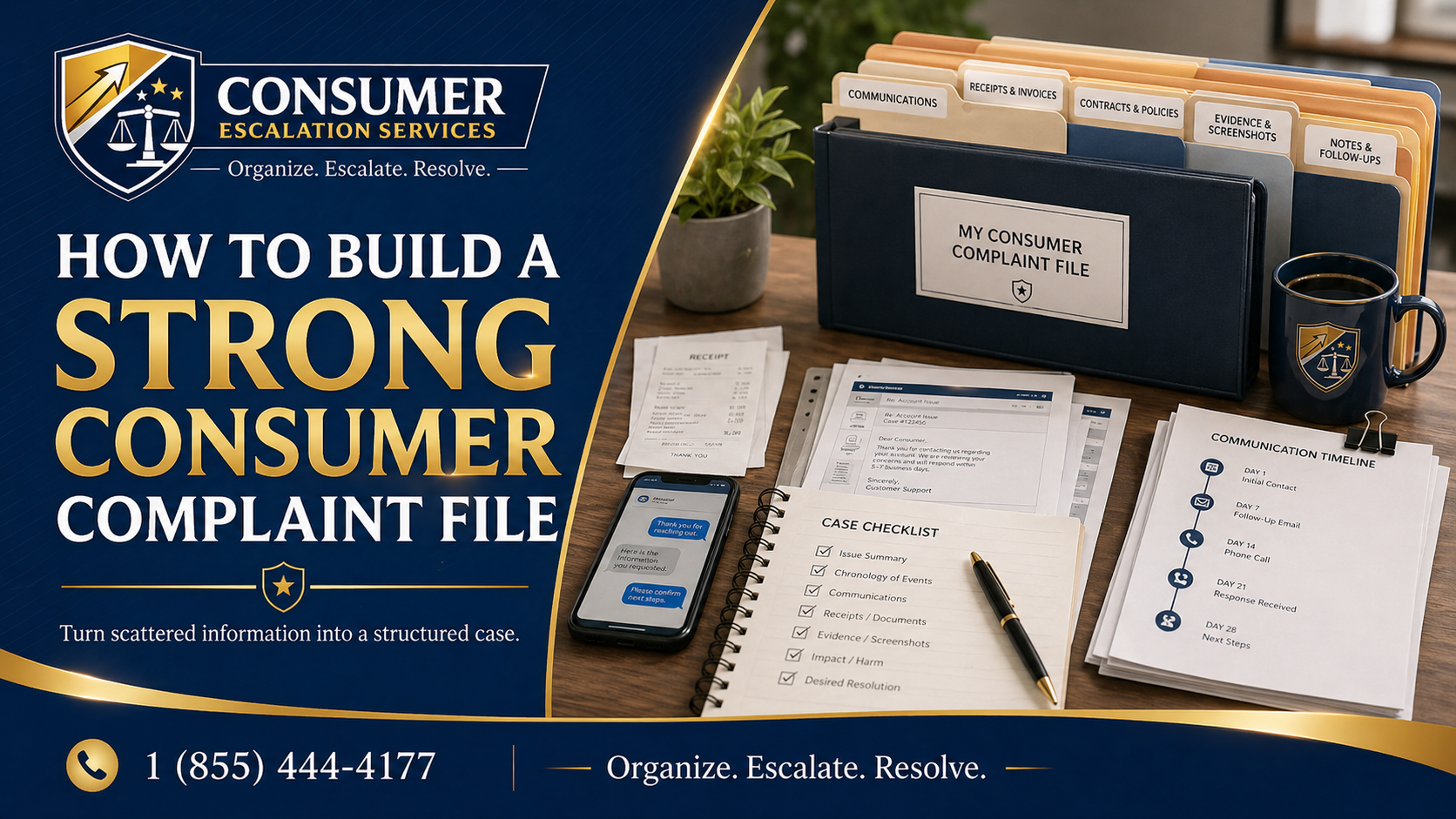
- Save every screenshot, email, and document in two places (cloud + local)
- Export earnings and trip data while the account still allows it
- Maintain a single ordered timeline document and update it after every contact
- Keep a separate file for any new evidence — dashcam, photos, witness statements
- Date and label every file consistently so a reviewer can follow the order
A driver dealing with rideshare and delivery app deactivation complaints is in a better position when their evidence is organized than when their argument is. The work you do in the first 48 hours after a deactivation is what every later channel — platform appeal, written escalation, payment dispute, or third-party complaint — relies on.